Does every chess parent need ChessZCam?
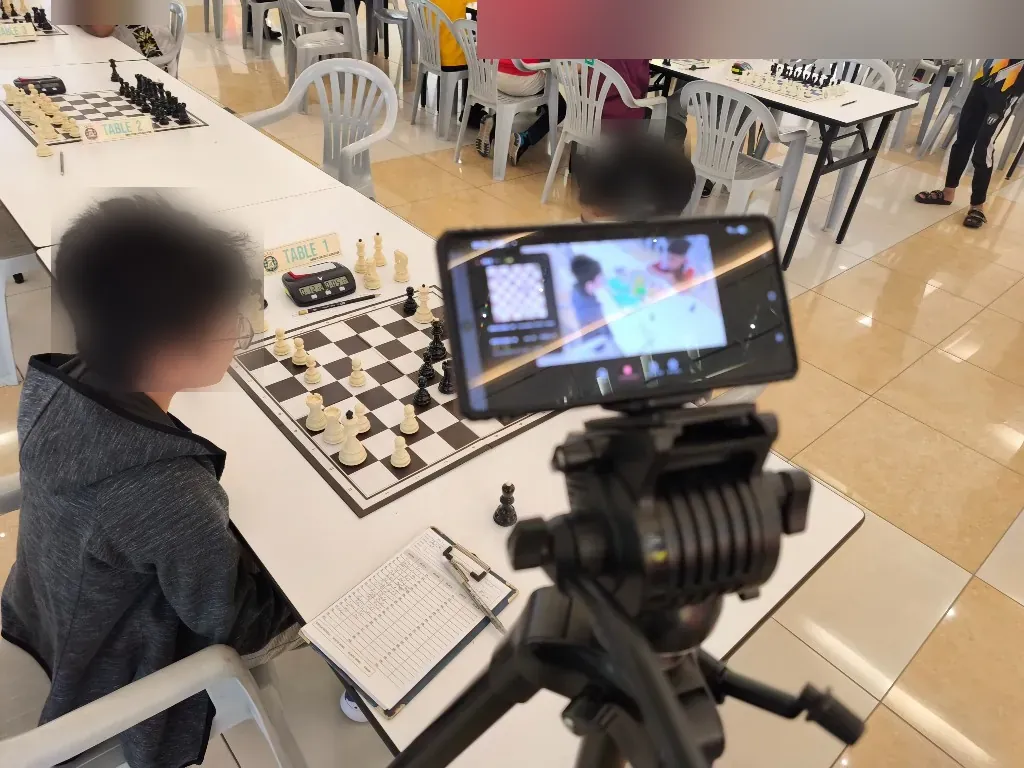
No. A normal phone recording may be completely sufficient. ChessZCam is meant for families who repeatedly need a digital position, a checked PGN or a coach-ready record alongside the video.
Can parents watch a game live during a tournament?
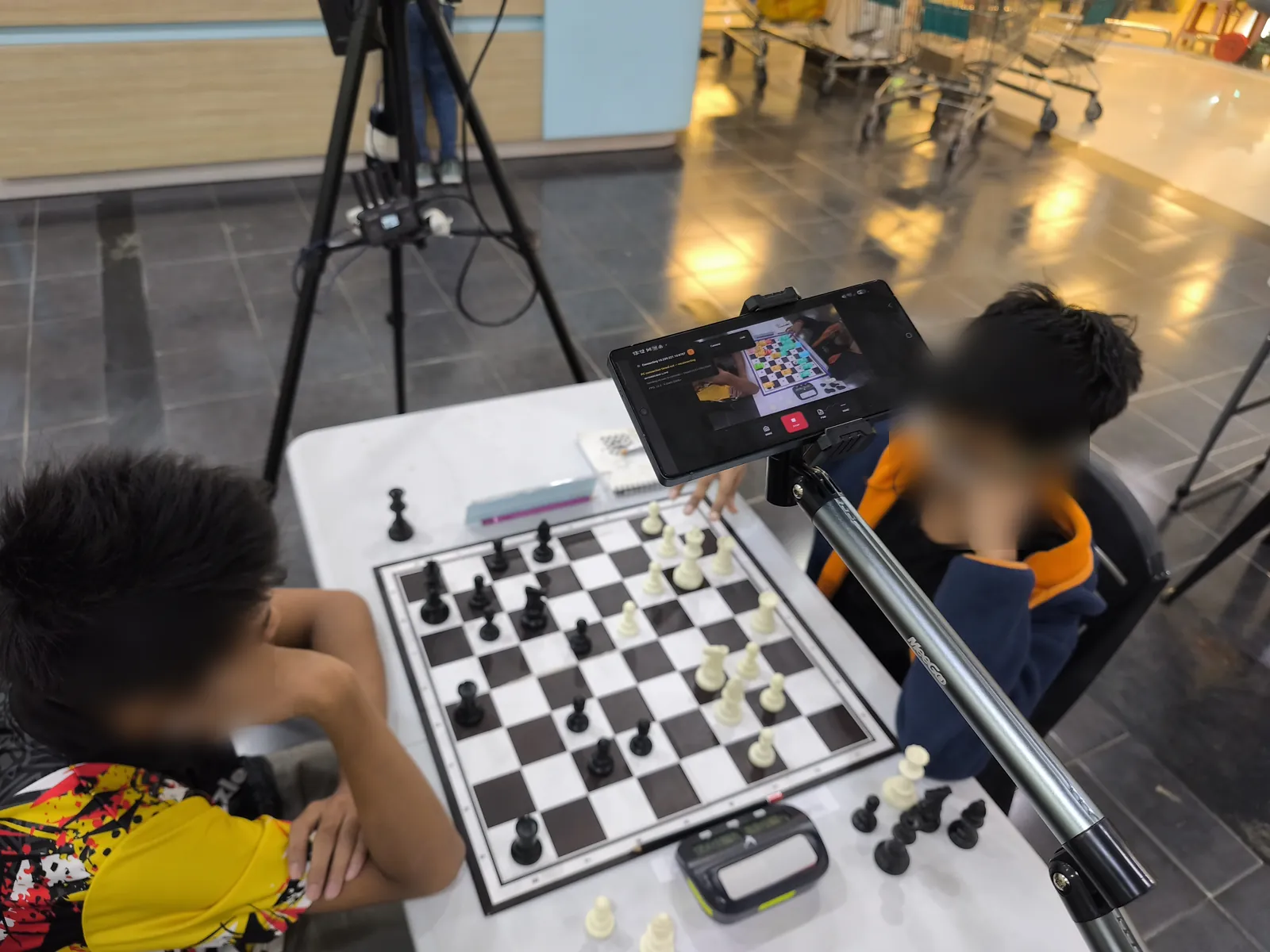
Yes, in trial builds, and only where the organiser permits it. With Viewer Mode a parent outside the playing hall follows the live digital board in the ChessZCam Android app, on the same Wi-Fi or hotspot as the camera phone — not from home or over mobile data. It shows engine analysis, so it is never for players and never an arbiter's record. Fair-play rules, privacy and a calm playing environment always come first.
Will this automatically improve my child's chess?
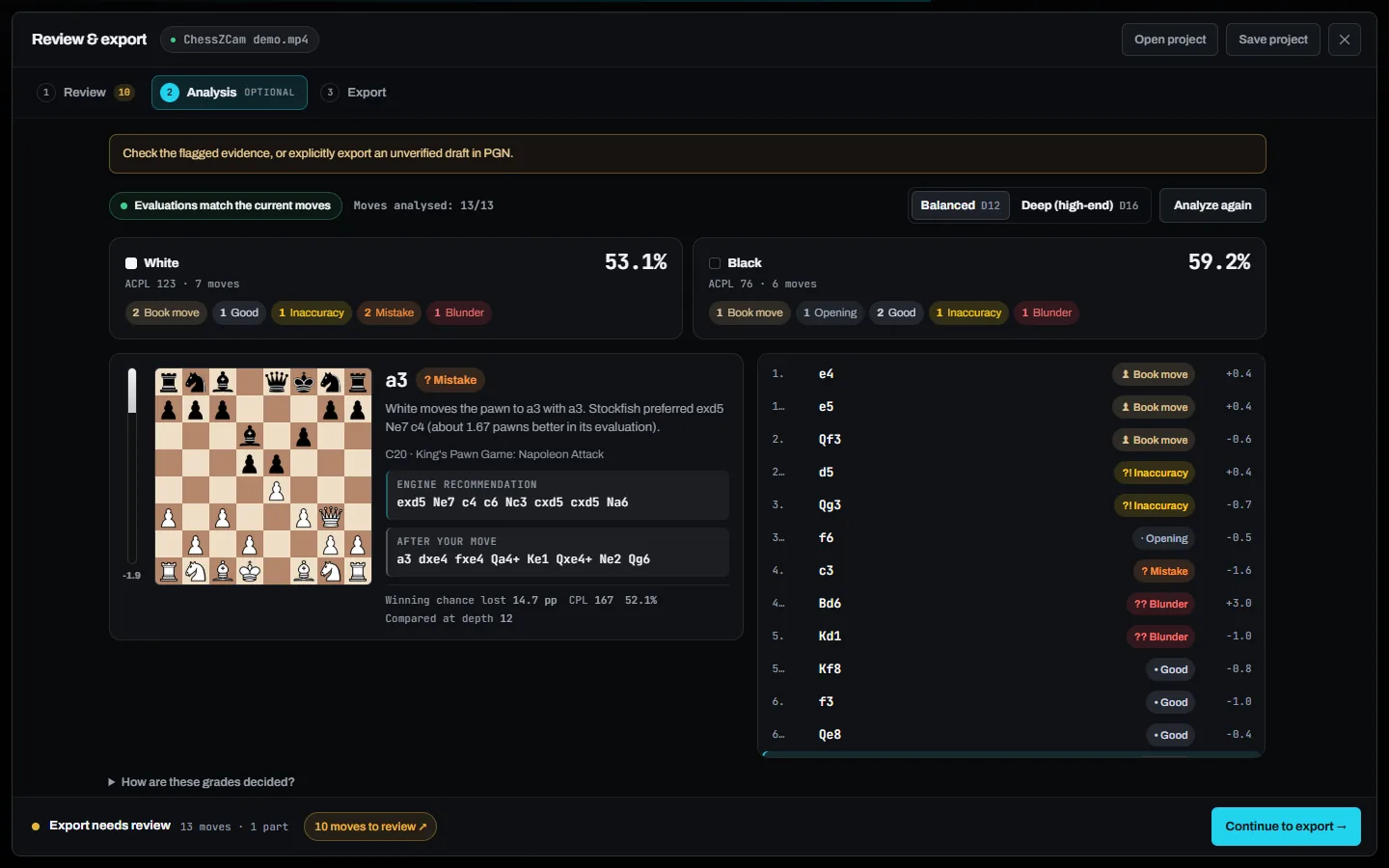
No. ChessZCam records and digitises games. Improvement still depends on thoughtful review, good coaching, practice and the child's wellbeing. Engine grades are a starting point for that conversation, not a judgement.
Should I record every game?
Not necessarily. A few selected, important games may give enough material without turning every tournament into a monitoring exercise.
Can a recording be used to challenge a result?
No. ChessZCam is not an adjudication device, and its accuracy depends on the setup and the video quality. Anything that happens at the board is for the arbiter to decide, under the tournament's rules.
Is my child's video uploaded anywhere?
No. Detection runs on your own device, and videos and games stay there. No account or internet connection is needed to record, review and export.
Do we need a PC?
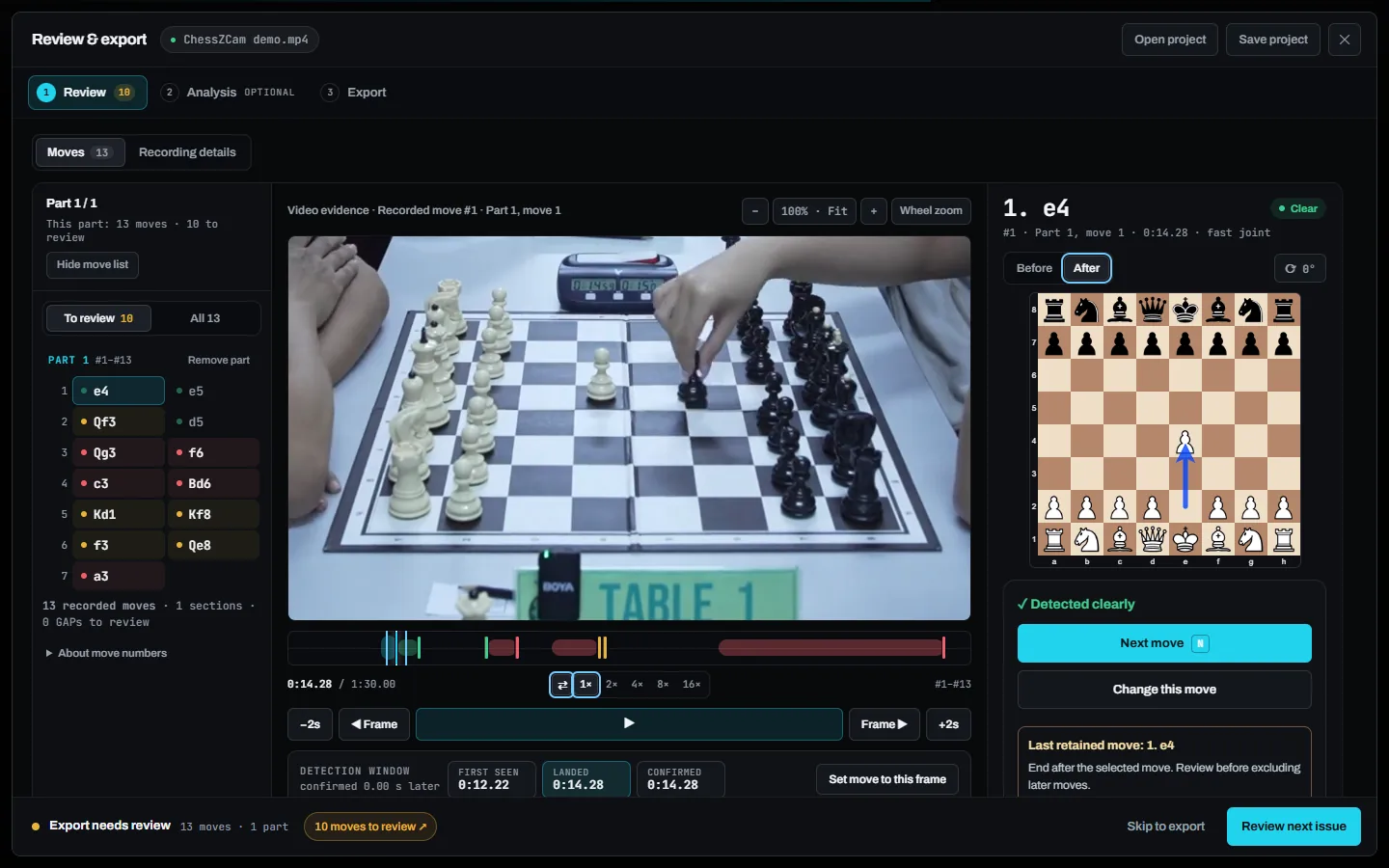
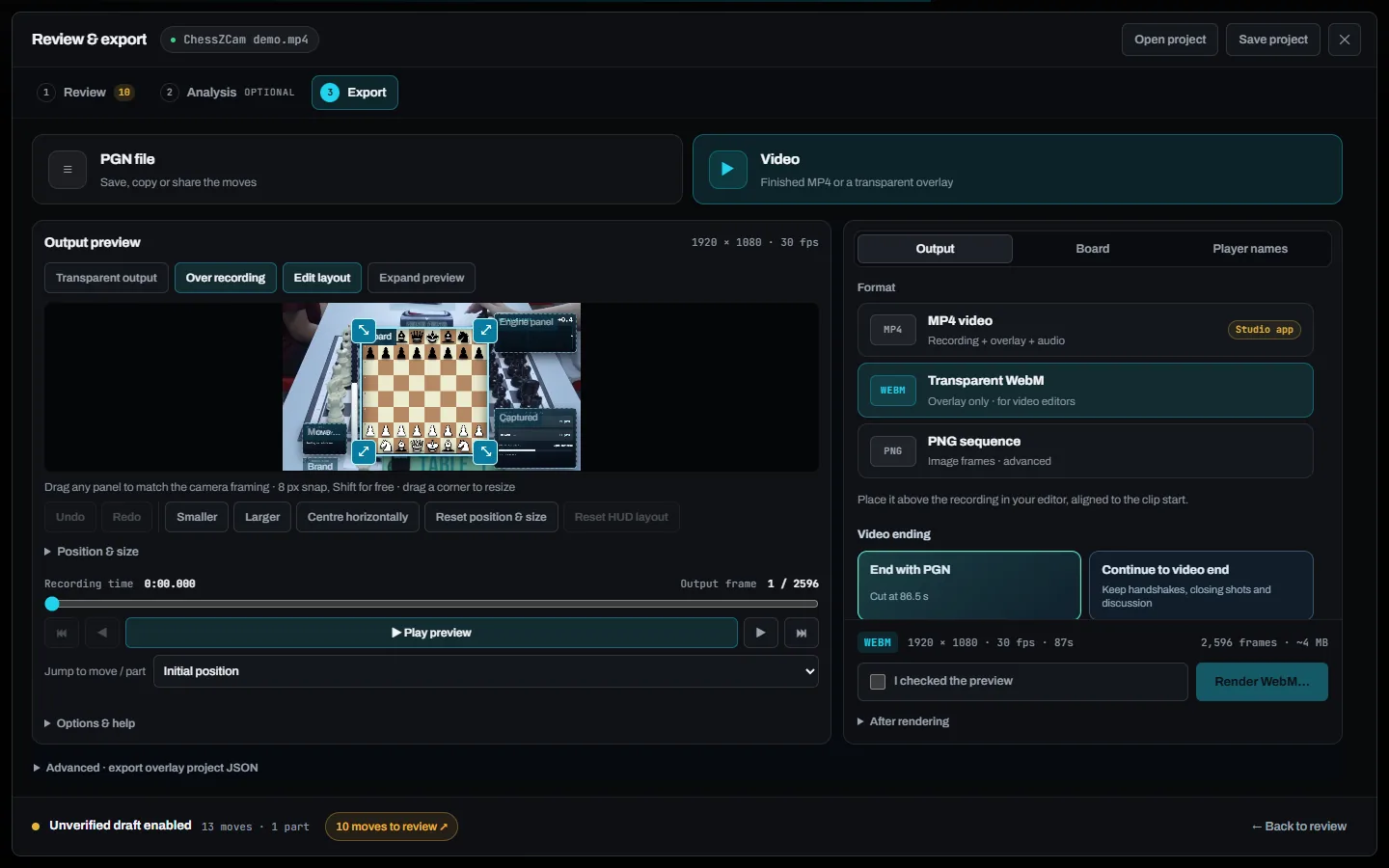
No. An Android phone alone can record, detect, review and export. ChessZCam Studio for Windows adds a big screen and more speed. The compatibility page has the details.
When can we try it, and what will it cost?
Studio comes first, with a free 14-day trial on one PC that starts only when you agree to the terms and start it in Studio (no code needed); trial invitations go to the waitlist first, with a guided tour and a demo clip to try before setting up a camera. Package prices are on the ChessZCam page, and waitlist members get 50% off their first package when sales open. Joining is free and is not an order. Current progress is on the launch status page.