
●
Record Game Video
1080p with audio, a framing guide and optional game details. Analyse later.
 October 2026 update · Android + Windows
Record a real game with an ordinary phone, let ChessZCam detect the moves it can see, fix anything uncertain, add Stockfish analysis, then export a clean PGN or a broadcast-style overlay video — or send the position live to vMix or OBS. No electronic board required.
A free 14-day trial that starts only when you start it in Studio — no code needed. Android APK follows, then Live. Each phase will be announced when ready.
See packages & the 50% waitlist offer Trial feedback
Trying ChessZCam? Tell us what works and what gets in the way. Every report during the 14-day trial is read and helps decide the next fix. In the app, tap Feedback on the Home screen.
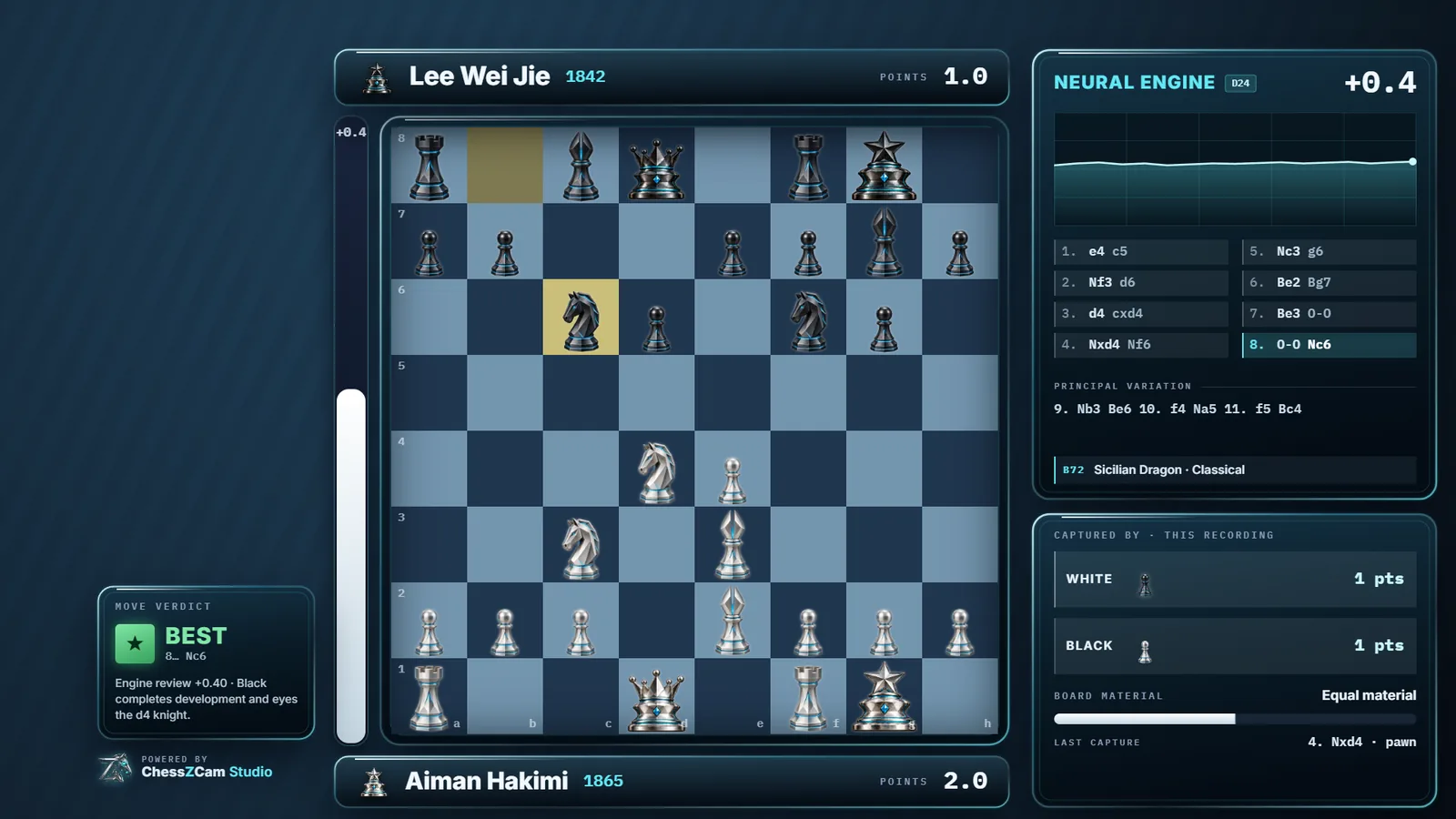
Autumn 2026 · real screens from the trial builds
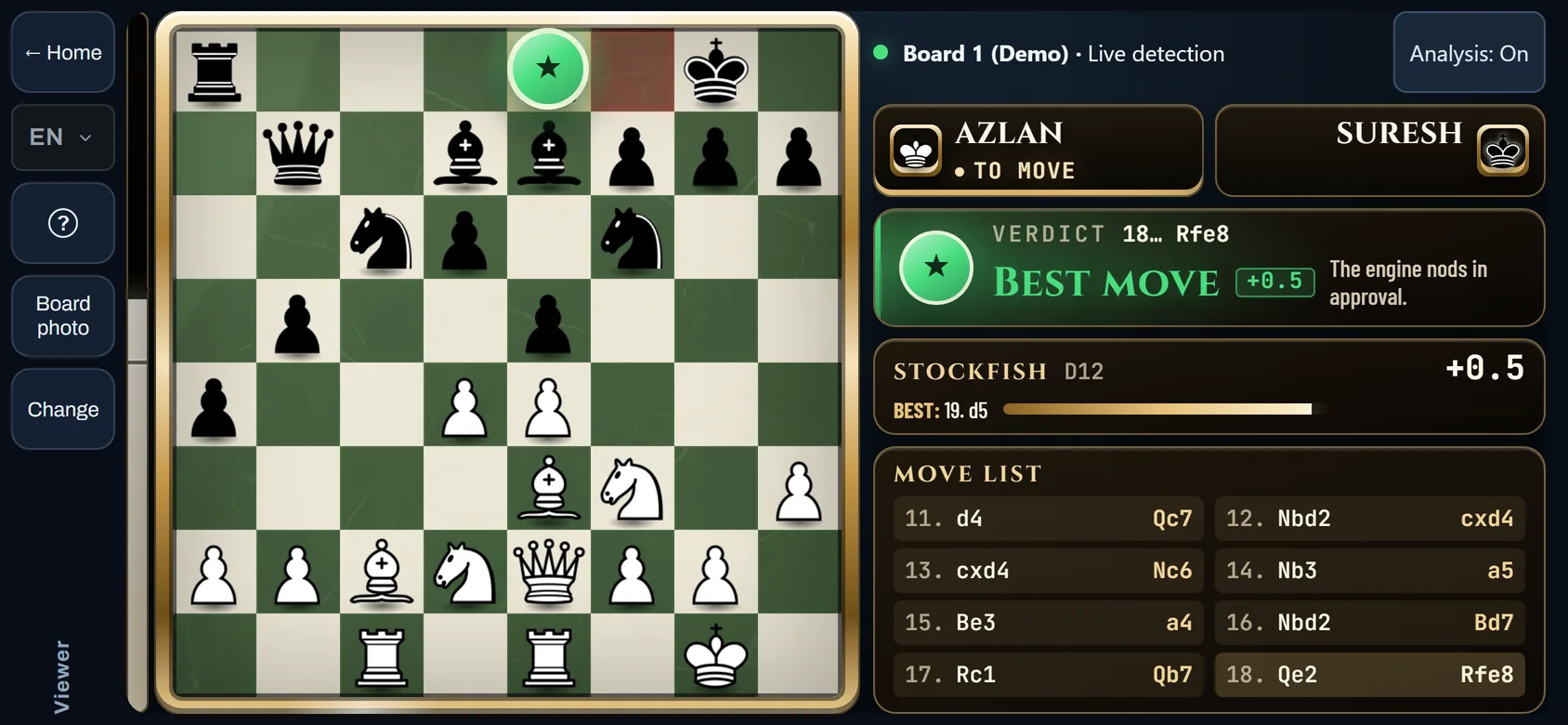
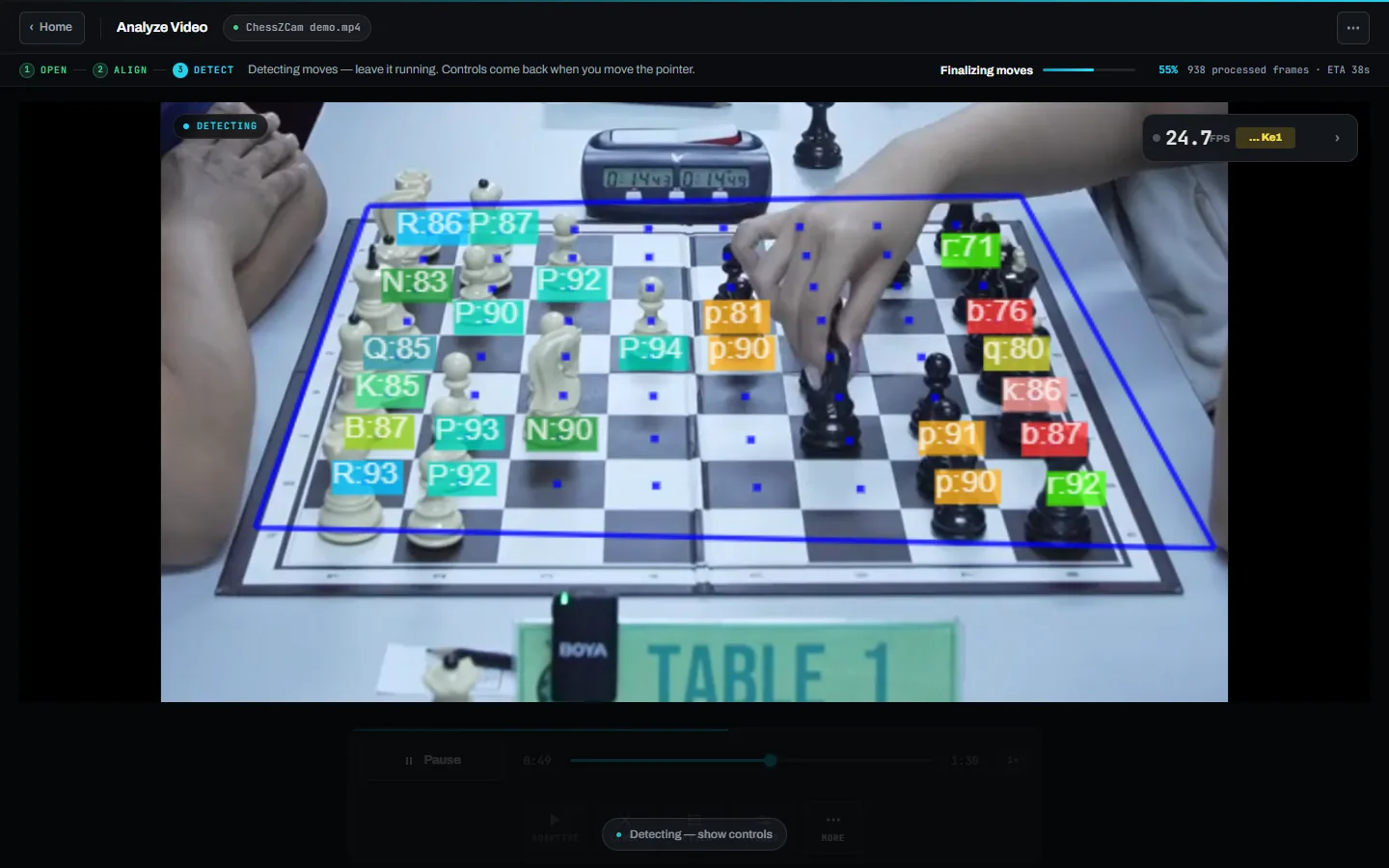
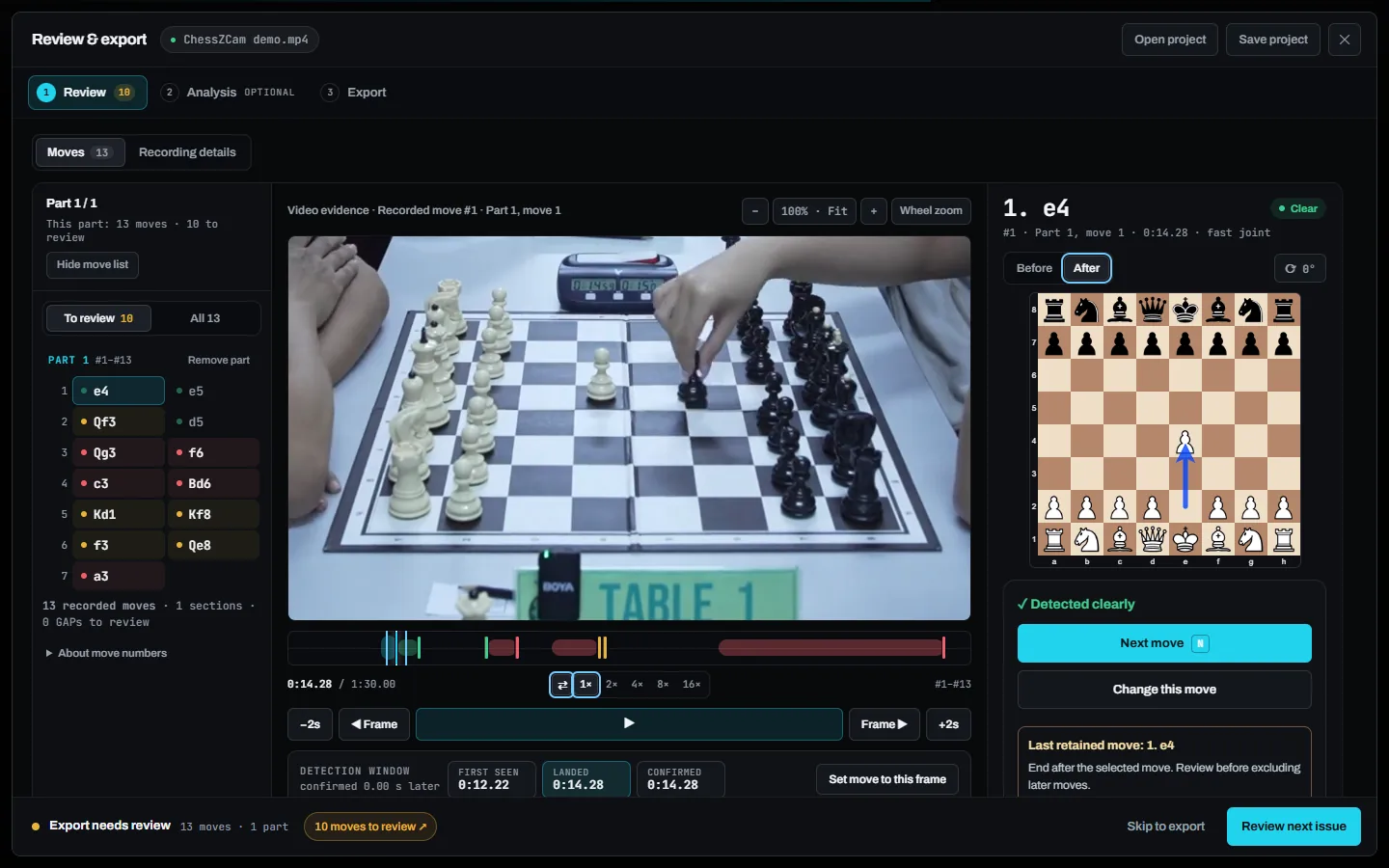
Unedited screenshots of the September build, made with the built-in demo clip: only hands and pieces are in frame. The Viewer Mode tab is an October demo capture. Click a picture to enlarge it.
While the camera phone follows the real board, a parent or coach outside the playing hall follows the same game as a digital board on their own Android phone. Two phones are enough; a PC is optional.
Open any MP4 or WebM, let ChessZCam find the board corners, lock the board and press Play & Detect.
Move list, the exact video frame and the board after the move — side by side, with first-seen, landed and confirmed times.
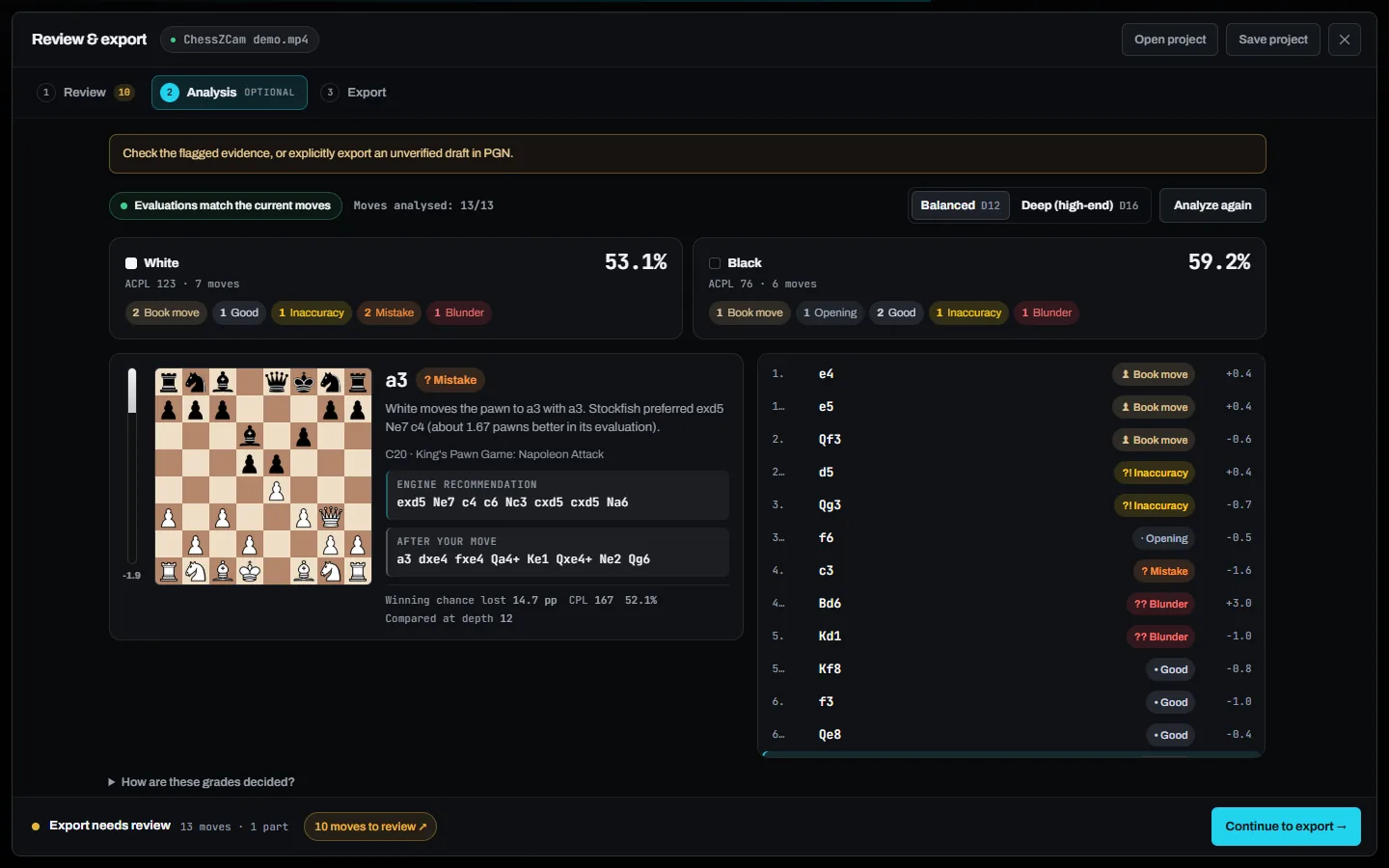
Optional offline analysis at Balanced or Deep depth, explained in plain language.
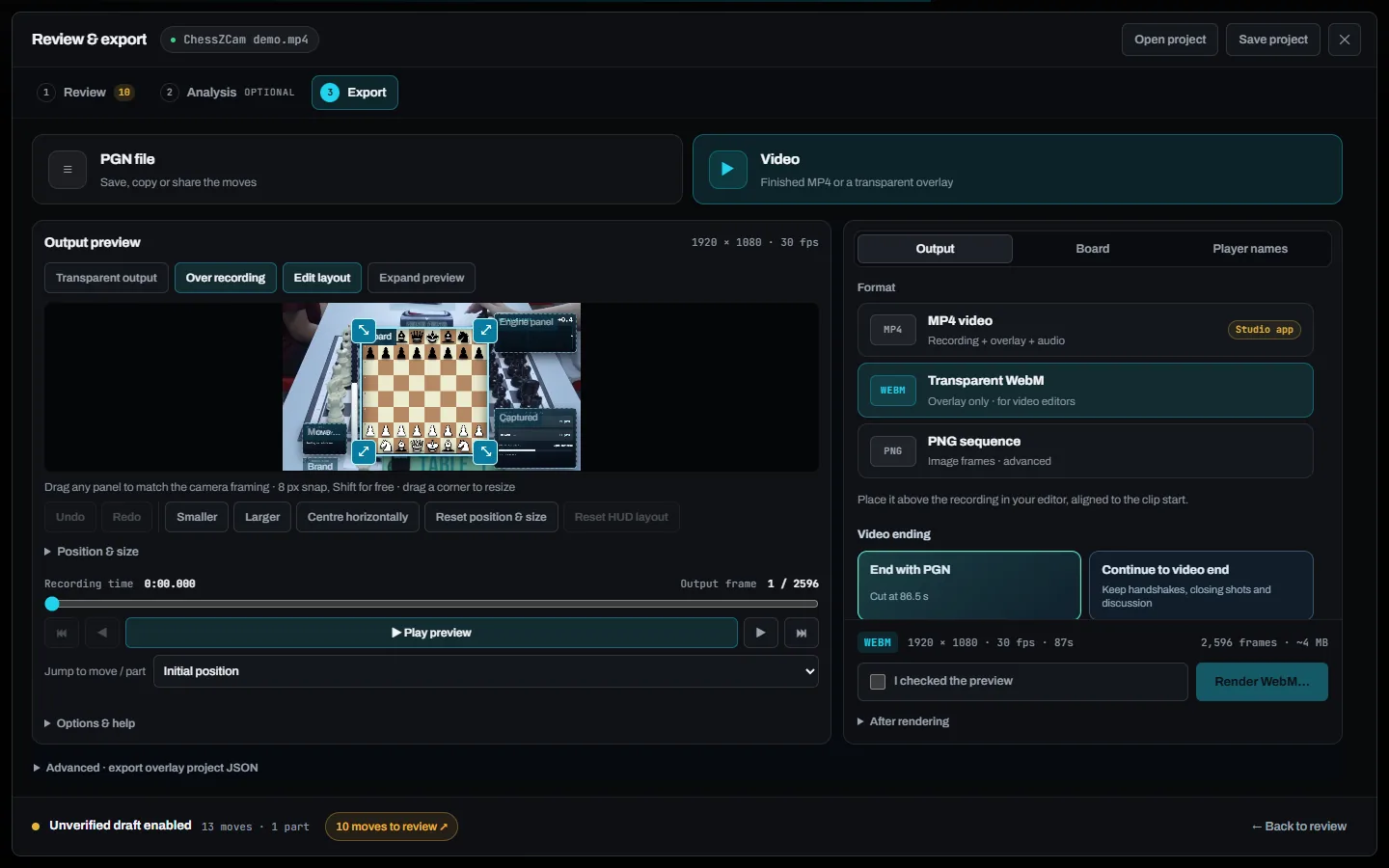
Drag and resize each HUD panel over your footage, then choose the format and where the video ends.
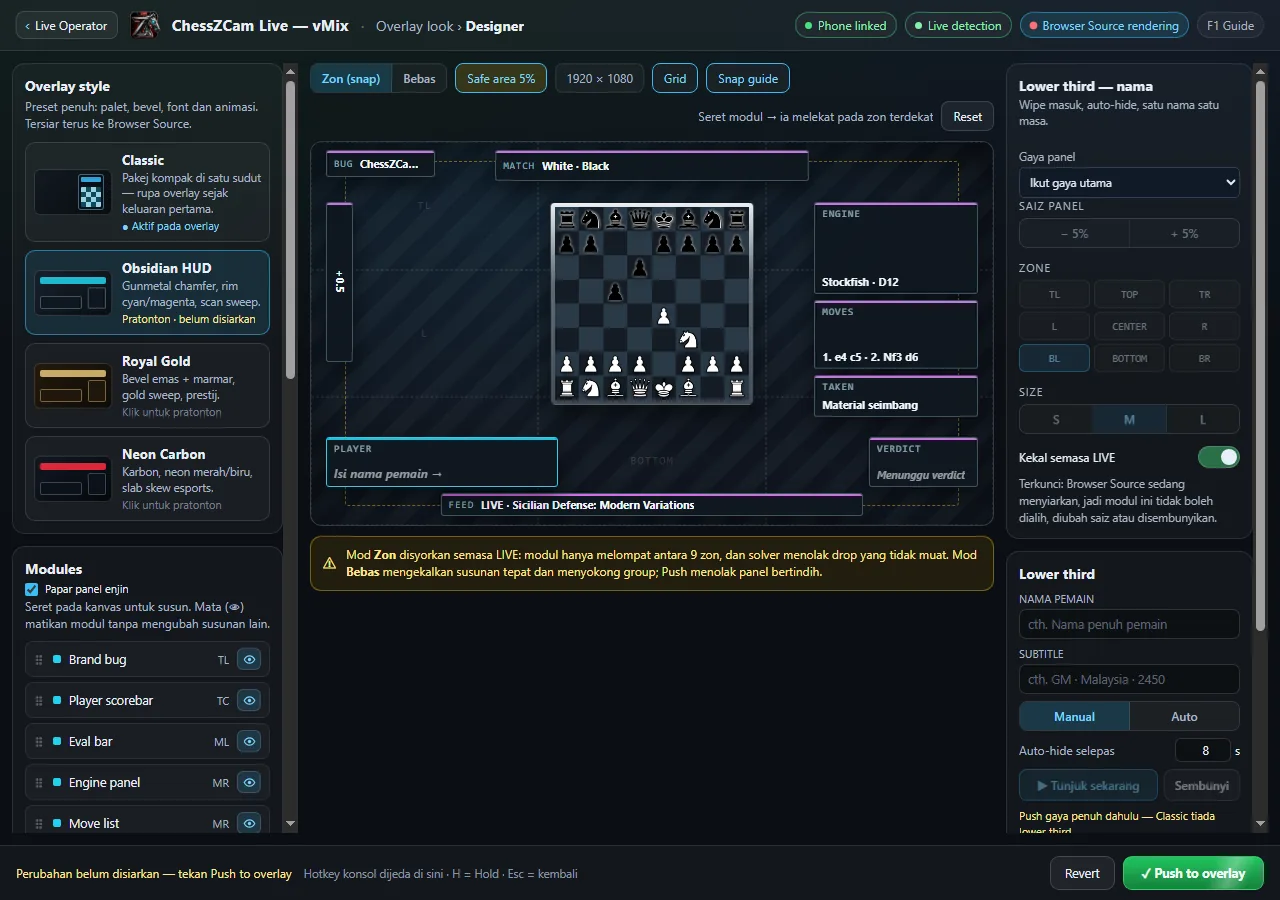
 CHESSZCAM LIVE · VMIX / OBS
A Tally-style operator screen with a status strip for hub, phone, detector, overlay and on-air look, and one main button that never moves.
ChessZCam Studio adds webcam, capture-card and OBS Virtual Camera input, render presets and one-click pairing with the Live console on the same PC. Its first trial release leaves out Record Game Video and Sync PGN to Video for now.
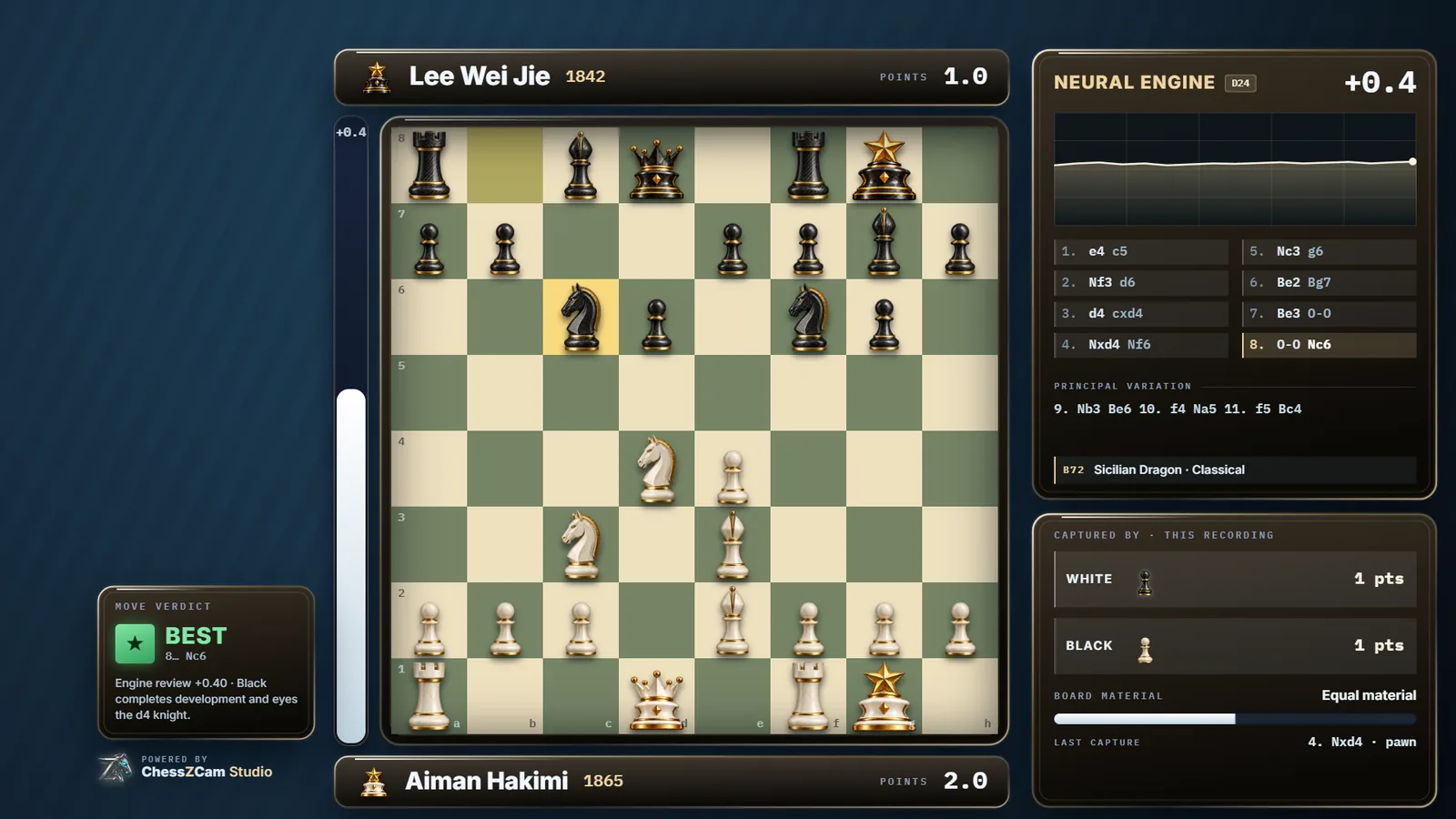
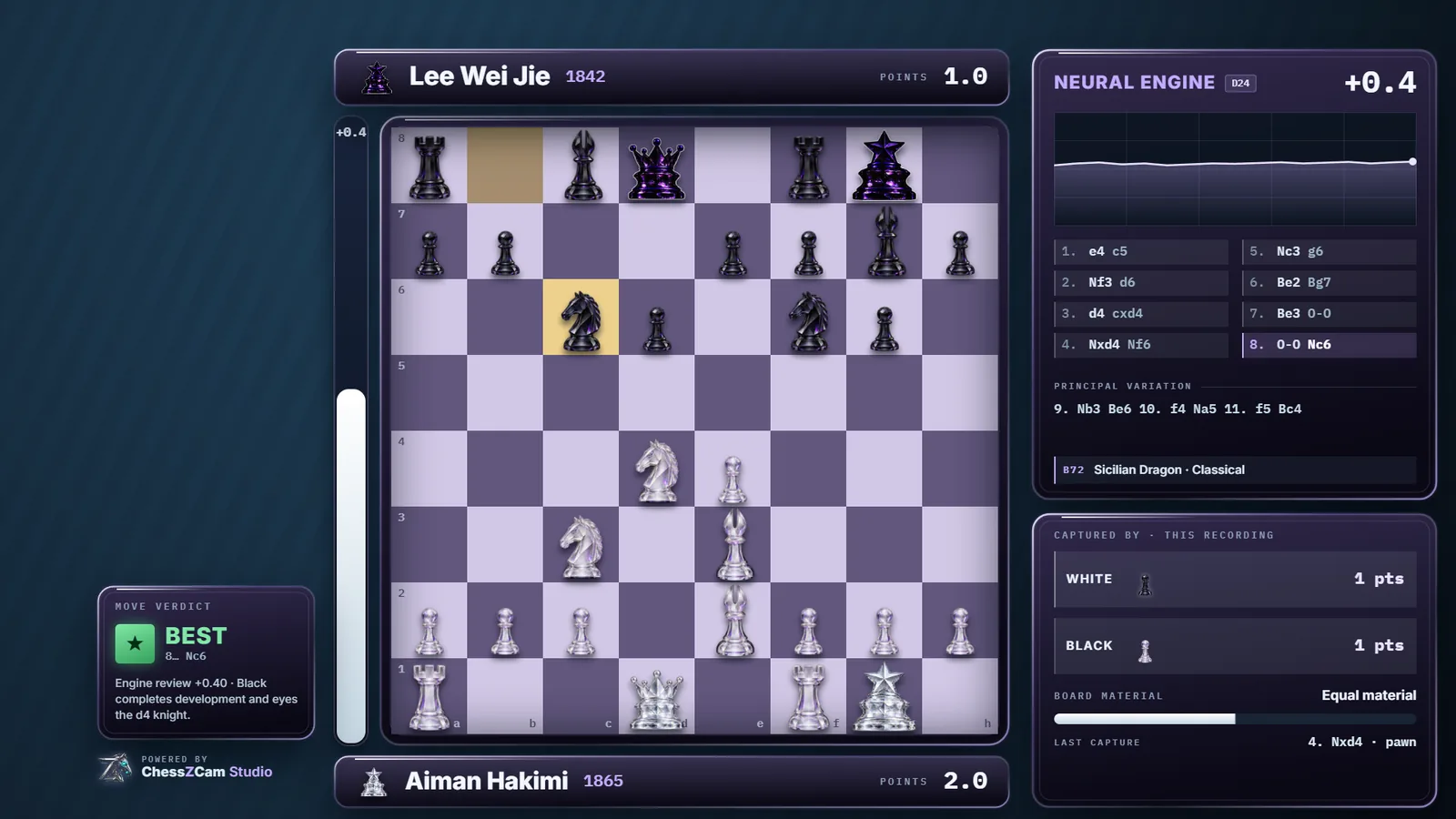
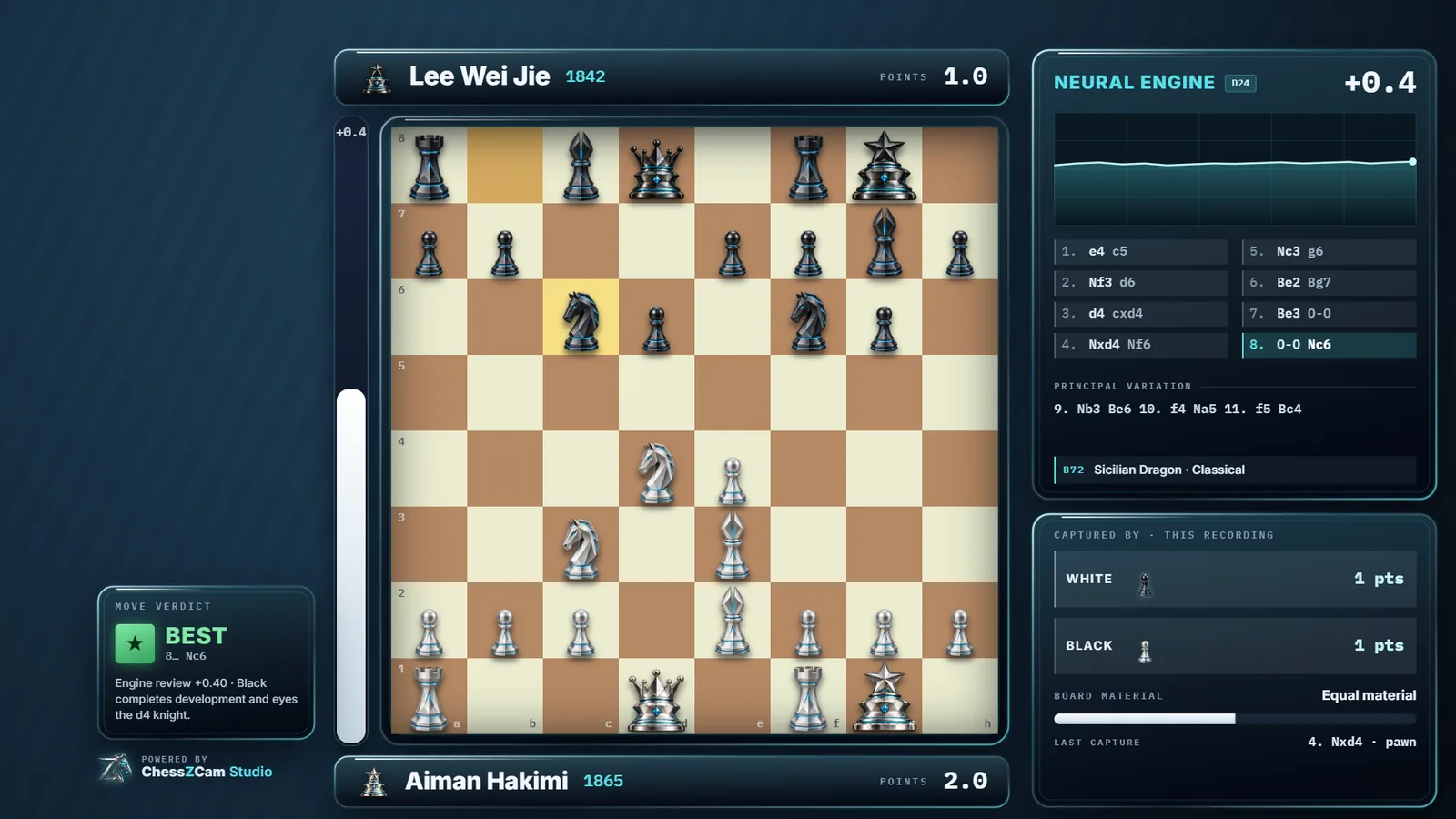
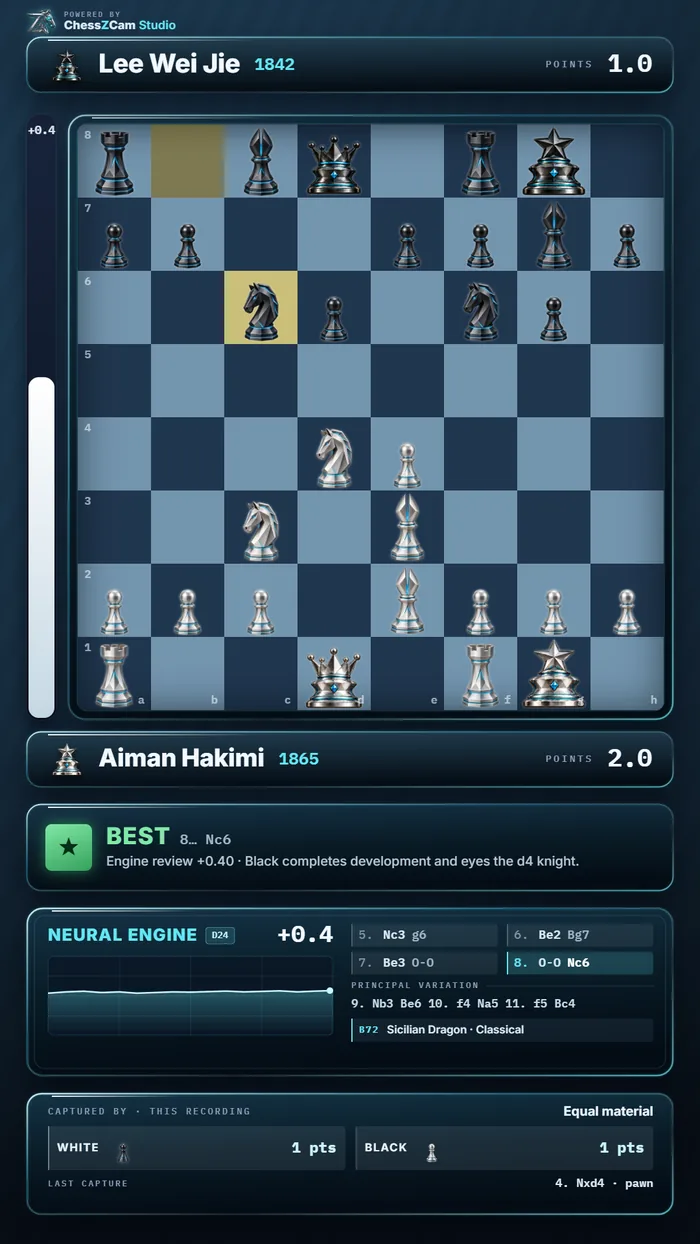
Obsidian Glass HUD · rendered by ChessZCam
Full export frames from ChessZCam's own renderer. Player names are invented for this demo.

One app, six operations
1080p with audio, a framing guide and optional game details. Analyse later.
Detect every move from a recording, review, add Stockfish, export.
Camera straight to PGN. No video saved — the low-storage path.
Board state (not video) over the local network to vMix, OBS or a Browser Source.
Match a PGN you already have to a recording and export a timed overlay.
Continue a saved review with its corrections, analysis and layout.
In the first ChessZCam Studio trial release: Analyze Video, Detect Live Game and Open Project, plus Viewer. Record Game Video and Sync PGN to Video stay in the Android app for now — recordings and projects you already have still open in Studio — and Broadcast Live comes with the Live module.
ChessZCam Live · for vMix & OBS · October 2026
Live 1.12 (trial build)Phone and PC pair with a code, so only your phone can feed your detector — even on a shared hall network. It is ordinary local-network traffic, not encrypted.
Every move is acknowledged by the PC. After a Wi-Fi drop the overlay catches up in one clean resync.
Pause the overlay for a replay; the game keeps being tracked underneath and jumps to the true position on Resume.
The broadcast state is kept for up to 12 hours, validated before anything changes on screen.
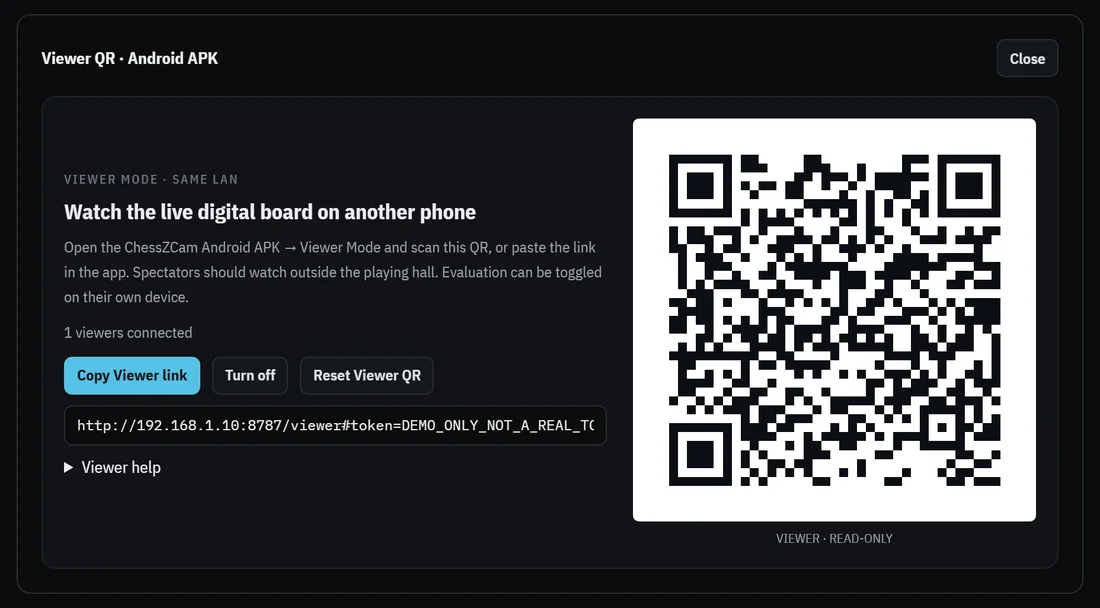
New in October: the same PC can also show a separate, read-only Viewer QR for parents and coaches outside the hall. It is not the operator's pairing code, and it can be switched off or replaced at any time — see Viewer Mode.
Which squares to empty, which to fill, and with which piece — a checkable list, not a vague warning.
A legal sequence connecting the two positions, scored against the camera evidence — or an honest “not found”.
Origin, then target, on squares big enough to hit standing up. Promotion is asked, never assumed.
Ask the phone for a fresh look: the captured frame first, then the position read from it.
A stable stand to the side of the board with all four corners in view. Auto-detect corners, then lock.
ChessZCam follows the moves locally; the operator corrects rather than the app guessing silently.
Only small move data travels over the network — pair once, no IP to type on the same PC.
Point vMix or OBS at the Browser Source URL and keep the PGN afterwards.
A PC adds resources, not concepts: a phone alone can record, detect, repair and export; a PC adds a big screen, speed and the live console.
The limits have not changed: one camera phone and one board per PC, vMix or OBS on the same PC, everything on the same local network, and it needs an operator. The October features are in trial builds; the field tests below used earlier Live builds.
New · October 2026 trial builds
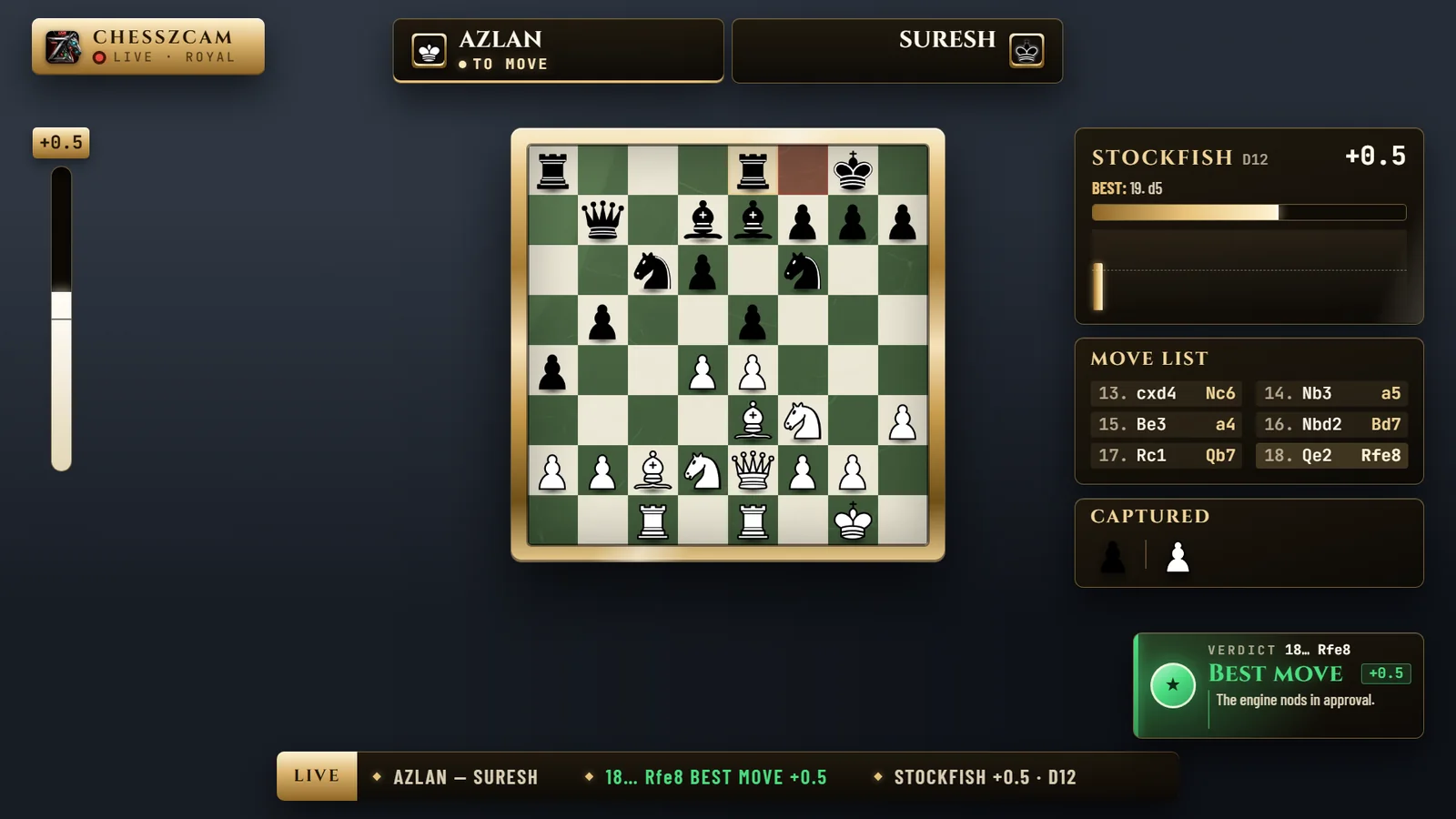
Scan a Viewer QR inside the ChessZCam Android app and follow the live digital board on your own phone: player names, a verdict for each move, Stockfish and the move list. It works on the same Wi-Fi or hotspot as the camera phone, one board per link, with two phones or through a ChessZCam Live PC.
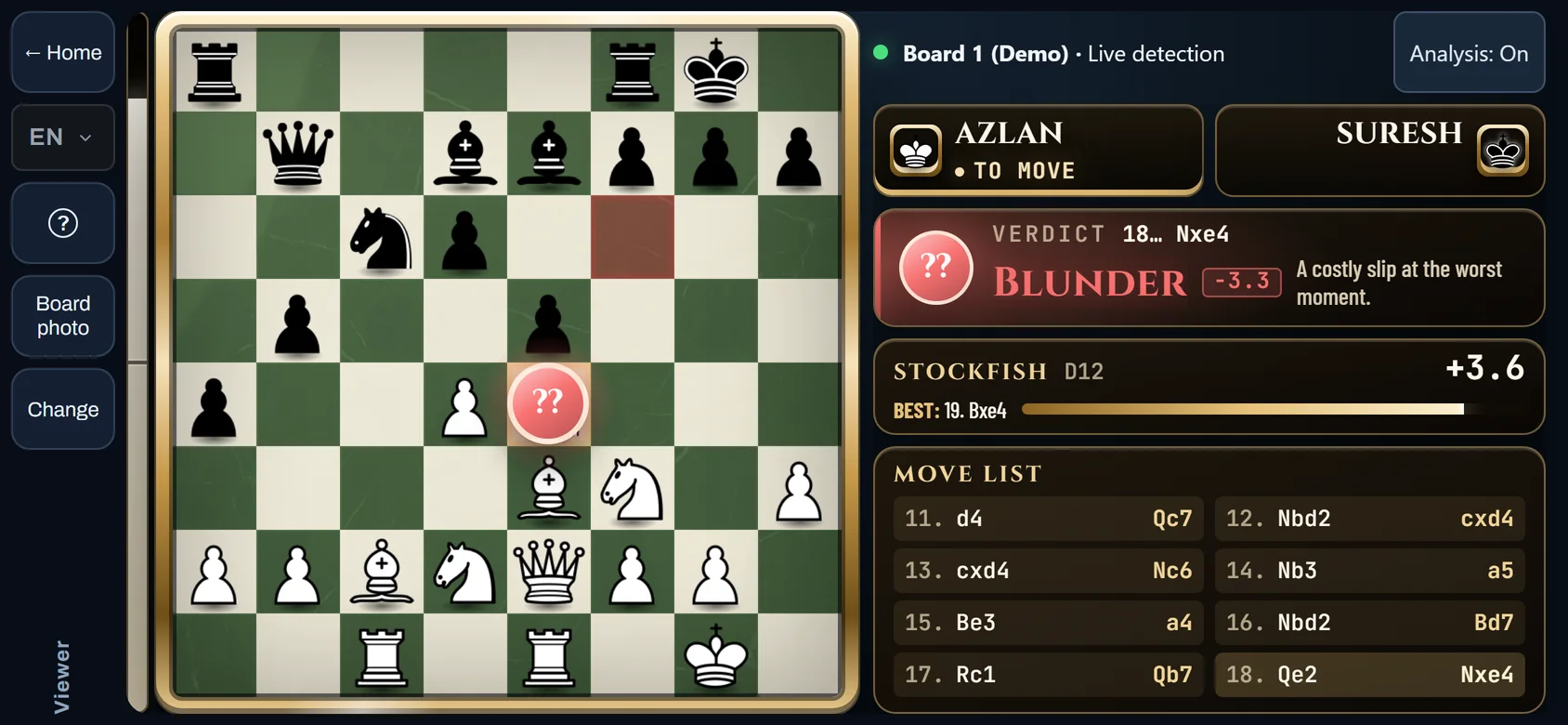
Fair play. Viewer Mode shows engine analysis. It is meant for spectators outside the playing hall — never for players, and never as an arbiter's record. Whether it may be used at an event is the organiser's decision.
Same Wi-Fi or hotspot only (not from home, not over mobile data), Android app only for now, one board per link, with the phone held sideways. In trial builds: tested on real phones in both set-ups, and it runs smoothly. The staged rollout is still undergoing final validation.
Field tests · July → October 2026
Six tournament tests so far, each one feeding the next build. Viewer Mode met its first tournaments in October: phone to phone on 3 Oct, and with live detection and Studio over three boards on 10 Oct. Pick a date; swipe the photos. Young players' faces are blurred on this site.
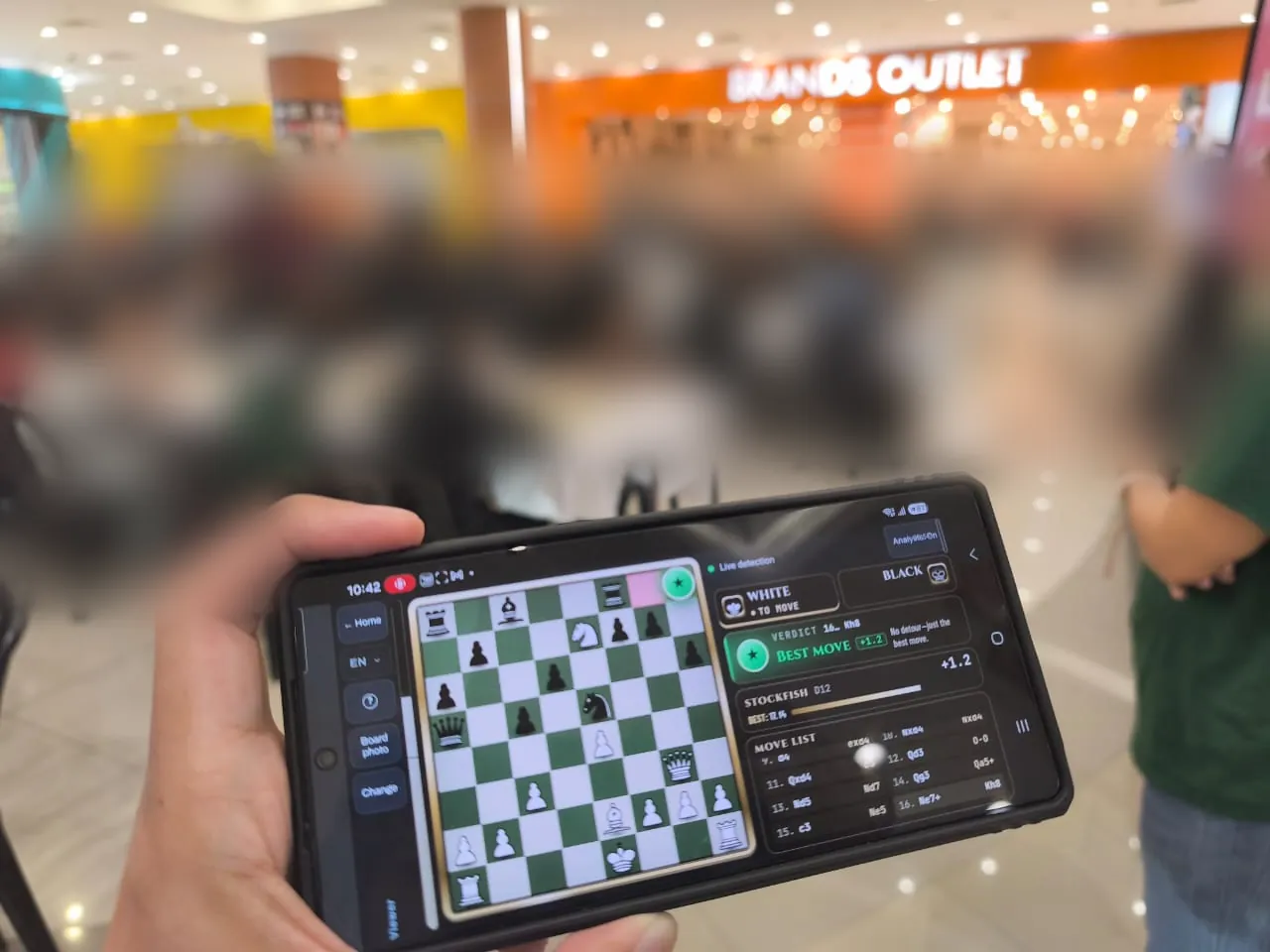
Test 6 · Tournament Cikgu Chess X Aeon Mall Taiping · three boards
Rounds 5–7 in a shopping mall: live detection on a Samsung Galaxy S25 Ultra and a vivo V70, Viewer Mode for spectators, and Studio on a laptop with a capture card. The response to the graphics, Viewer Mode and the analysis was positive. Builds on the day: Phone app 1.21 · Studio 0.26 · Live 1.11.
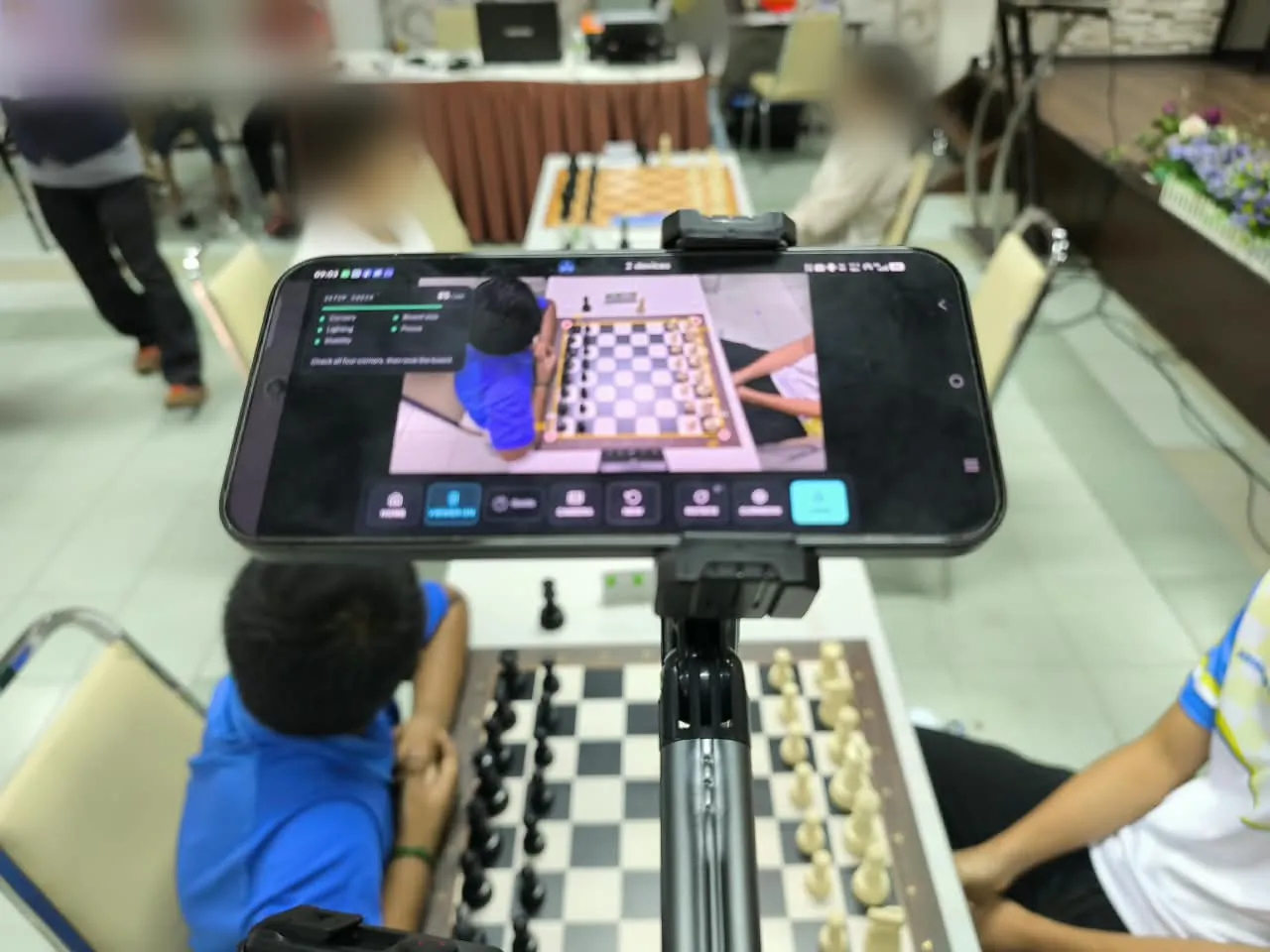
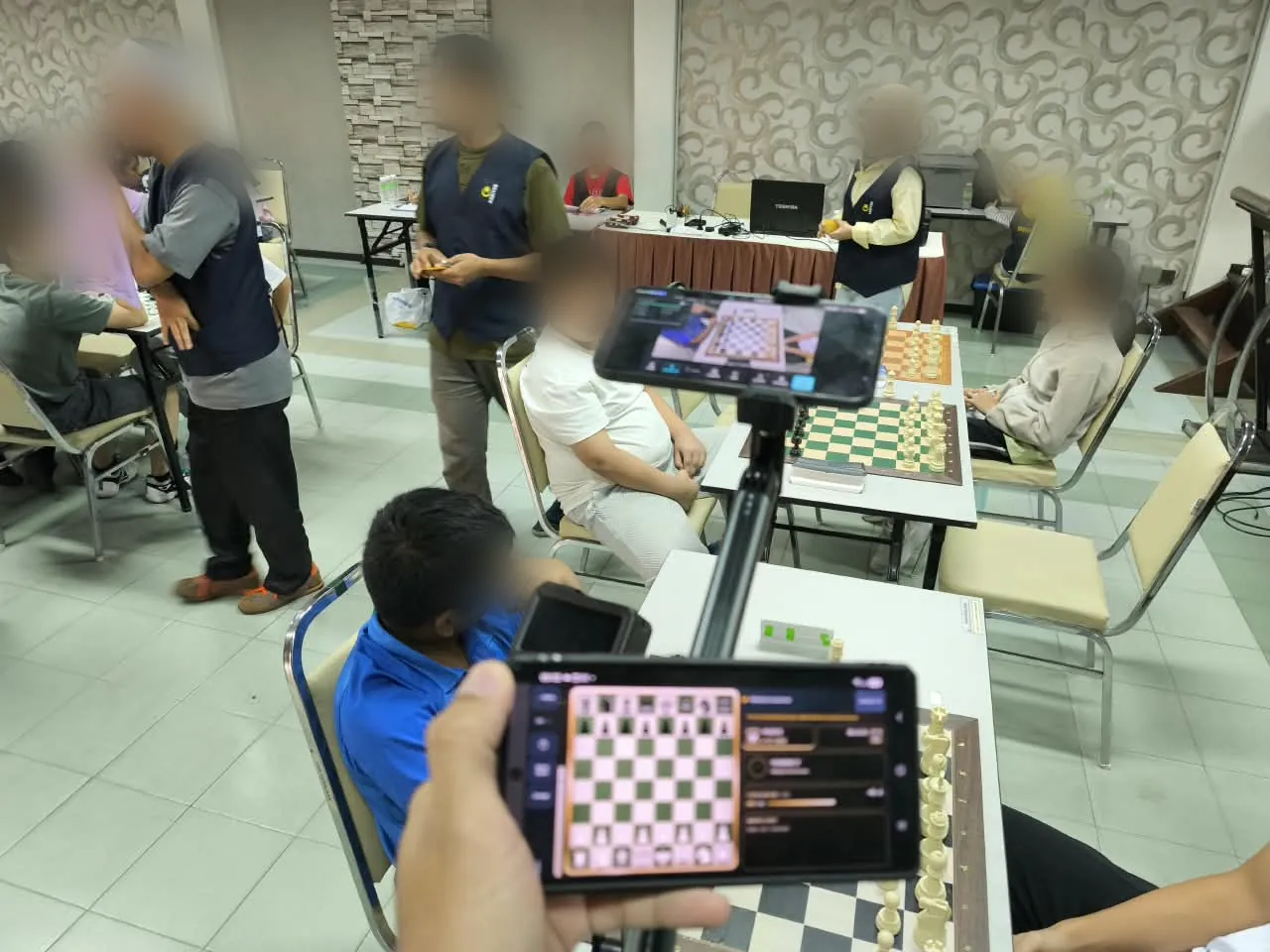
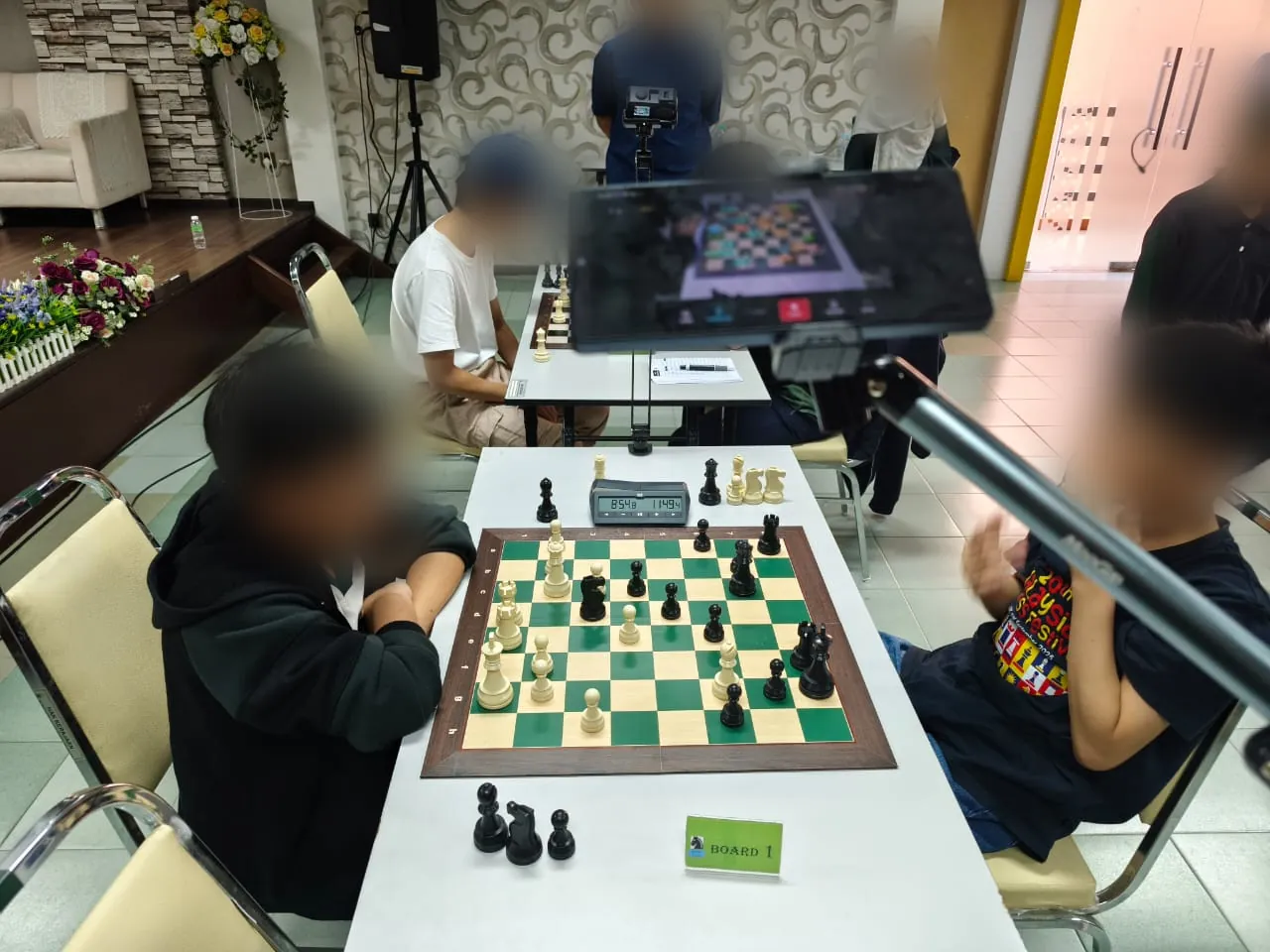
Test 5 · Santai Catur SPS 2026 · phone to phone
Viewer Mode's first tournament: a camera phone on a stand ran live detection at the board while parents and coaches followed on their own phones. Its lessons went straight into the next builds — the board now realigns by itself after a small bump, and live detection gained focus and exposure locks.
Swipe or scroll sideways for more →
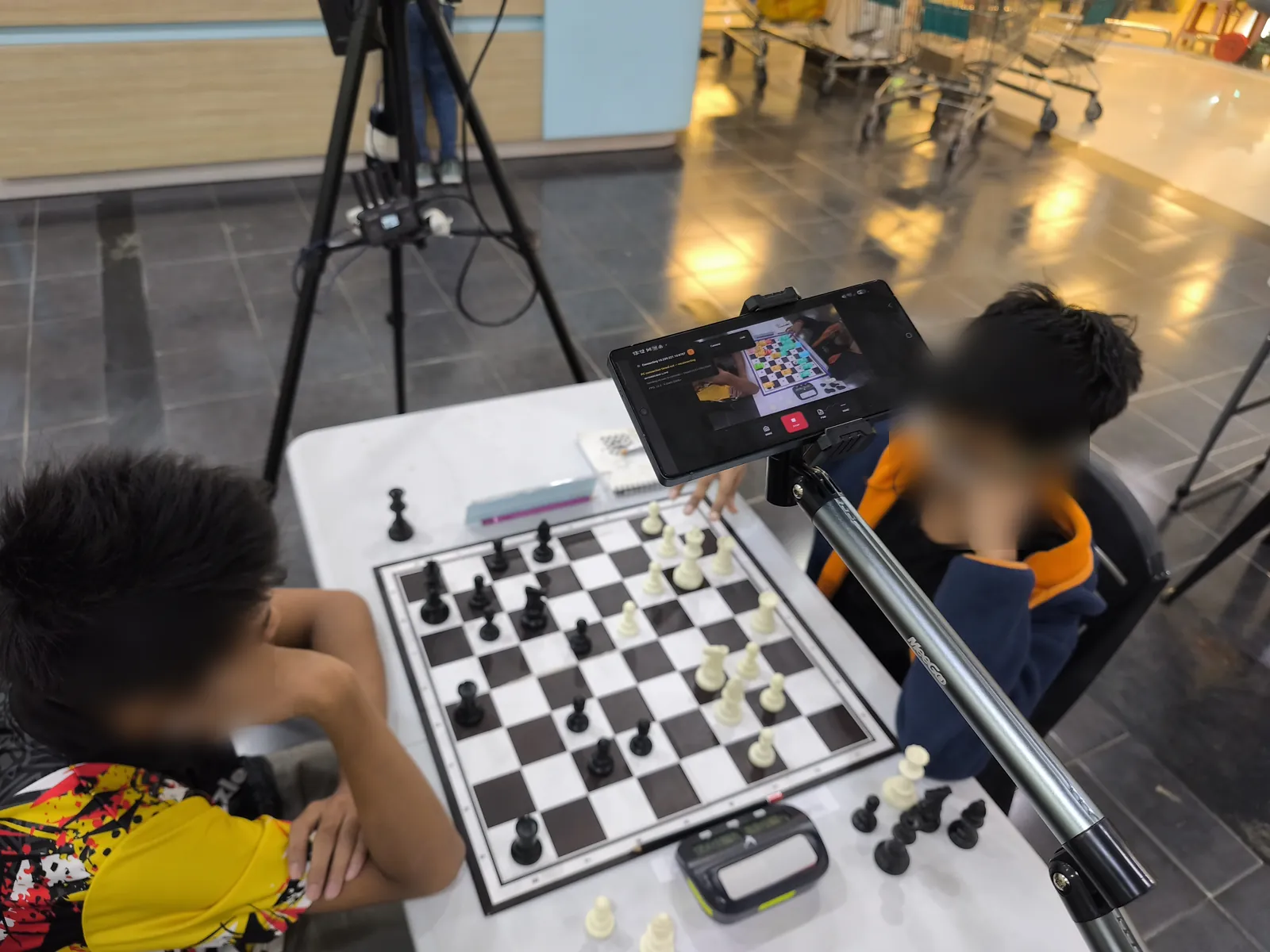
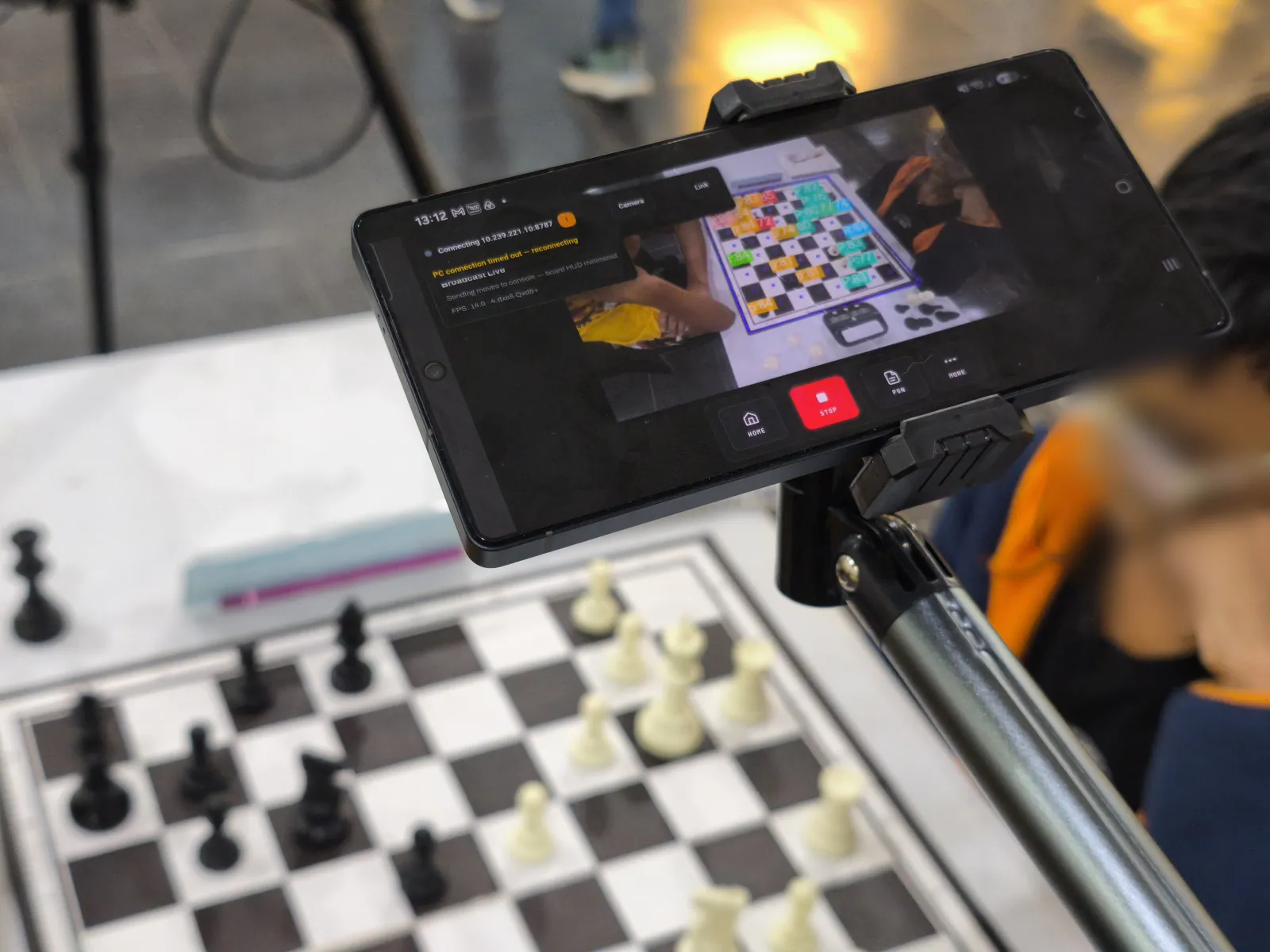
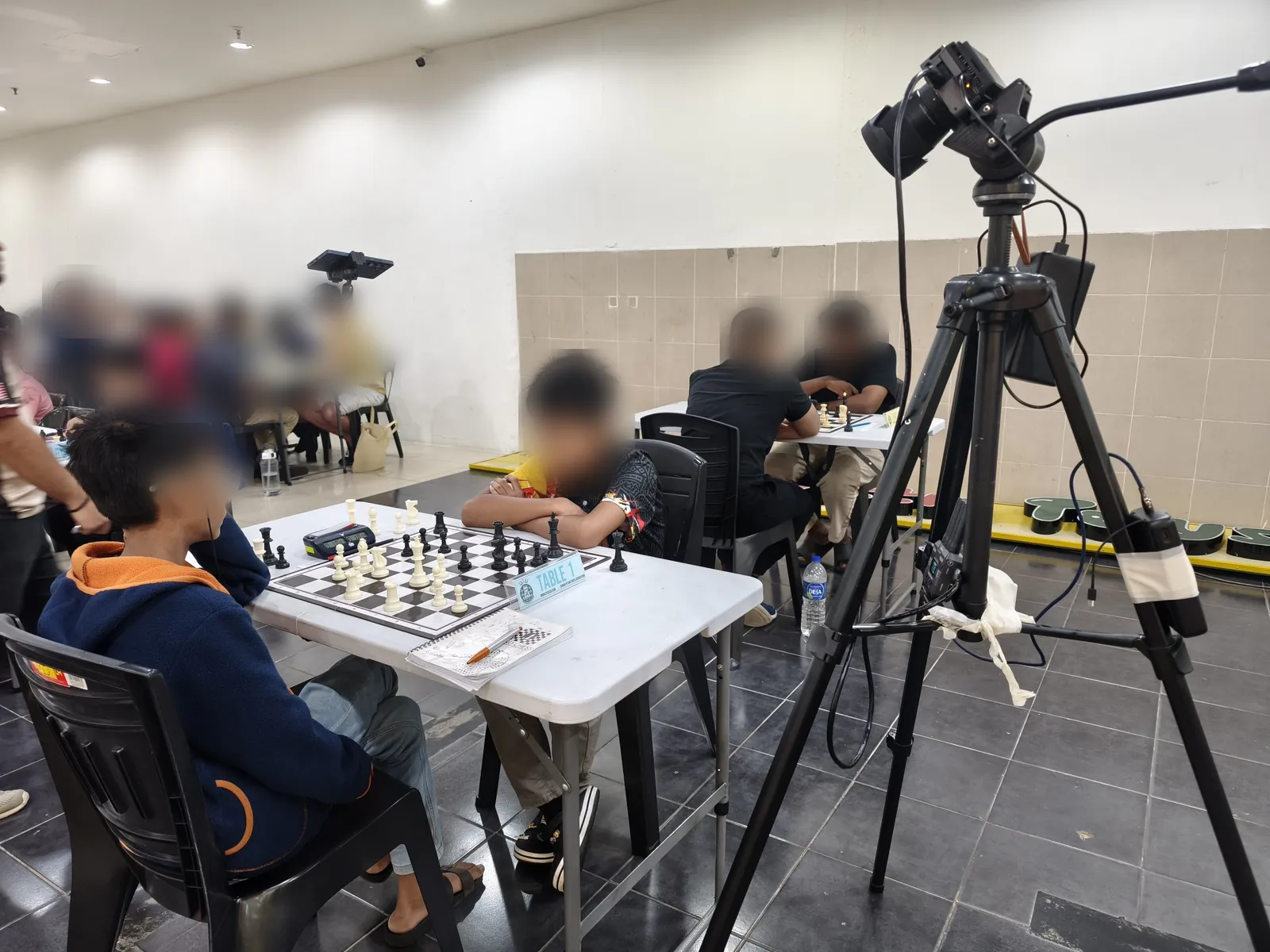
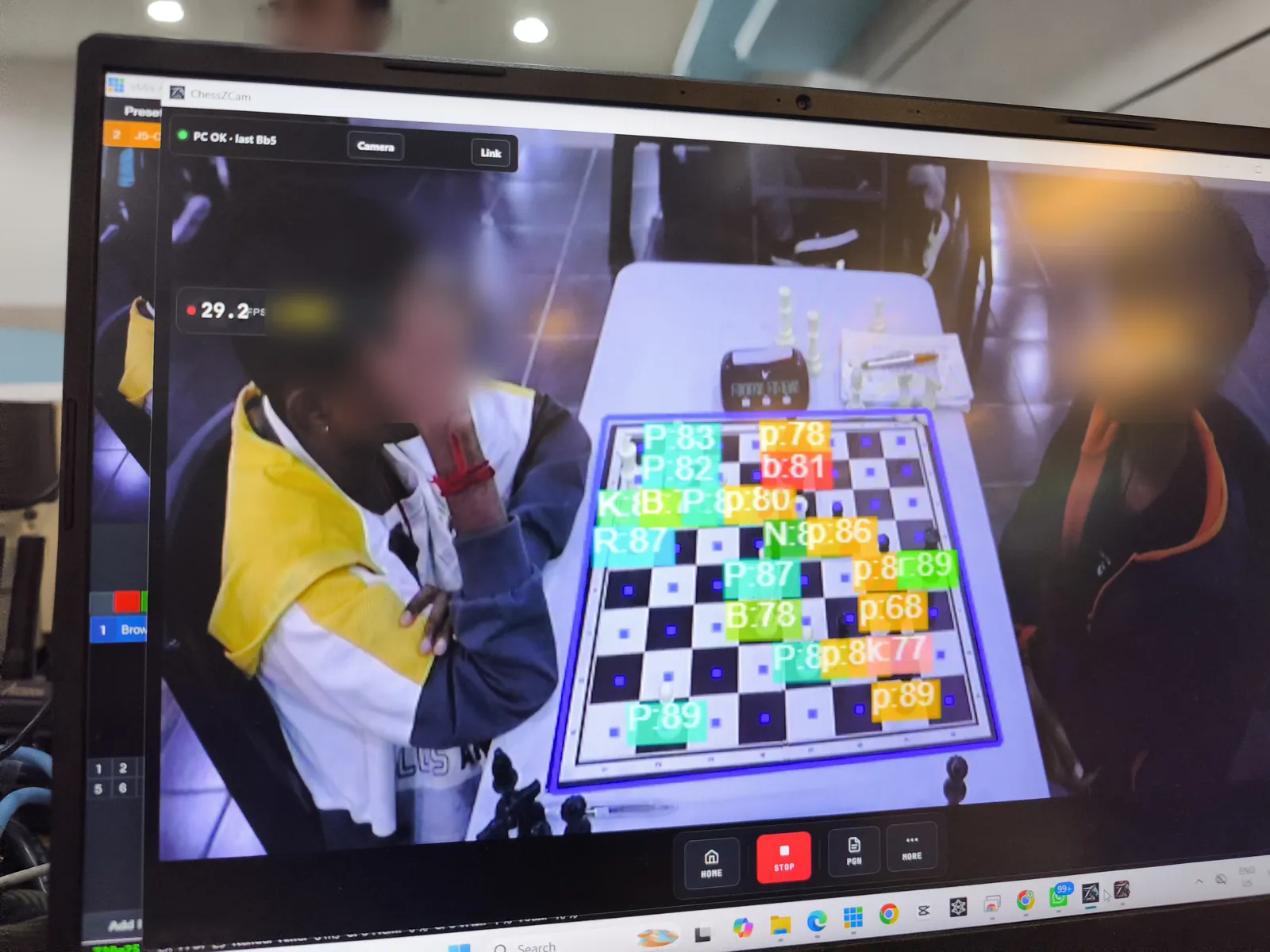
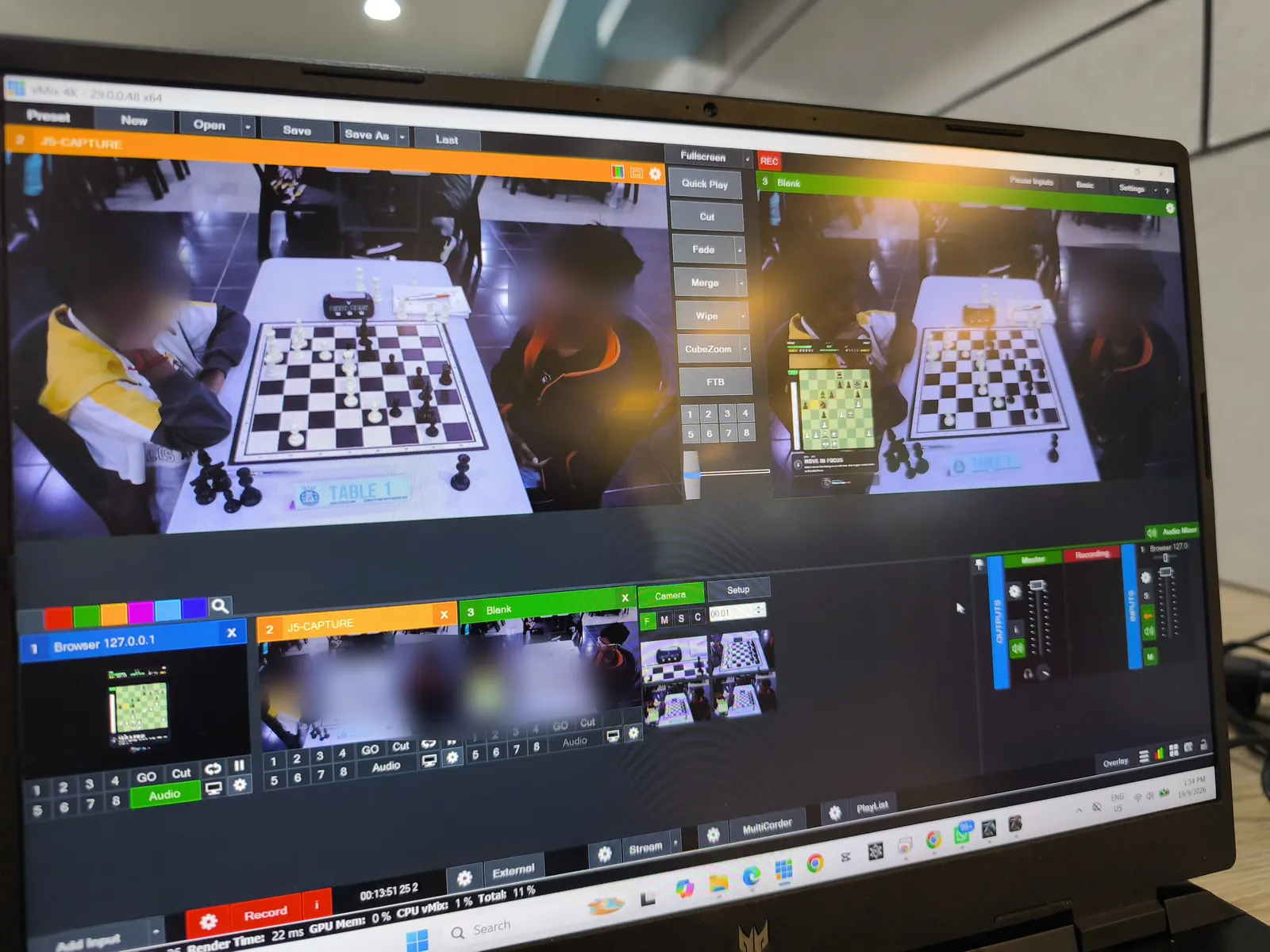
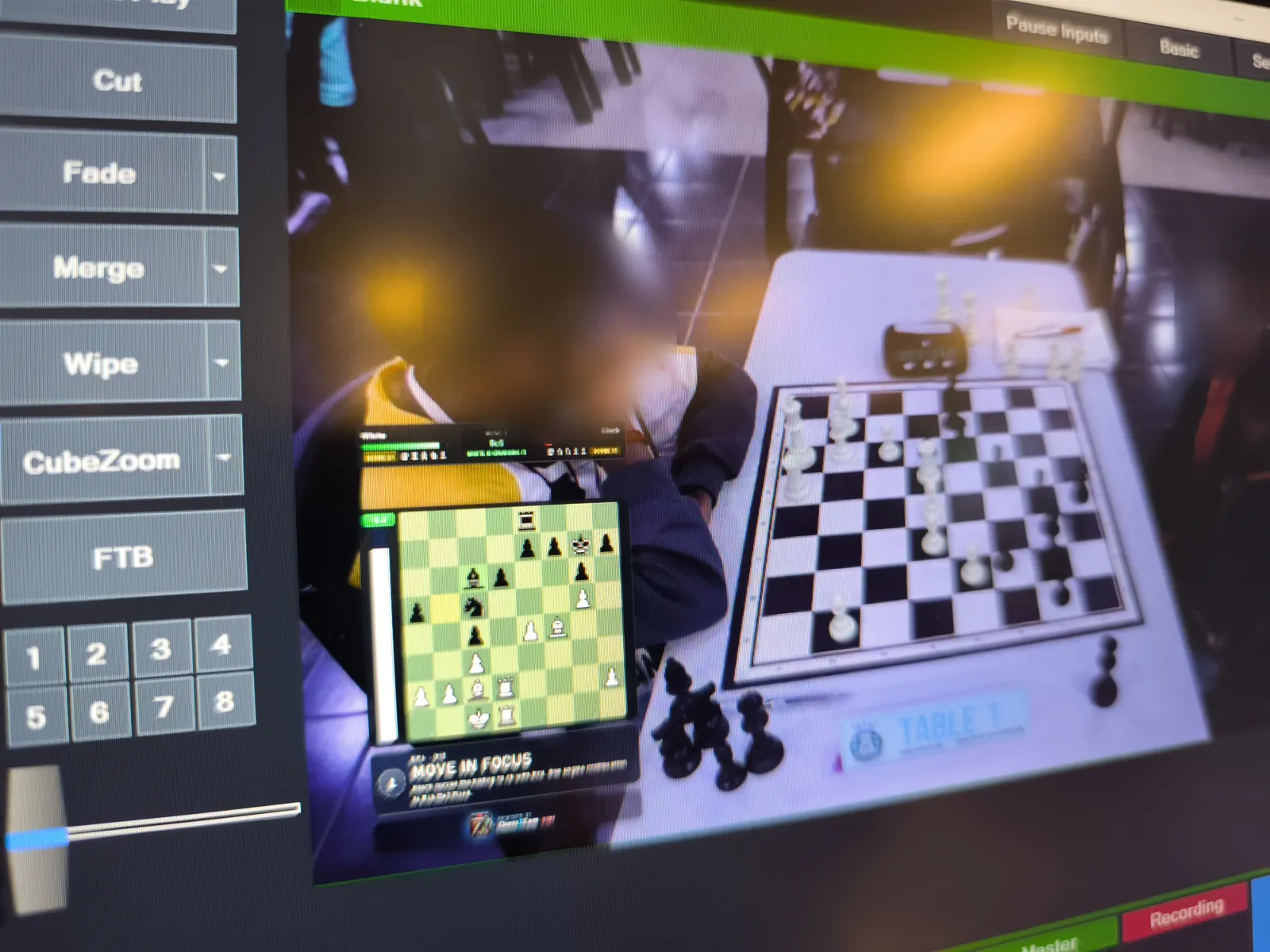
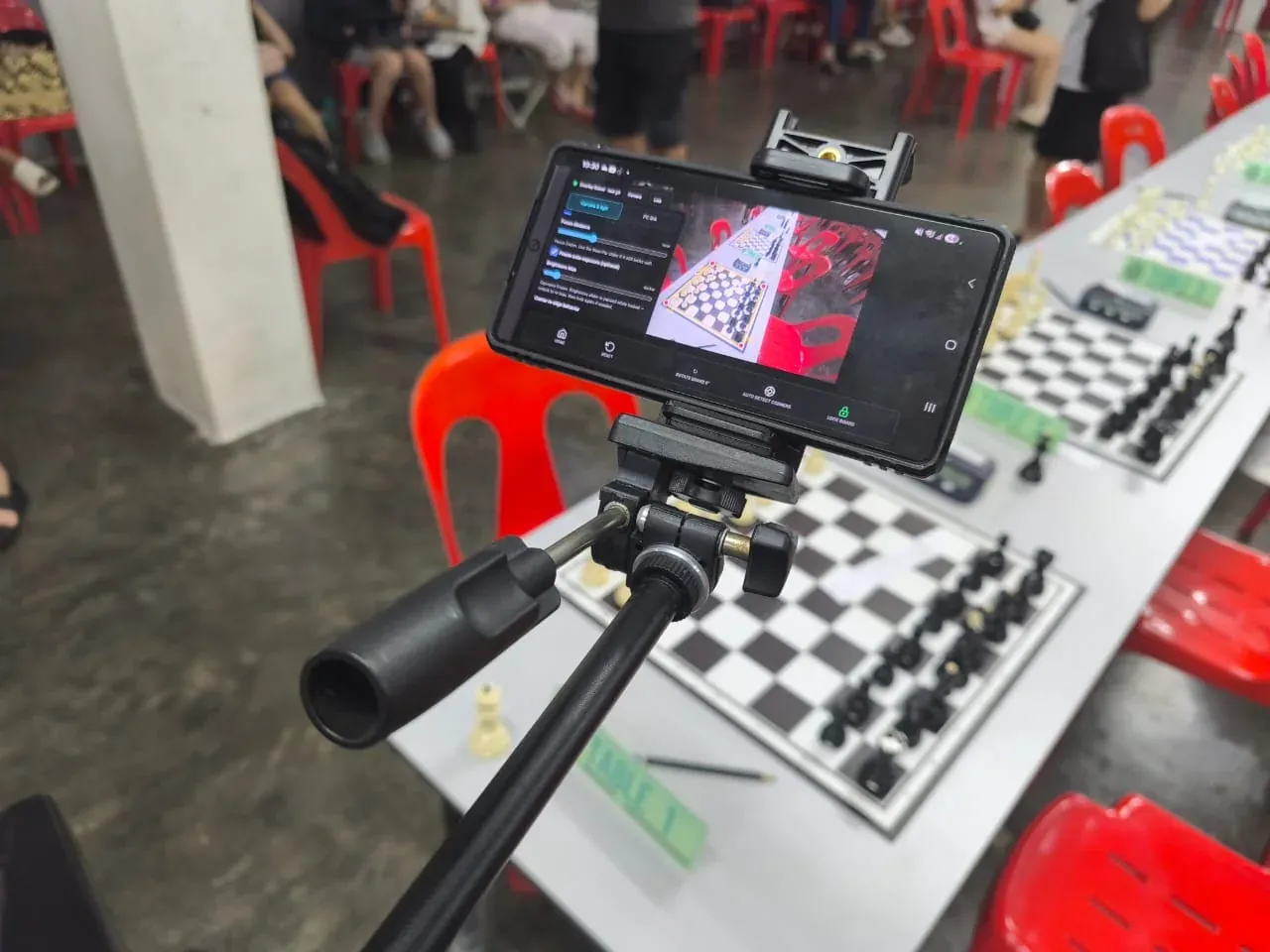
Test 4 · junior tournament · Table 1 live into vMix
A phone on a boom arm watched Table 1, ChessZCam detected the moves on the spot, and the position went live into a vMix production — in a busy hall, on the venue's own network. That day used Phone app 1.14 · Studio 0.18 · Live 1.5, before the October features existed. Today's label: Studio 1.1.4 is the current trial candidate; Android and Live releases follow separately.
Swipe or scroll sideways for more →
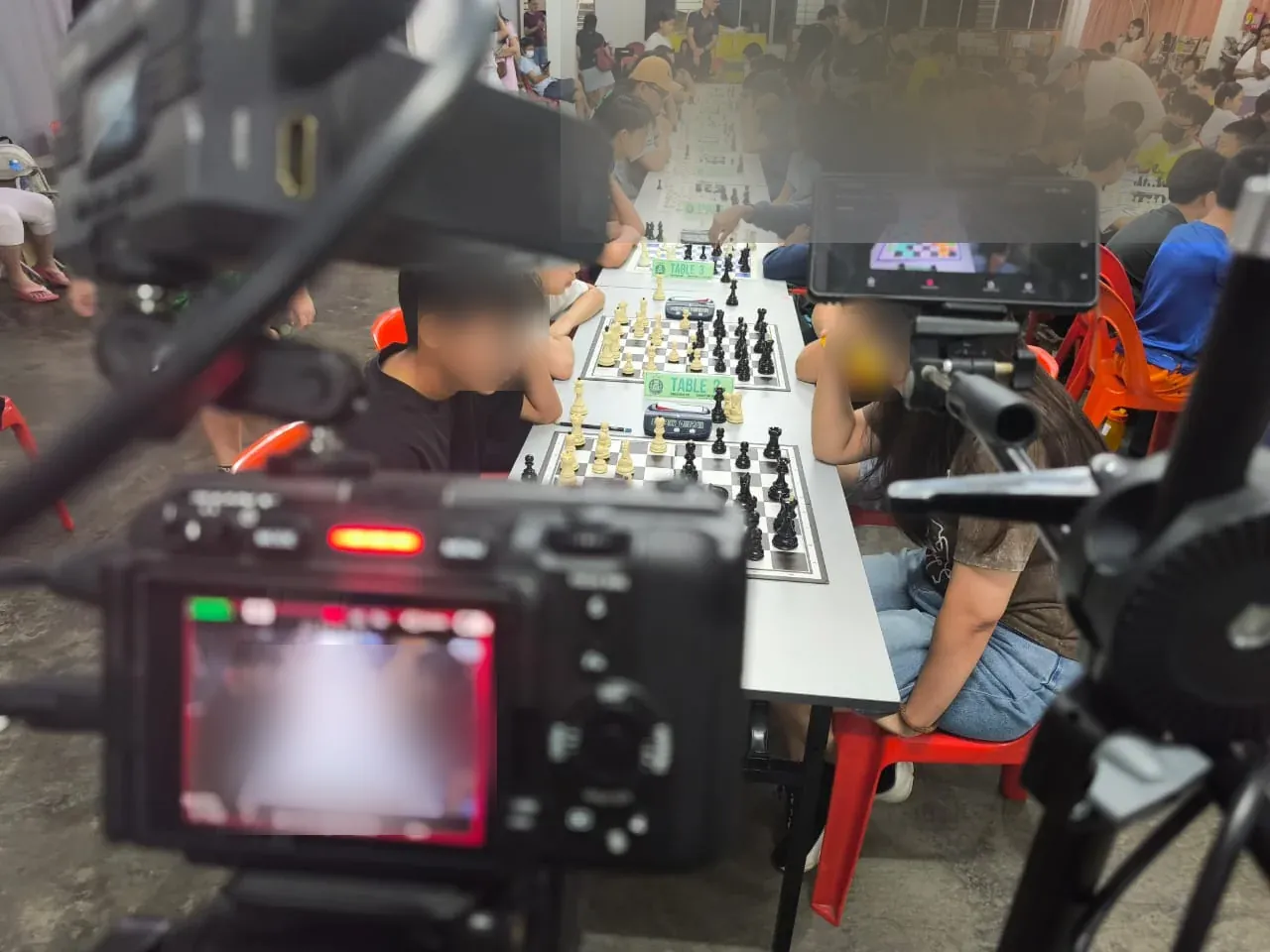
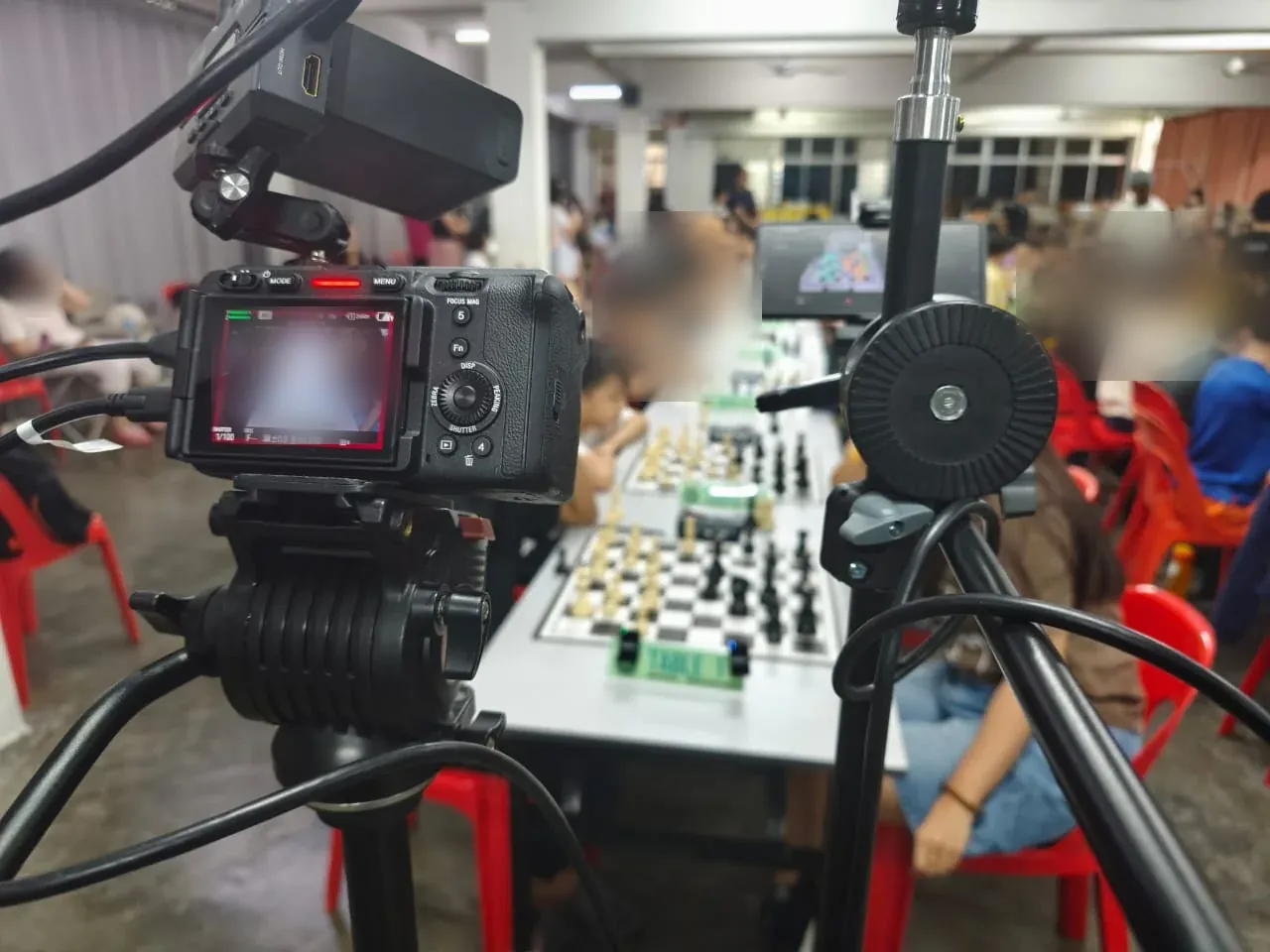
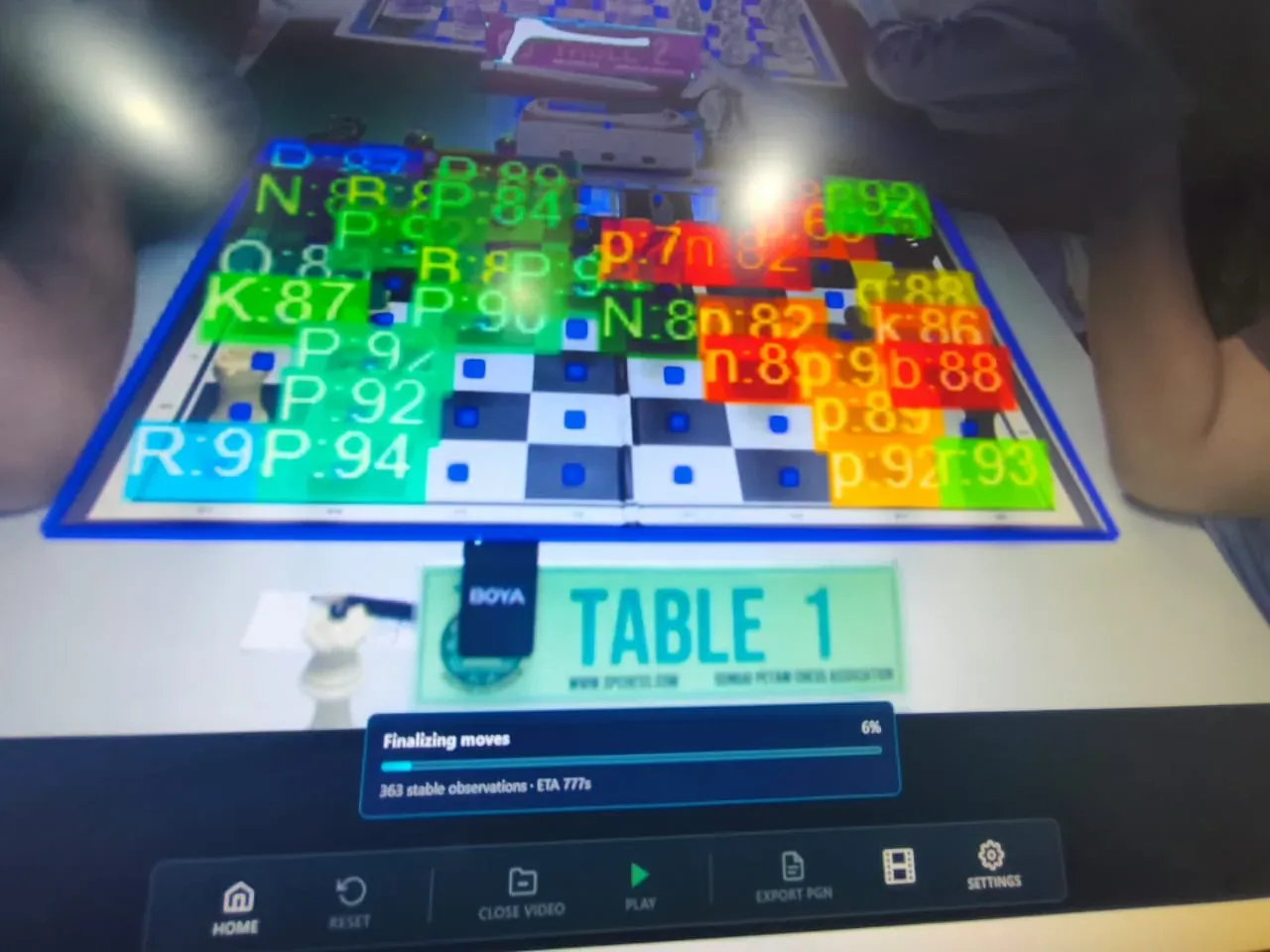
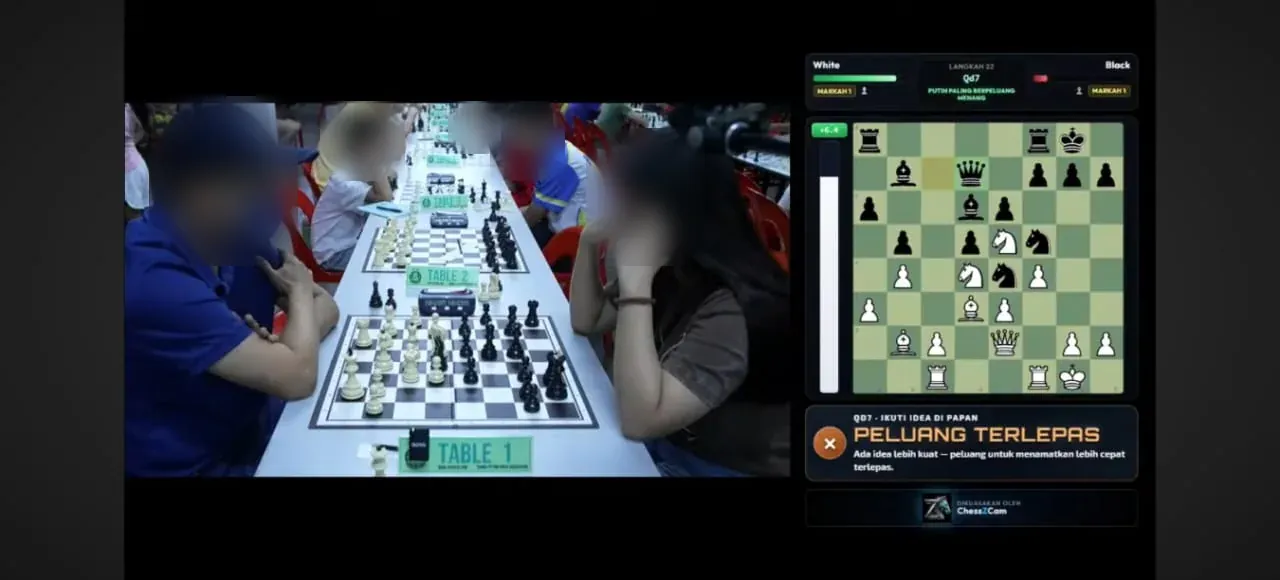
Test 3 · 4th Keong Hoe Chess Tournament, Penang
Two monitored games followed through the endgame to checkmate. The lesson: setup — camera position, a steady stand, good light and focus — is the biggest factor in capture quality. It went straight into the in-app setup guidance.
Swipe or scroll sideways for more →
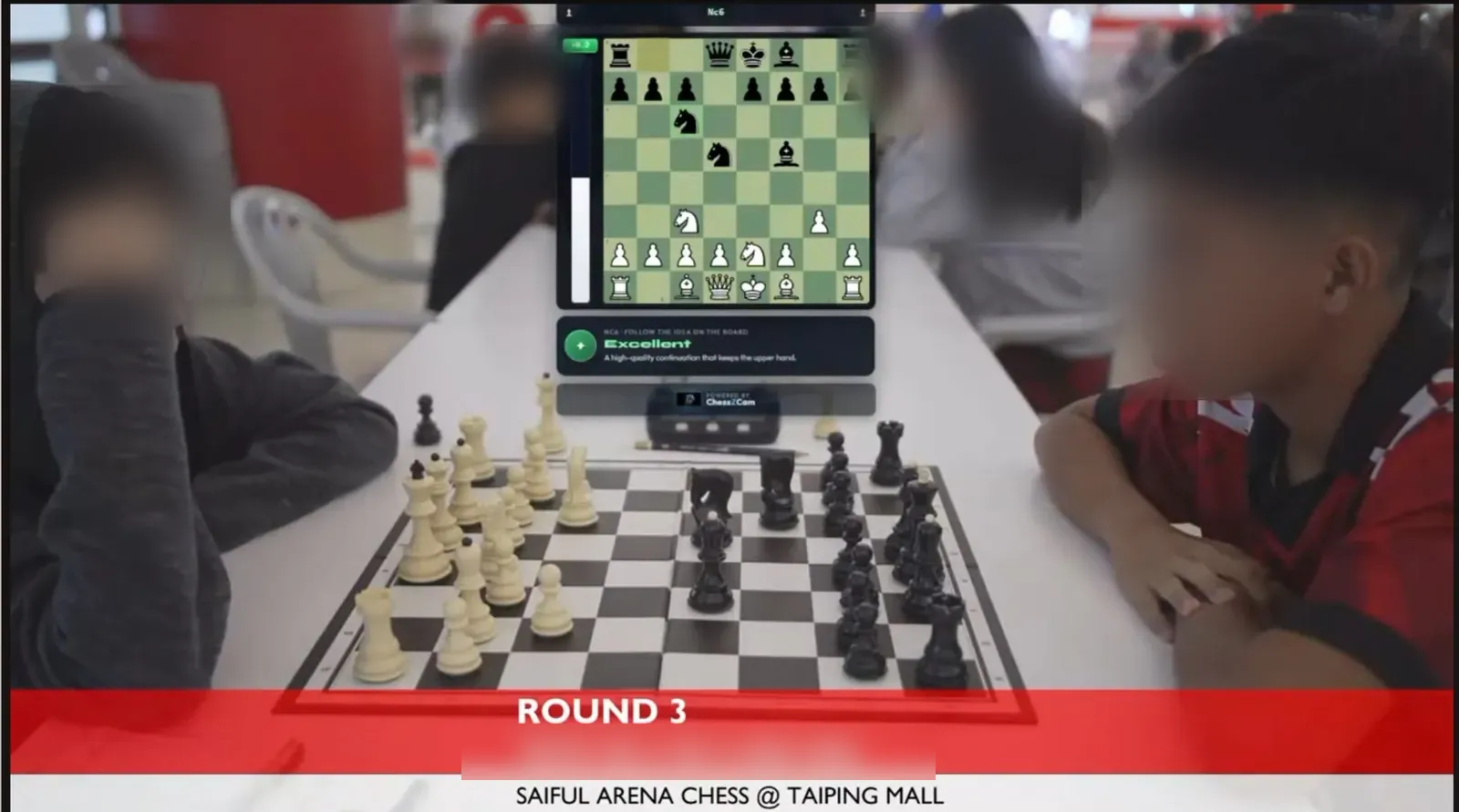
Test 2 · Saiful Arena Chess Tournament @ Taiping Mall · YouTube live
The first live production: real-time detection, a digital board overlay, Stockfish and move-classification markers. A player accidentally touched the tripod mid-game — the framing shift caused drift, and the recovery toolset (hold, correct, sync, rebuild) was built the next day because of it.
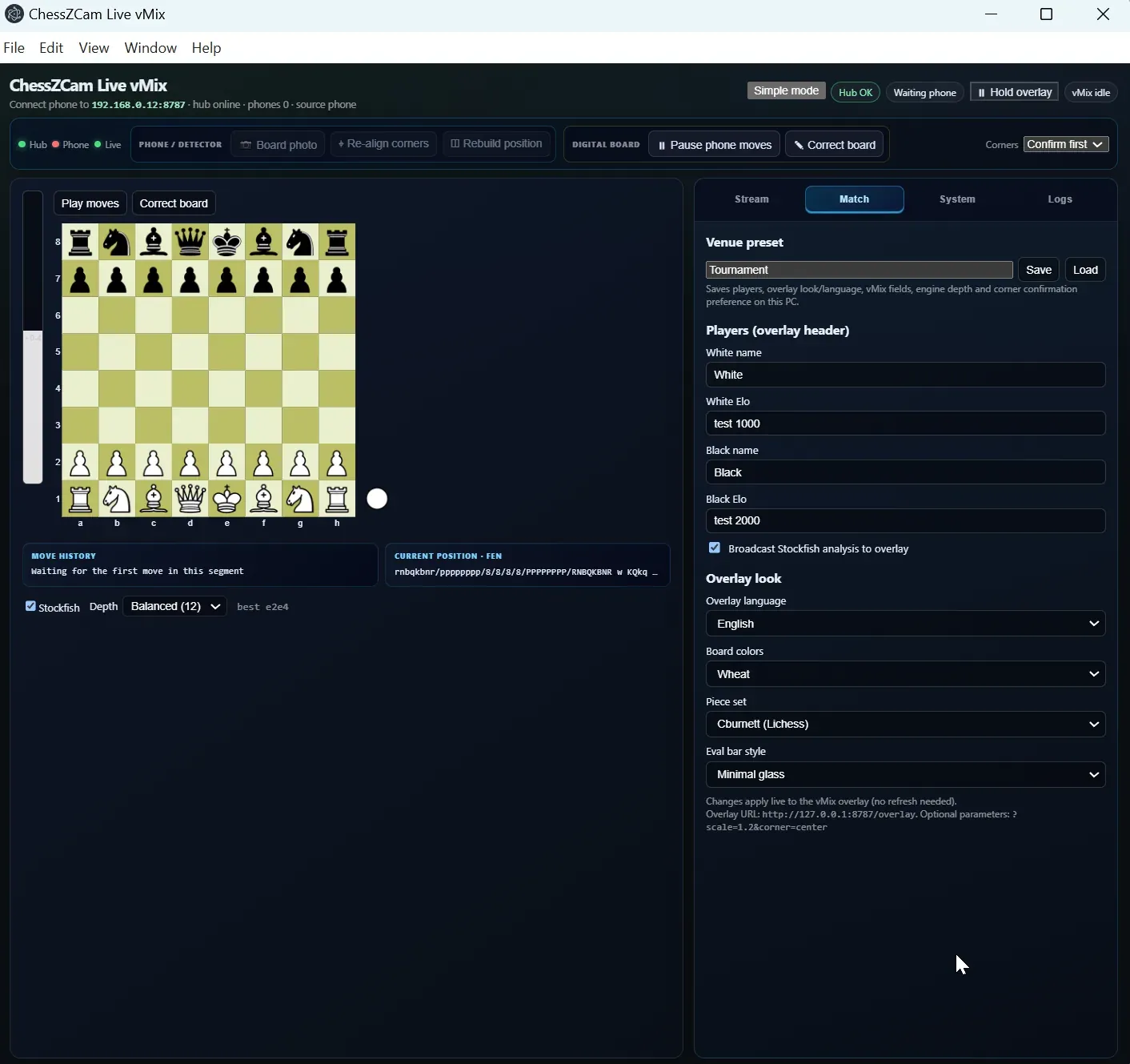
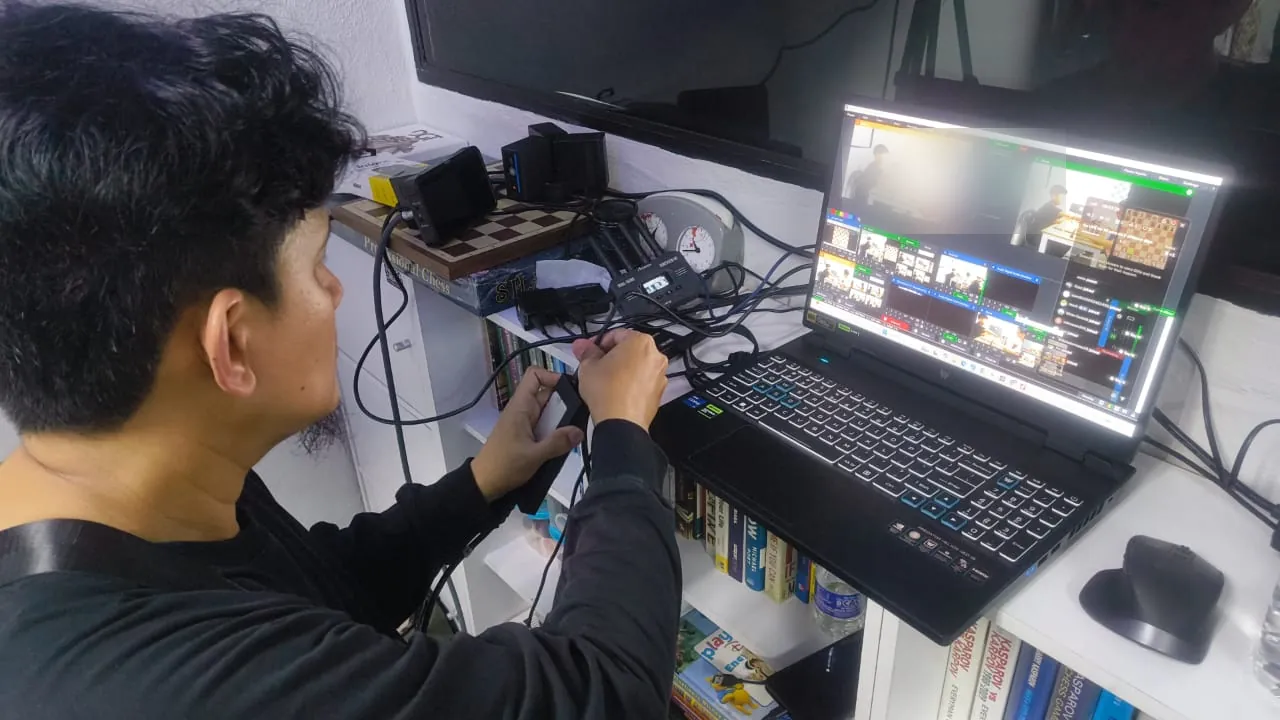
Test 1 · KawanCatur 1st Edition Tournament
The very first tournament test showed the gap between a clean development desk and a working hall. Camera position, operator workflow and recovery steps were reviewed — and turned into the structured checklist every later test followed.
Made with ChessZCam Studio
A quick note on accuracy. If you catch a wrong move in these videos, please forgive us — and do tell us. We will not be correcting these particular videos: human intervention was kept to an absolute minimum so that they show ChessZCam's current abilities and limitations honestly. ChessZCam is still being built, and its detection accuracy depends heavily on the quality of the source video.
For the record: in both games almost every move was read correctly, including checks and castling. What you may notice is that the pieces on the digital board sometimes move slightly out of step with the video — timing we are still refining. Thank you for bearing with us on this journey.
Made with ChessZCam Studio
We deliberately test footage of different quality, using different cameras, angles and lenses. The zonChess channel includes demo videos produced with ChessZCam Studio. These varied recordings help us test practical use across different setups; results still depend on what the camera can clearly see.
Detection missed a move? Please do not ask the bishop to write an incident report just yet. 🙂 We are refining the manual correction tools so missed moves, frame timing and gaps are easier to understand and repair while keeping the moves already correct. We hope Studio proves useful to the chess community, especially OTB content creators, insyaAllah.
Watch demos on the zonChess YouTube channel The creator workflow in motion
Best-effort detection
Use a firm tripod or mount. Keep the board orientation fixed throughout the recording. Small shifts may be recoverable with realignment; a full turn or camera-angle change needs manual intervention.
Keep all 64 squares and all four corners visible, with enough room for the tallest pieces. Use a clear elevated view that separates pieces; avoid extreme wide-angle or fisheye distortion.
Use sufficient, even light and sharp focus. Avoid glare, deep shadows, motion blur and zoom changes. Hands can pass through the view during a move, but the resulting position must become visible; prolonged obstruction and very fast exchanges may need review.
Leave a clear margin around the playing area. Captured pieces placed against a board edge can be mistaken for pieces still in play.
Use the original recording where possible. Avoid stretched aspect ratios, crops, jump cuts or overlays covering squares. Higher resolution alone cannot fix a blurred or obstructed view.
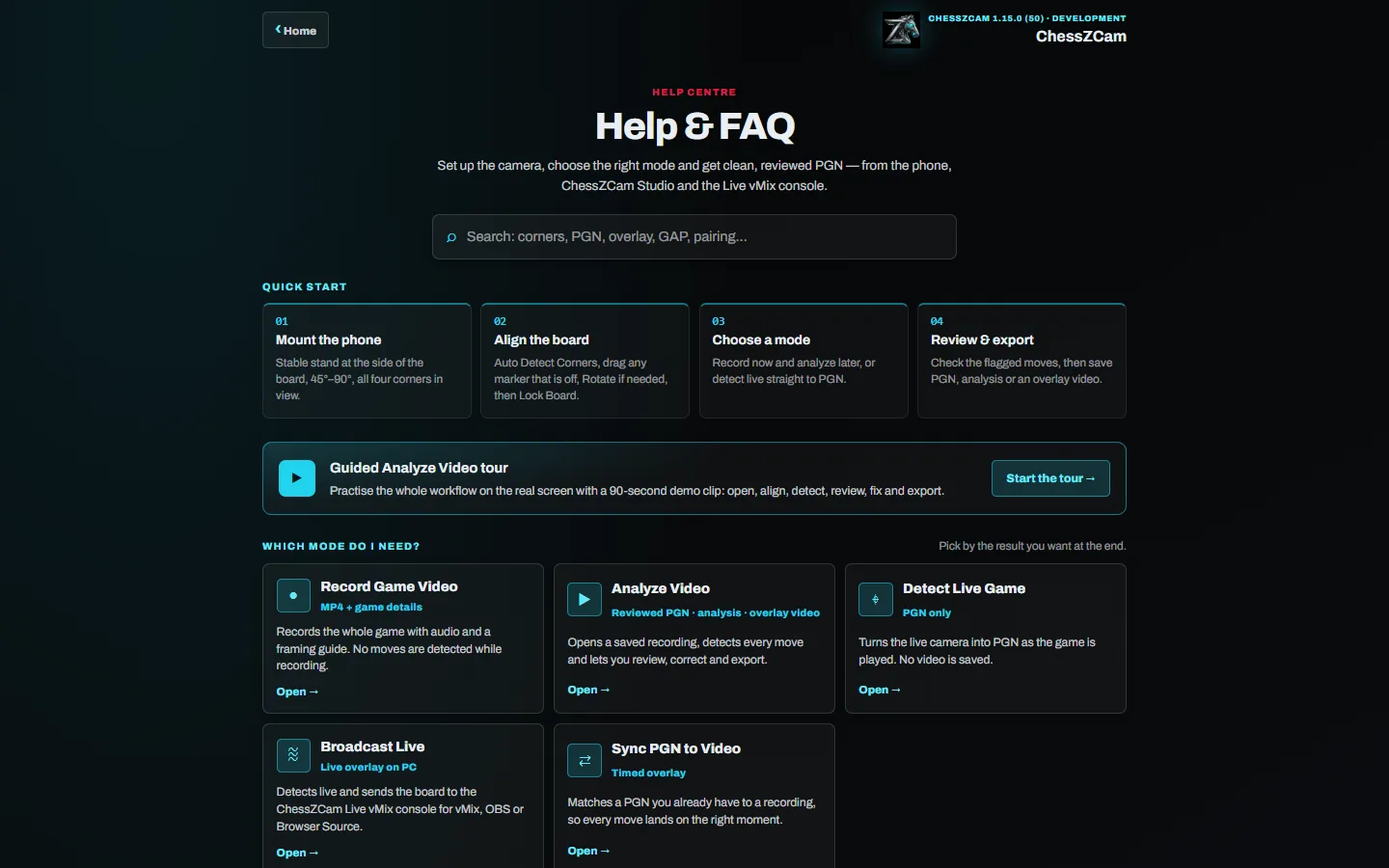
Check flagged moves, promotions, gaps and frame timing. Add or retime a move without rescanning correct later moves. Use the guided correction walkthrough when you need a hand.
Each rule in a picture, with a printable checklist: the recording guide. For Viewer or Live, keep host and viewers on the same Wi-Fi/hotspot. Follow the organiser's rules for spectator analysis; never relay assistance to players.
ChessZCam · Packages & rollout
Studio first, Android next, then ChessZCam Live. Studio 1.1.4 will first be shared with a small group of friends for testing. After those checks pass, waitlist invitations follow; public rollout comes later. Sales remain closed. Each phase will be announced separately; sales are not open yet.
Second: Android APK
RM99 / USD24.99
2 Android phones
Record and detect games, review and correct moves, export PGN and video, and host Viewer on the same local network. Each phone works independently.
First: Studio trial
RM149 / USD39.99
1 Windows PC + 2 Android phones
Analyze recorded OTB games on a PC; review moves and frame timing, repair gaps, add Stockfish analysis and export PGN or overlay videos. Studio works independently; the included phone apps follow in their release phase.
Third: Live module
RM249 / USD69.99
1 Windows PC + 2 Android phones + 1 Live module
Everything in Studio and Mobile, plus ChessZCam Live for broadcast overlays with vMix or OBS on the licensed PC. vMix itself is not included.
Free 14-day Studio trial on 1 PC, starting from activation in Studio. No code needed. Activate online, then work offline. Mobile and Live follow in later releases.
Full licences: one payment, continued use of eligible versions, and 2 years of updates from first paid activation. Your last eligible version keeps working afterwards. Package upgrades will be announced separately.
Good to know: after the trial, you can still open, save, correct and export existing projects as PGN/video; saved analysis stays readable. For transfers or help, email admin@zonchess.com. See the licence terms for details.
Our heartfelt thanks to everyone on the waitlist. Registered early supporters receive 50% off their first ChessZCam package purchase when sales open, given automatically when they order with the email they registered. Registration is free and is not an order or payment.
Viewer stays free on the same Wi-Fi or hotspot as the host, with no spectator licence limit. Capacity depends on your network and devices. New detection, engine analysis and hosting require an active licence.
Frequently asked
Record Game Video saves the whole game with audio for later. Analyze Video detects the moves in a recording and lets you review, analyse and export. Detect Live Game turns the live camera into a PGN without saving video. Broadcast Live sends the live board state to ChessZCam Live for vMix, OBS or Browser Source. Sync PGN to Video (Android app; not in the first Studio release) matches a PGN you already have to a recording.
You will receive the early trial before the public release, with a built-in guided tour and demo clip so you can try it straight away. Registered early supporters get 50% off their first ChessZCam package when sales open. Package prices are listed above; release invitations follow Studio, Android, then Live. Joining is free and is not an order.
Yes, in trial builds: with Viewer Mode a parent or coach outside the playing hall can follow the live digital board in the ChessZCam Android app, on the same Wi-Fi or hotspot as the camera phone. It does not work from home or over mobile data, the Android release follows Studio, and whether it may be used at an event is the organiser's decision.
Place the phone on a stable stand at the side of the board so it sees all four corners; use a lens that keeps the board sharp and avoids strong distortion, and check the tallest piece on the far square is still in shot.
Small shifts may be recoverable. Keep the board orientation fixed, review flagged gaps and use the manual correction tools; major rotation or obscured moves may require your help.
ChessZCam works best at 4 FPS or higher, which most modern phones handle comfortably. Studio on a PC is faster still.
Studio is for Windows. The Android app can operate independently and will follow in the next release phase. The Live broadcast module follows last.
Detection and video processing run locally. Internet is needed for first licence activation and online recovery. Viewer and Live sharing use your local network when enabled; board photos may also be shared when you enable that feature. Your source video is not uploaded for detection.
ChessZCam grew from ChessCam, the open-source project by Peter (Pbatch), and builds on open-source work such as Stockfish, chessops and TensorFlow.js. See our thank-you & credits page for the full list and licences.
First access + early-supporter discount
Join the waitlist now. Waitlist members get the early trial first and will be offered an early-supporter discount on ChessZCam when sales open. The waitlist offer is 50% off the first ChessZCam package purchase when sales open. Joining is free and is not an order.