
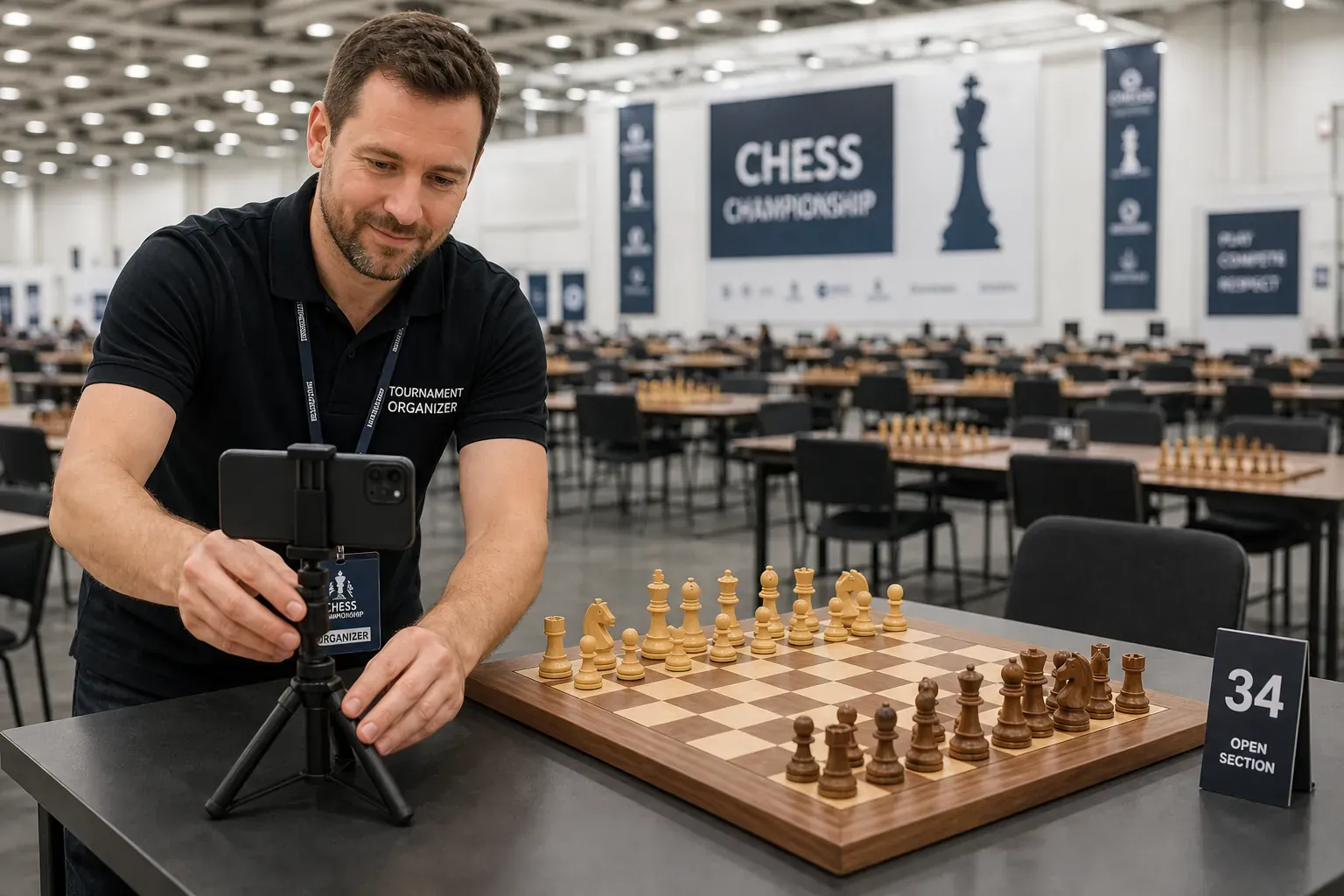
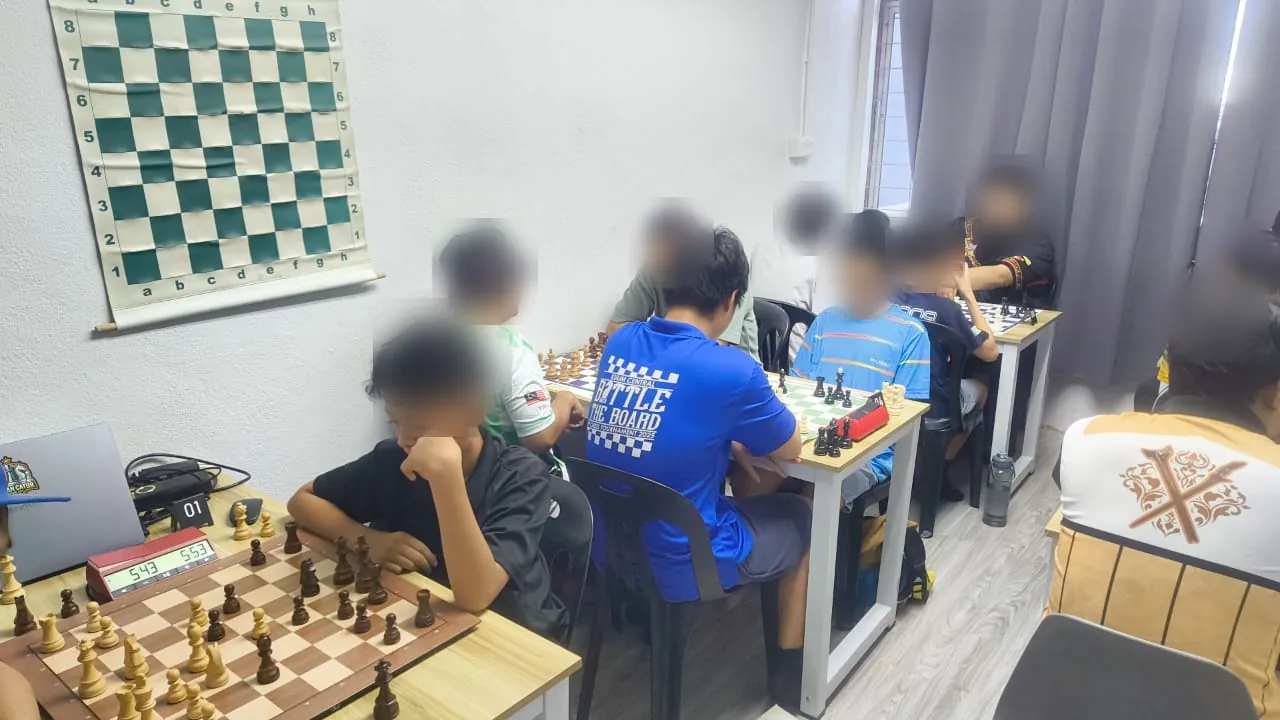
An ordinary tournament set
No sensors, no cables, no special pieces. The players sit at the same kind of board as every other table in the hall.
How ChessZCam works · OTB chess broadcasting
Built for parents, creators and organizers who want a real over-the-board game on screen without wiring up electronic boards. A phone or camera watches an ordinary board and ChessZCam reads the moves on the device. ChessZCam Studio for Windows comes first, with a free 14-day trial: it analyses recordings from any phone or camera. The Android app and the live console for vMix and OBS follow. New: the creator workflow in motion and an illustrated recording guide.
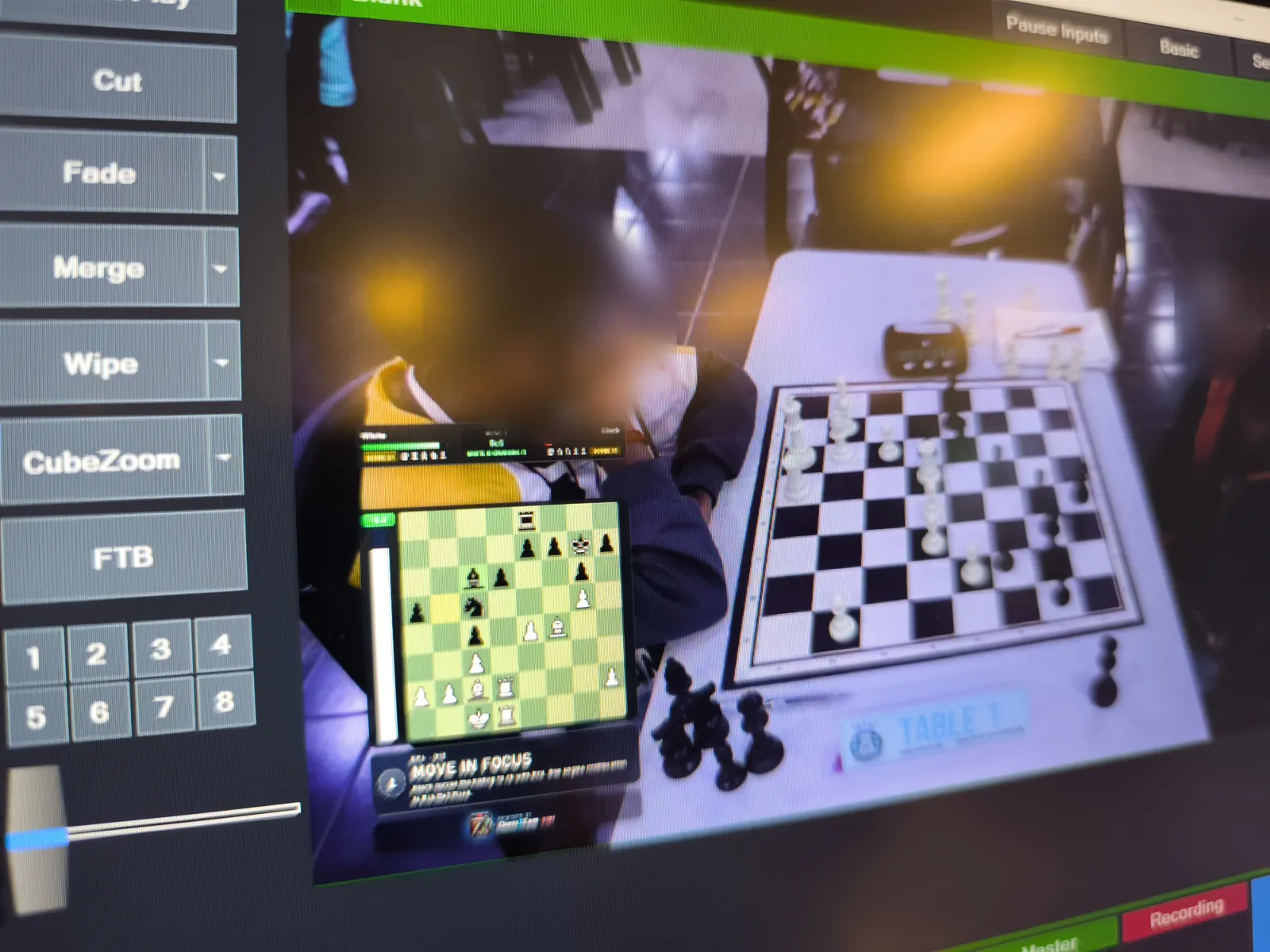
The chain, link by link
Every ChessZCam setup is built from the same four links, and only the first two are required: a phone alone can record, detect, review and export. A PC adds resources, not concepts.
No sensors, no cables, no special pieces. The players sit at the same kind of board as every other table in the hall.
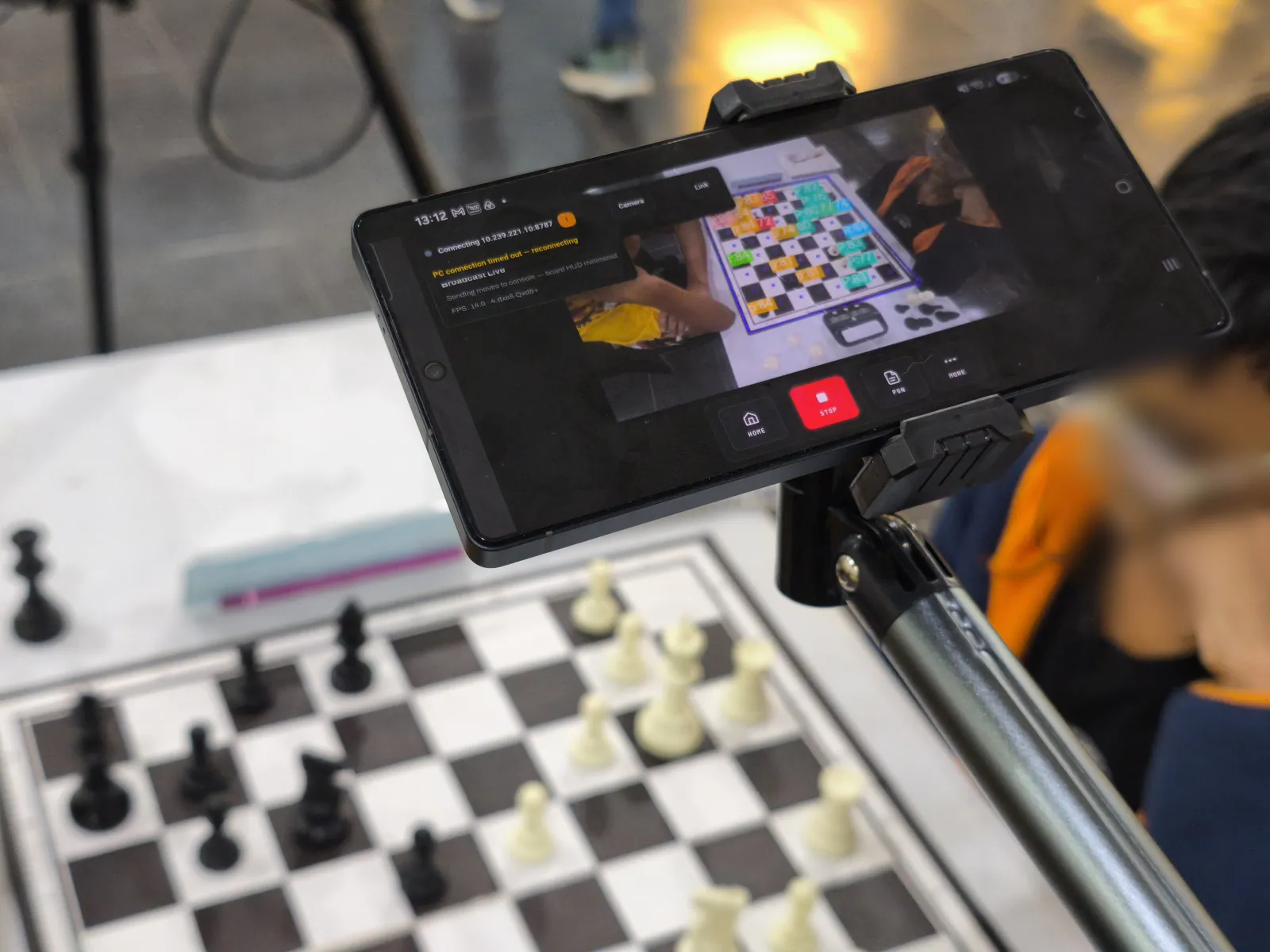
A phone on a stable stand at the side of the board, all four corners in view. It finds the corners, locks the board and reads each move on the device — uncertain moves are flagged, not guessed.
Studio is the same app on a Windows screen, with webcam, capture-card and OBS Virtual Camera input (its first trial release leaves out Record Game Video and Sync PGN to Video for now). ChessZCam Live is the operator console for vMix & OBS. On one PC they pair with one click.
A clean PGN, an overlay video up to 4K, or a Browser Source that vMix or OBS puts on air — in the Obsidian Glass HUD, with Stockfish analysis if you want it. New: a spectator's own phone, through Viewer Mode.
On a live broadcast only small move data travels from the phone to the PC — never the video. Detection runs locally, and your videos and games stay on your own devices; no account or internet connection is needed to record and export.
Six operations · three routes
The app opens on six operations: Record Game Video, Analyze Video, Detect Live Game, Broadcast Live, Sync PGN to Video and Open Project. They make three routes — live on air, a recorded game, or a live PGN — plus two ways to pick up work you already have.
 BROADCAST LIVE → CHESSZCAM LIVE
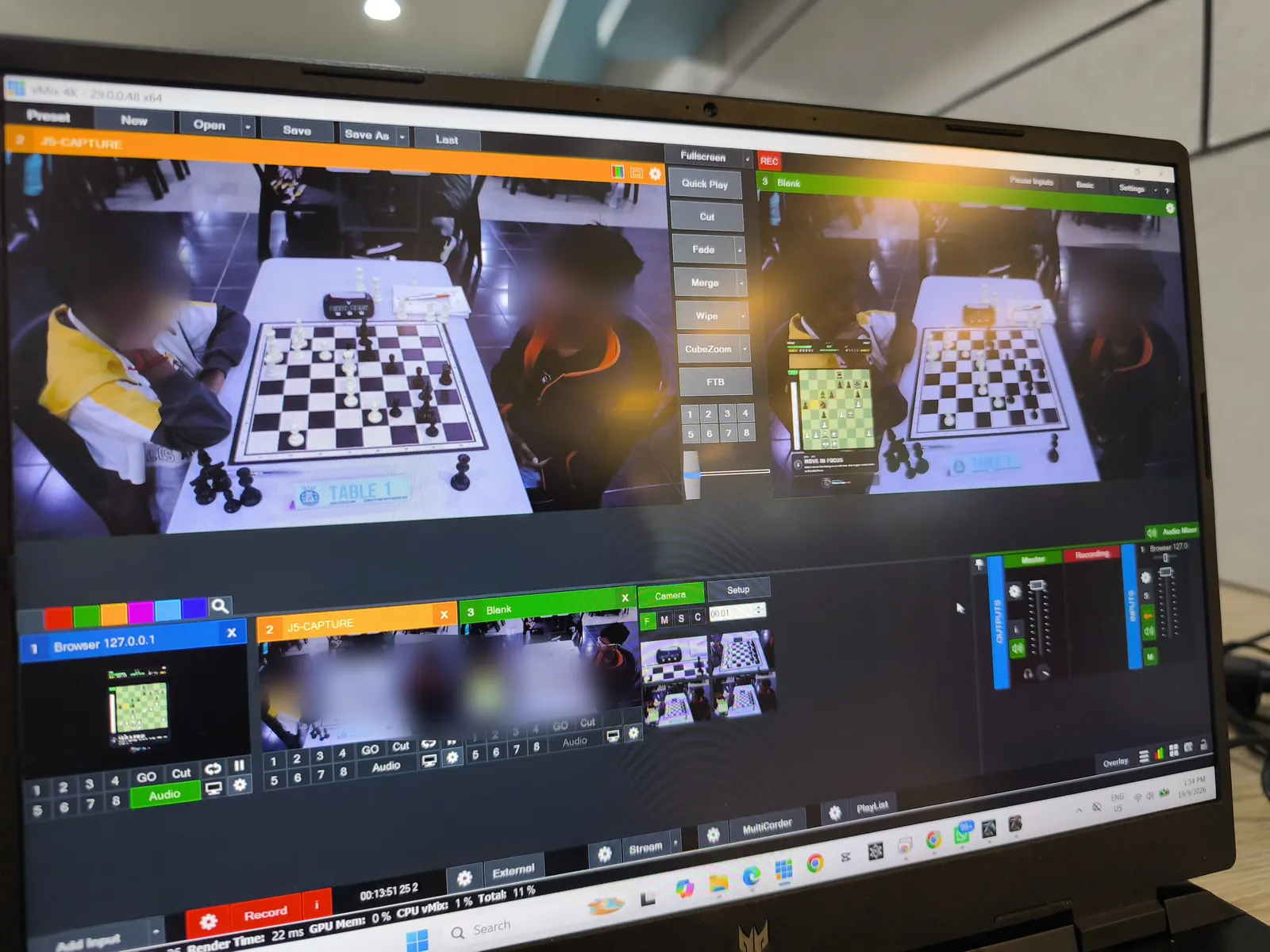
Broadcast Live sends the board state — not video — over the local network to ChessZCam Live, the console on the PC. vMix or OBS picks up the overlay as a Browser Source, next to your own camera picture.
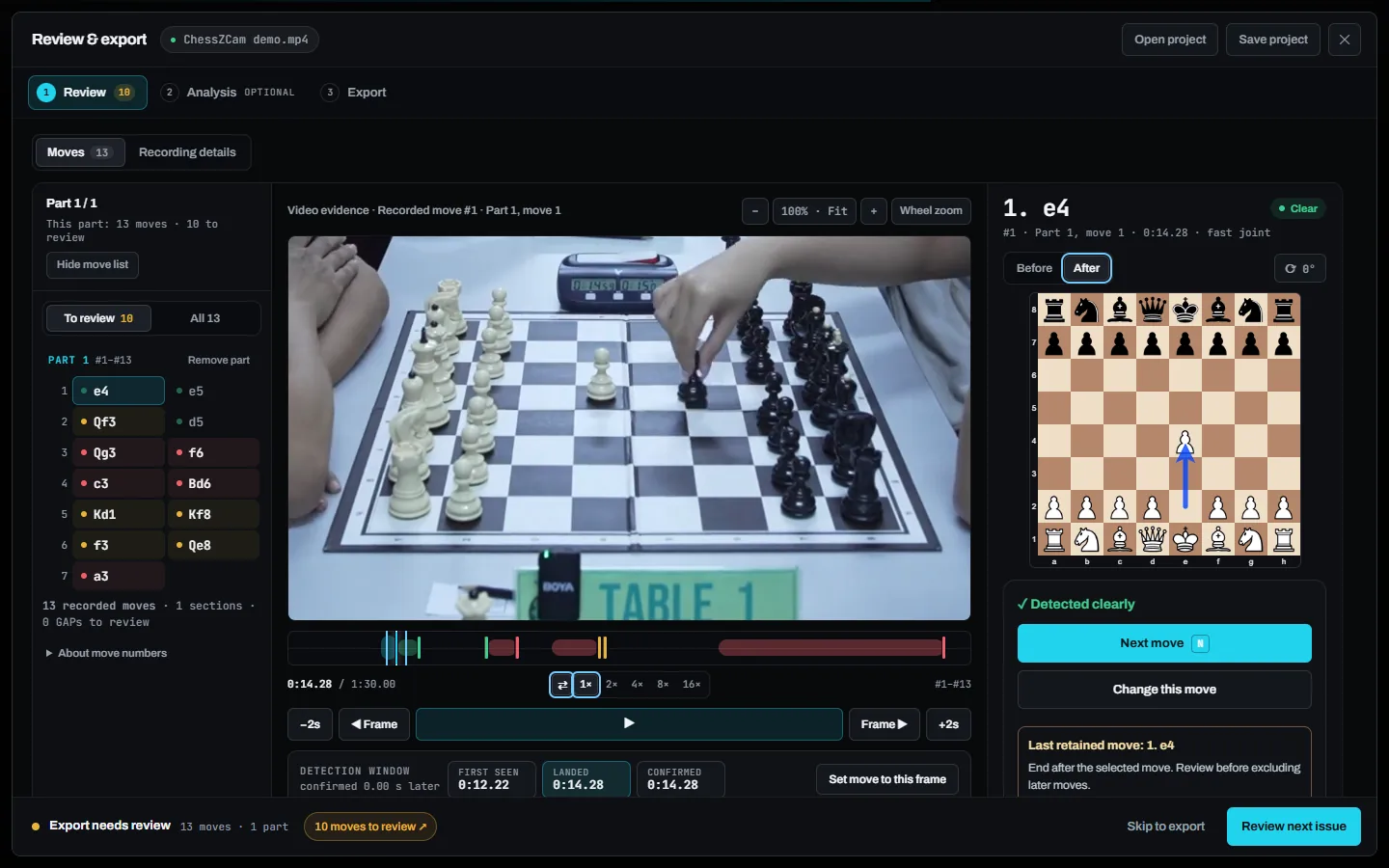
Record Game Video saves the whole game in 1080p with audio and a framing guide. Later, Analyze Video — on the phone or in ChessZCam Studio — detects every move from the recording.
For when you want the moves, not the footage. Detect Live Game follows the game from the live camera and writes the PGN as it goes. No video is saved, so it is the low-storage route.
Sync PGN to Video (Android app; not in the first Studio release) matches a PGN you already have — typed up from a scoresheet, for example — to a recording and exports a timed overlay. Open Project continues a saved review with its corrections, analysis and layout.
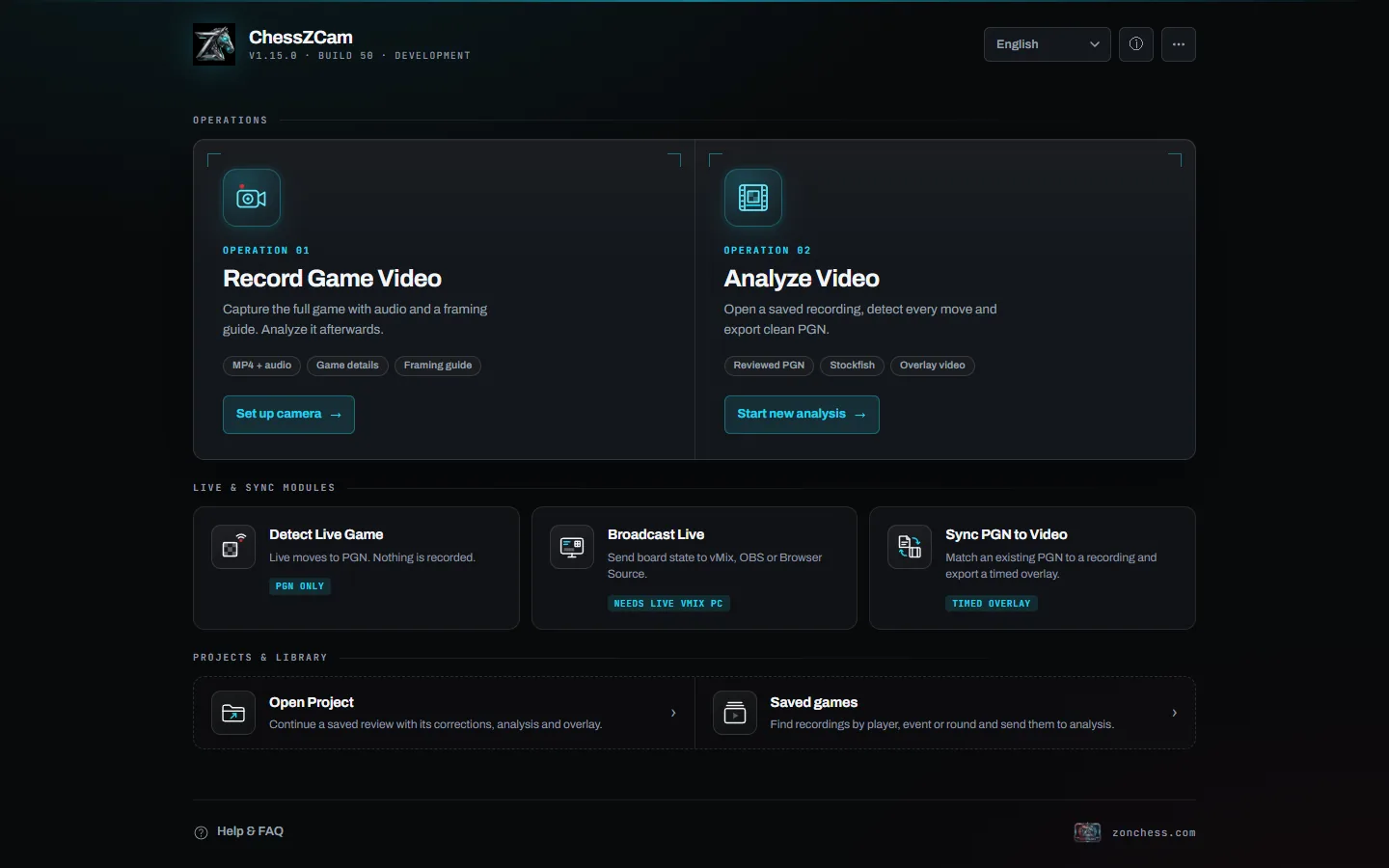
More on each operation, the overlay finishes and the live console: ChessZCam — six operations and live broadcast. Why the phone always stays a complete product: A PC adds resources, not concepts.
Who it is for
The same chain serves parents, creators and organizers. Here is each problem — and what ChessZCam honestly does about it today.
Your child is playing an important game, but parents are not allowed near the boards. You cannot see the position, the moves, or how the game is going.
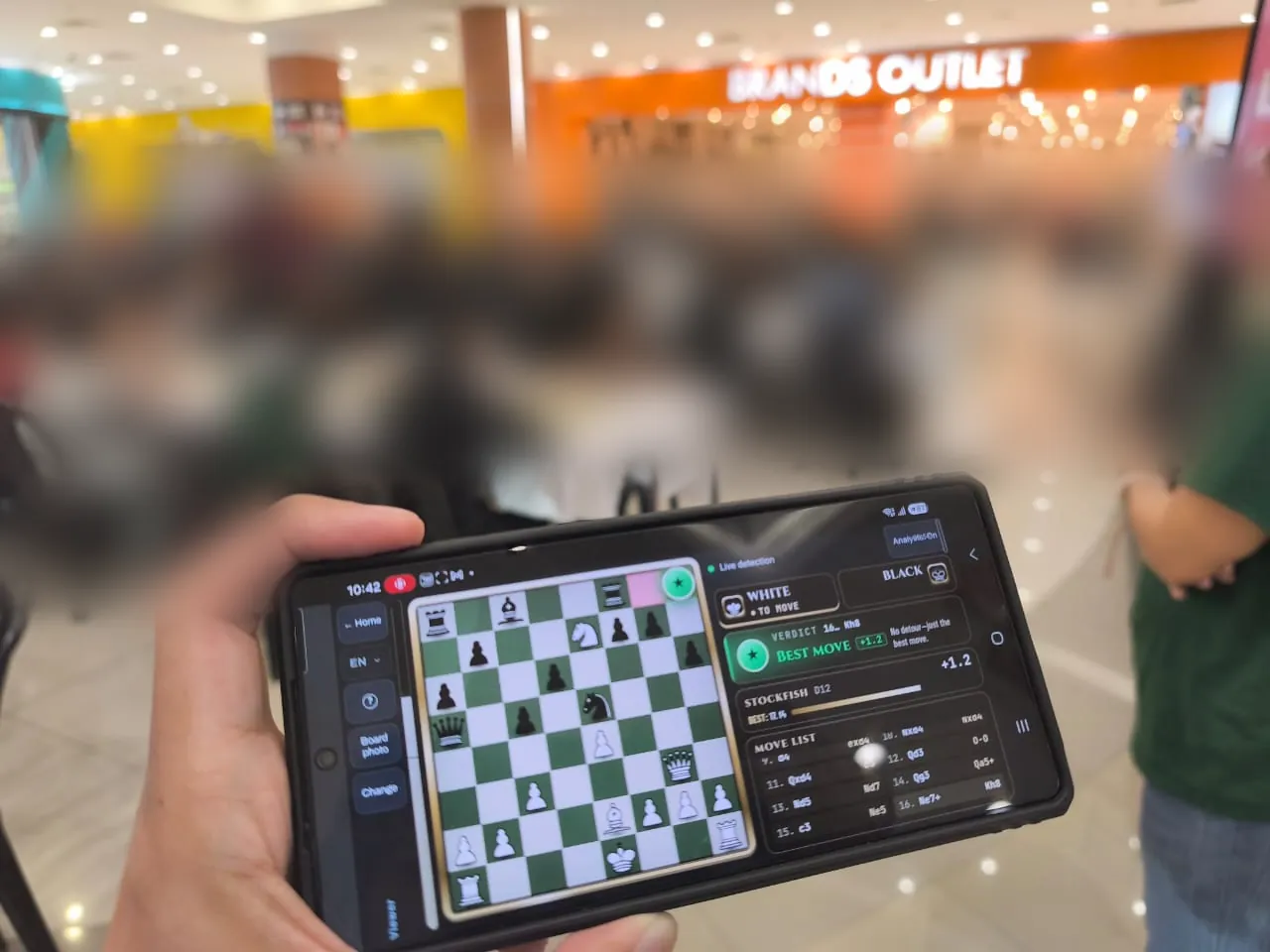
WHAT CHESSZCAM DOES TODAYWith the organiser's permission, a phone at the board detects the game. With Viewer Mode, now in trial builds, you follow the live digital board in the ChessZCam Android app from outside the hall, on the same Wi-Fi or hotspot. Afterwards you get a clean PGN, Stockfish analysis with move grades and accuracy, and an overlay video to watch together at home.
Viewer Mode does not work from home or over mobile data. It was used at two tournaments in October 2026 — Santai Catur SPS 2026 and Tournament Cikgu Chess X Aeon Mall Taiping. It shows engine analysis, so it is for spectators outside the playing hall, never for players; the organiser decides whether it may be used.

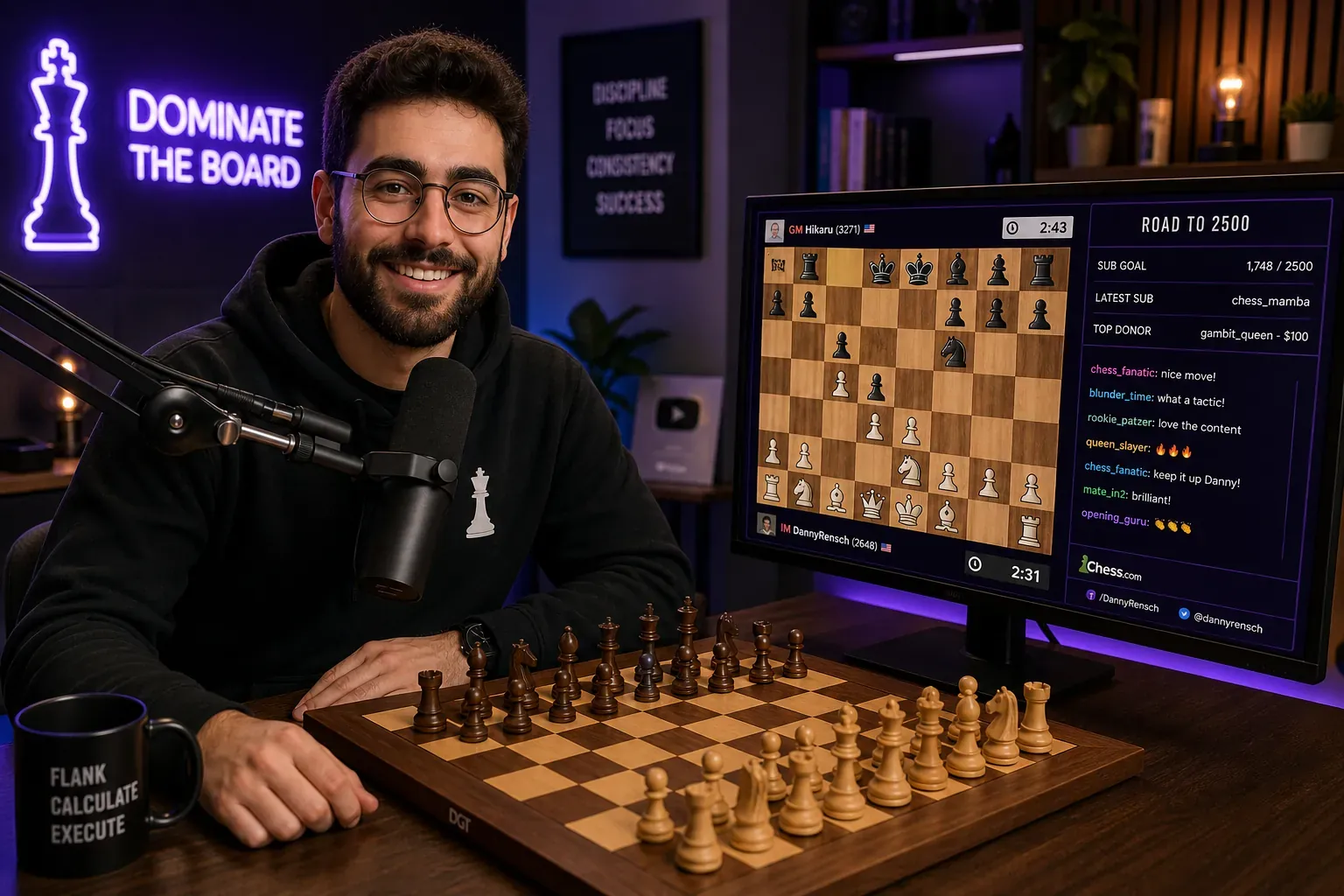
You want to show physical over-the-board games on stream, but updating a digital board by hand — or waiting on slow detection — spoils it for viewers.
WHAT CHESSZCAM DOES TODAYThe phone reads the moves and ChessZCam Live puts them into OBS or vMix as a Browser Source overlay. It needs good framing and lighting; when something goes wrong, the operator can hold, correct and resume without the stream showing the mess.
The whole creator workflow with real screens: ChessZCam for OTB creators · how to record well.
An event may already use electronic boards, camera apps or another established setup. Some teams also want camera coverage for an extra featured board.
WHAT CHESSZCAM DOES TODAYUse the standard boards already on the tables and a phone on a stable stand. One phone watches one featured board, ChessZCam Live gives the operator a console, and vMix or OBS gets the overlay.
Camera apps, electronic boards and ChessZCam side by side: camera apps, electronic boards and ChessZCam.
Built with care, tested in reality
Six tournament tests so far, each one feeding the next build — and ChessZCam will not go on sale until it has held up at real tournaments. In October 2026 Viewer Mode joined the tests: phone to phone at Santai Catur SPS 2026, and with live detection, Viewer and Studio together at Tournament Cikgu Chess X Aeon Mall Taiping. It is built by one independent developer and chess parent at Motivace Studio, Malaysia — no company, no sponsor. Young players' faces are blurred on this site.
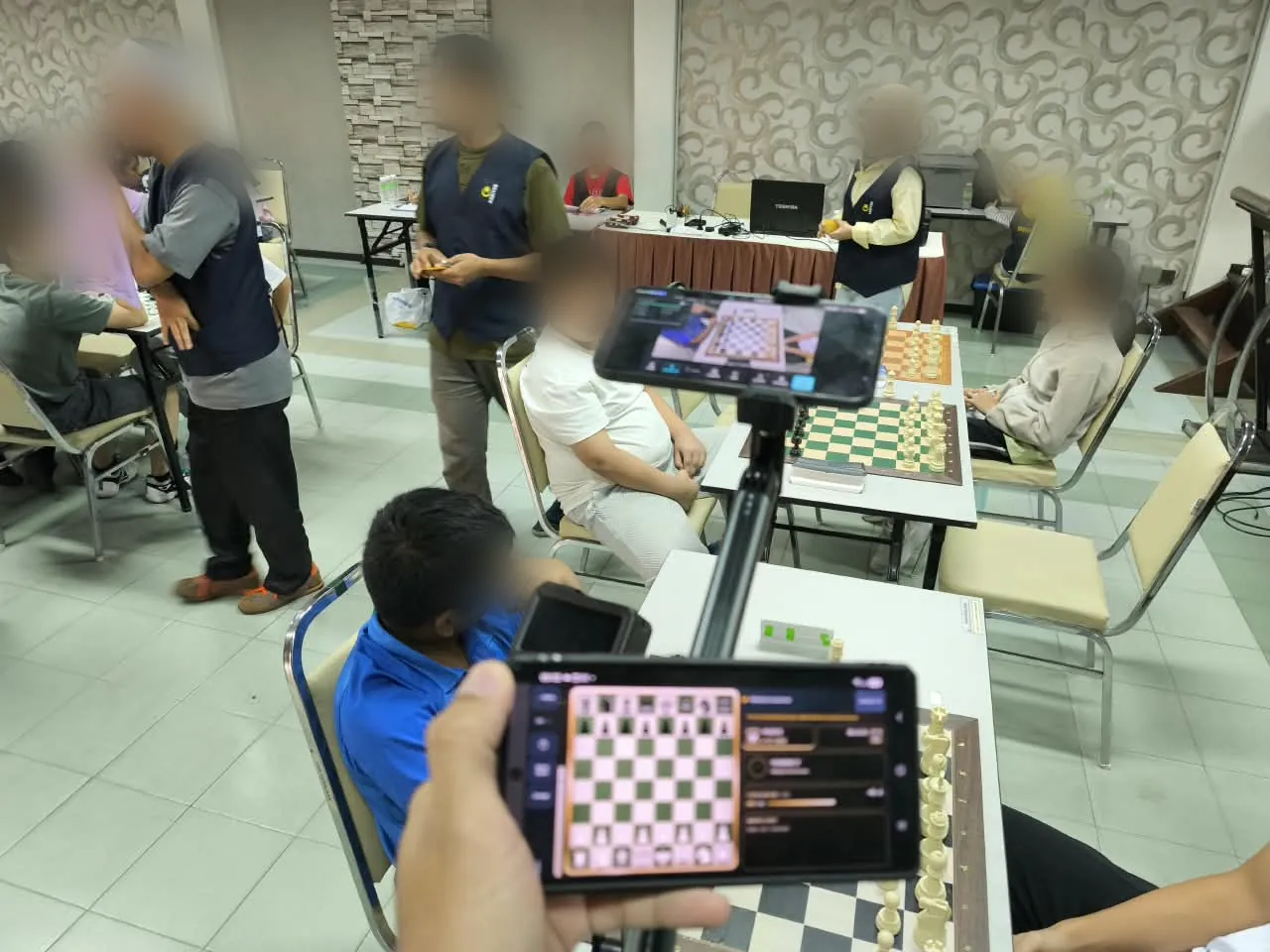
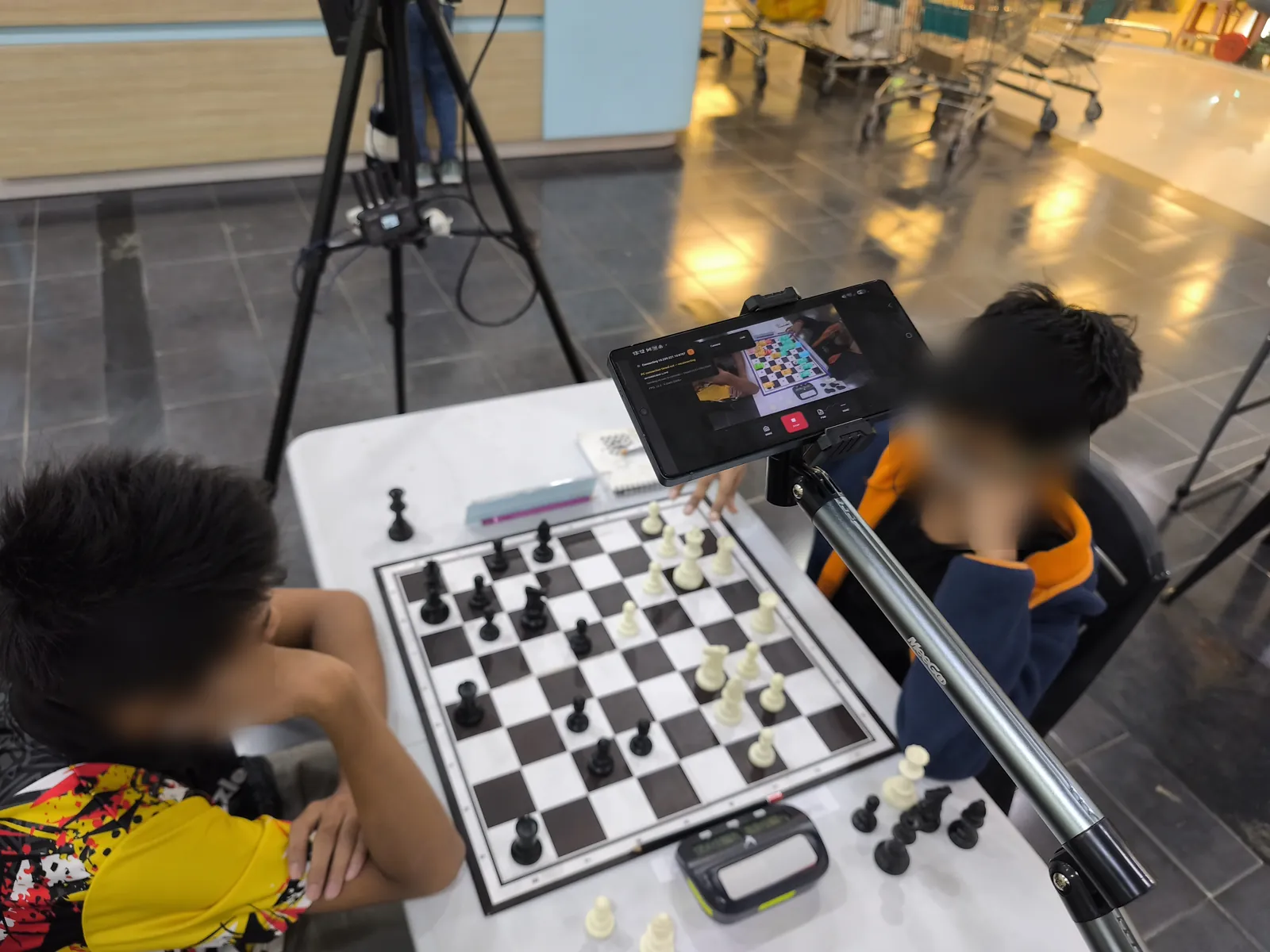
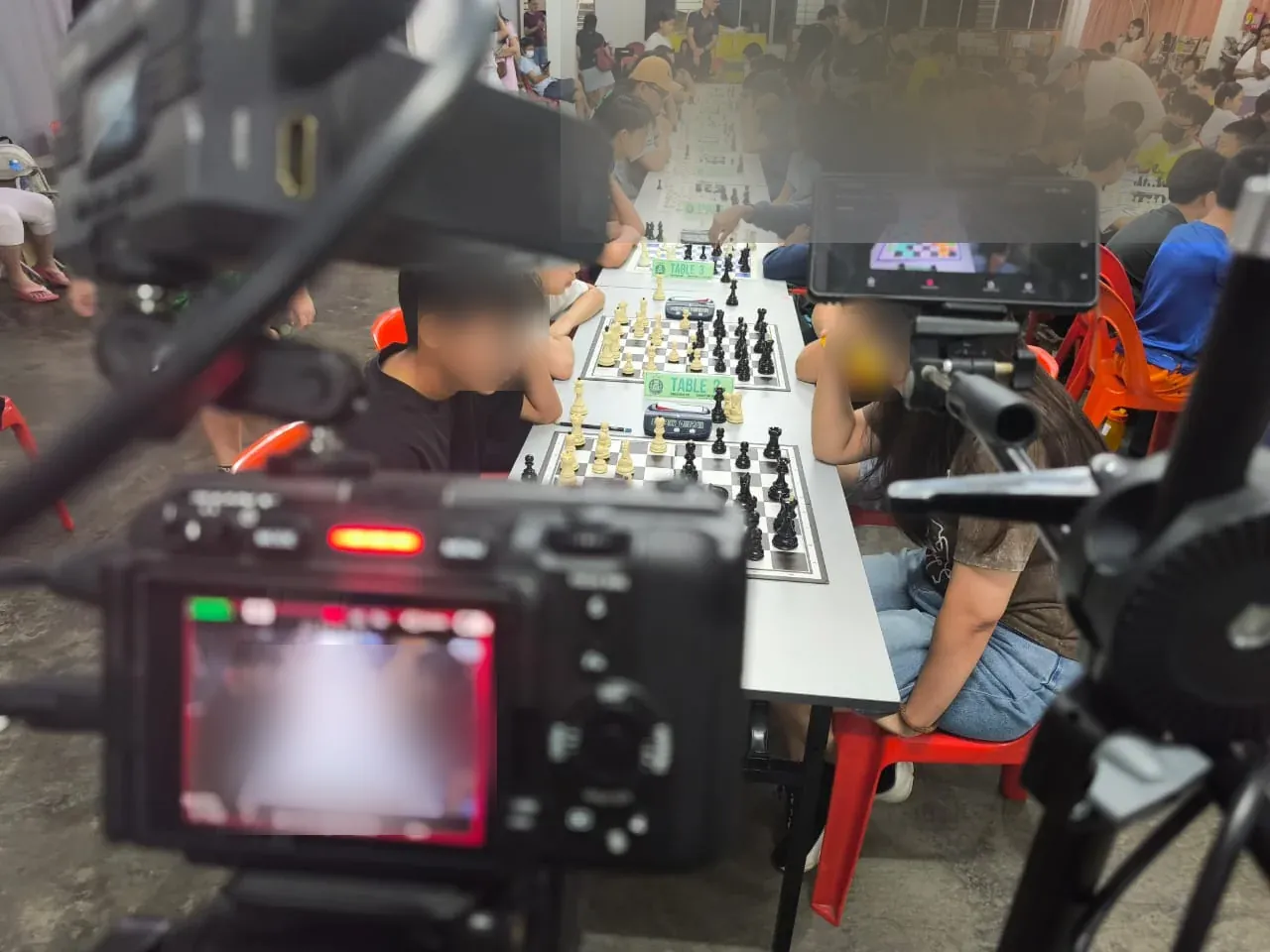
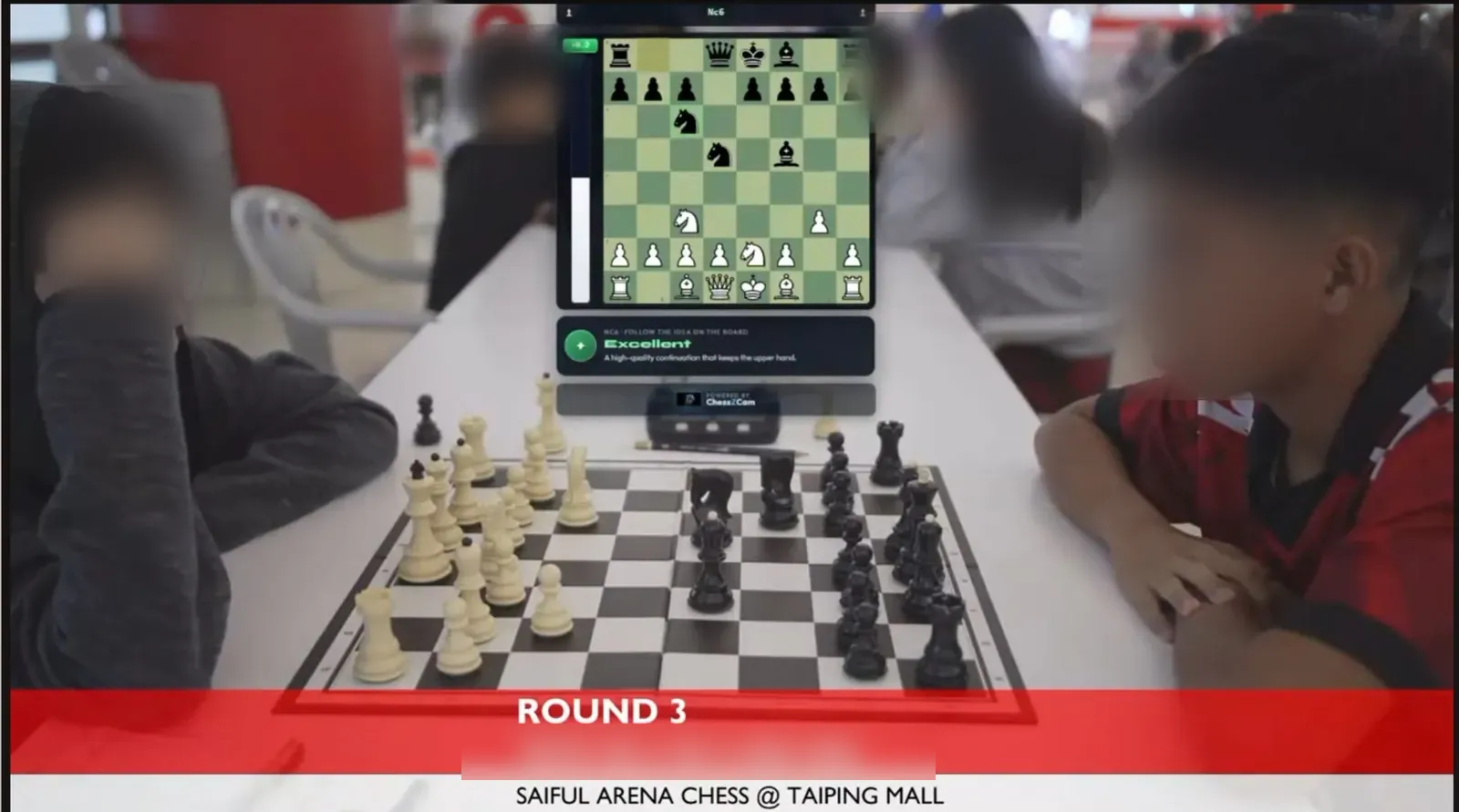
Swipe or scroll sideways for more →
A note on accuracy. Detection accuracy depends on the setup and the quality of the video — camera position, a steady stand, good light and focus. Human intervention in these two videos was kept to a minimum so they show ChessZCam's current abilities and limits honestly; if you spot a wrong move, please tell us. Constructive feedback is how this gets better.
Quick answers
Not in the long run: a phone alone can record, detect, review, analyse and export. The first release, though, is ChessZCam Studio for Windows — it analyses recordings from any phone or camera — and the Android app follows. ChessZCam Live, the console for vMix and OBS, comes third.
No. Only small move data goes from the phone to ChessZCam Live on the PC. Detection runs on the device, and your videos and games stay with you.
The camera app runs on Android; ChessZCam Studio and ChessZCam Live run on Windows 10/11. ChessZCam works best at 4 FPS or higher, which most modern phones handle comfortably. Android and Windows come first; other platforms only when demand and capacity are clear. See compatibility.
No. It is for recording, review and broadcast. Accuracy depends on the setup and the video quality, and the arbiter always decides.
Studio comes first, with a free 14-day trial on one PC that starts only when you agree to the terms and start it in Studio (no code needed). Package prices are on the ChessZCam page; waitlist members get 50% off their first ChessZCam package when sales open. Joining the waitlist is free and is not an order. Trial invitations go to the waitlist first.
Early trial
Join the waitlist now: trial invitations go to the waitlist first, starting with ChessZCam Studio and its free 14-day trial, and members get 50% off their first ChessZCam package when sales open. Joining is free and is not an order.