
♟
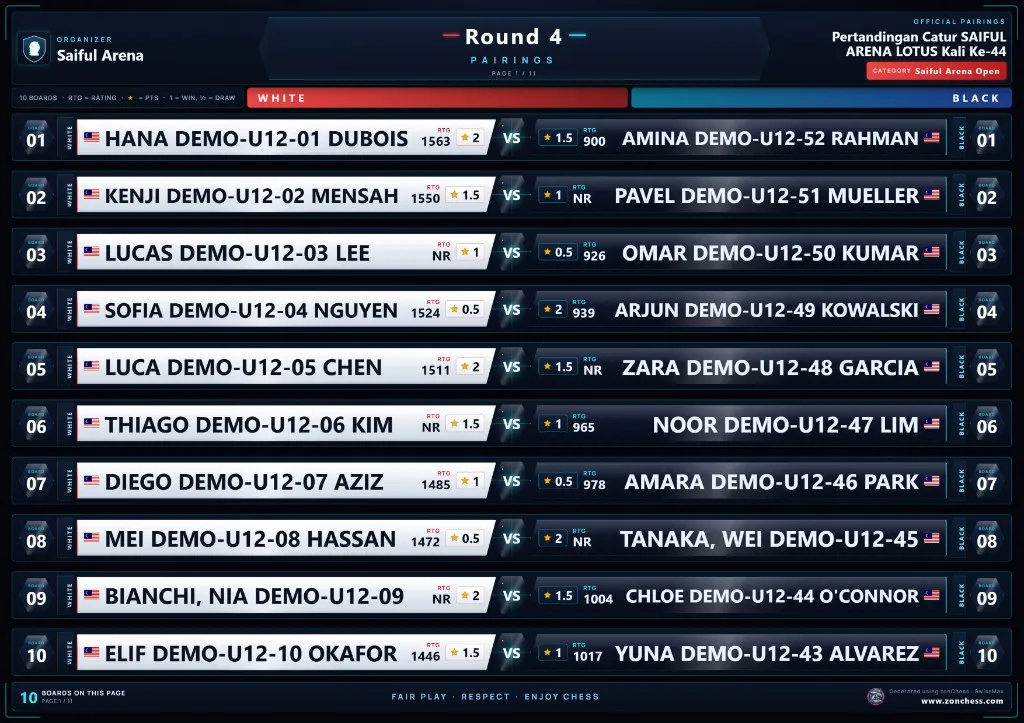
Players find their own board
The board number sits beside each game, White and Black are kept apart, and pages are split so names stay readable. A junior can find their board without asking.

SwissMax · Pairings & round results
Working today in SwissMax CompanionSwiss-Manager makes the pairing. SwissMax reads it from your Chess-Results link or a Swiss-Manager export and turns every section's round into clear A4 pages for the wall, the hall screen and the parents' WhatsApp group. After the round, the same designs show the results.
Updated
Why it matters
When a round goes up, the whole hall looks at the same moment. Parents, players and coaches all open the same page, it slows to a crawl, and the organizer answers the same question again and again. A clear page on the wall and in the group answers it for everyone.
The board number sits beside each game, White and Black are kept apart, and pages are split so names stay readable. A junior can find their board without asking.
Swiss-Manager makes the pairing and SwissMax presents it. The boards on the page are the boards from your link or file.
U12, U15 and Open each keep their own boards and round, and one ZIP can hold every section's pages.
Paste the tournament's Chess-Results link. SwissMax reads the event, finds every section the site publishes, and loads the ranking and the pairing of the round you choose. No copying, no retyping.
Not on Chess-Results, or no signal in the hall? Open the files Swiss-Manager exports instead. Files work fully offline, and nothing is uploaded.
If Chess-Results cannot be read, Refresh says so and keeps the last pairing and ranking. The bar shows when the site was last actually read.
A TRF, or pairing and ranking lists as Excel, CSV, HTML, text PDF or XML. Several sections at once, and Import update for a newer file.
Every player and every board comes in, with no 150-row cut-off on a large section.
Swiss-Manager's own .TUNX / .TURX tournament files are not read. Export a TRF, or the pairing and ranking lists, instead.
02 · Designs & pages
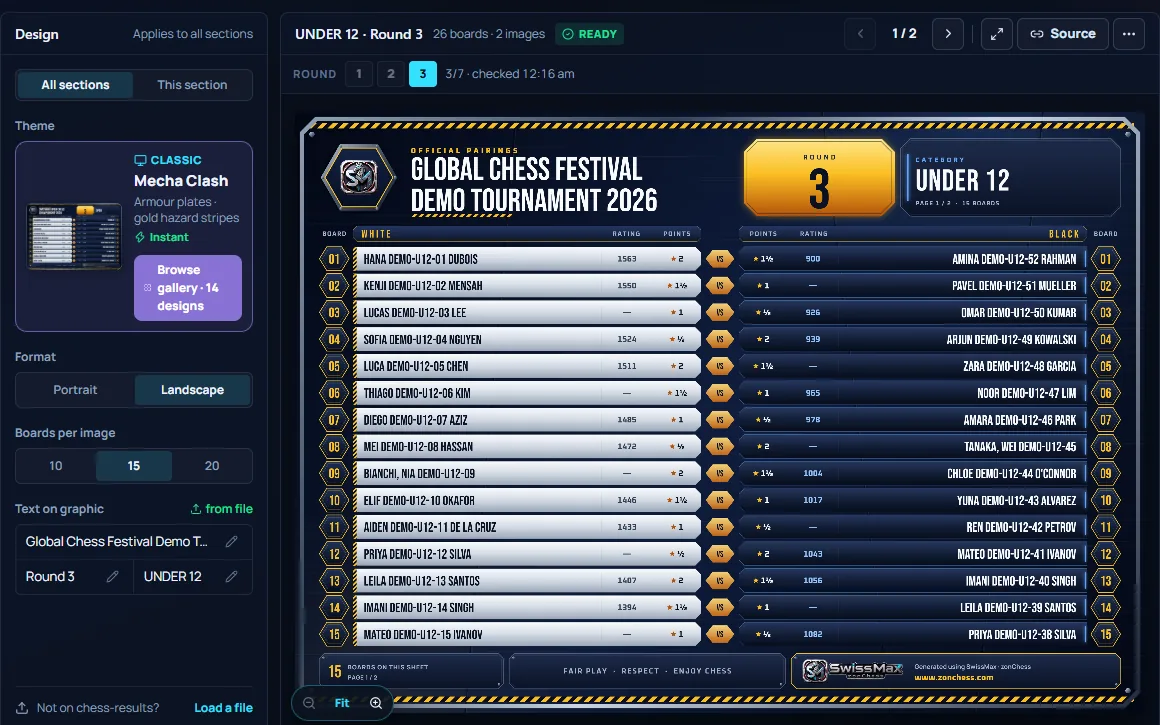
Six classic, seven premium and a printer-friendly sheet, each in portrait (best for WhatsApp) or landscape (best for screens). Every page is A4 at 300 DPI, ready to print for the wall. Use one design for every section, or give each section its own.
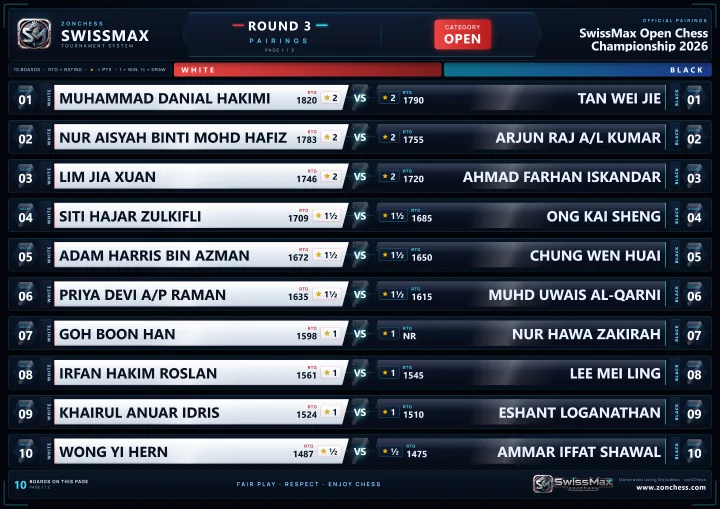
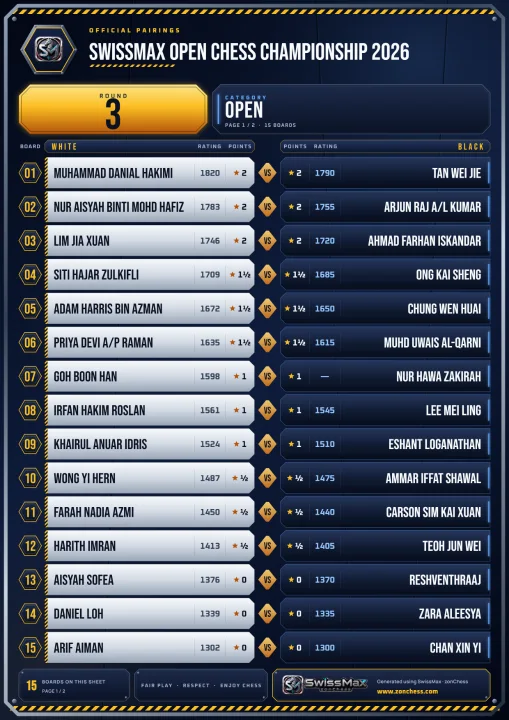
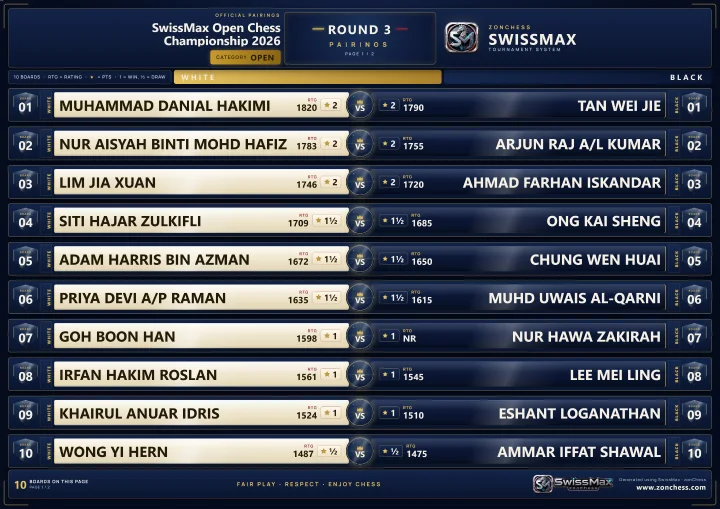
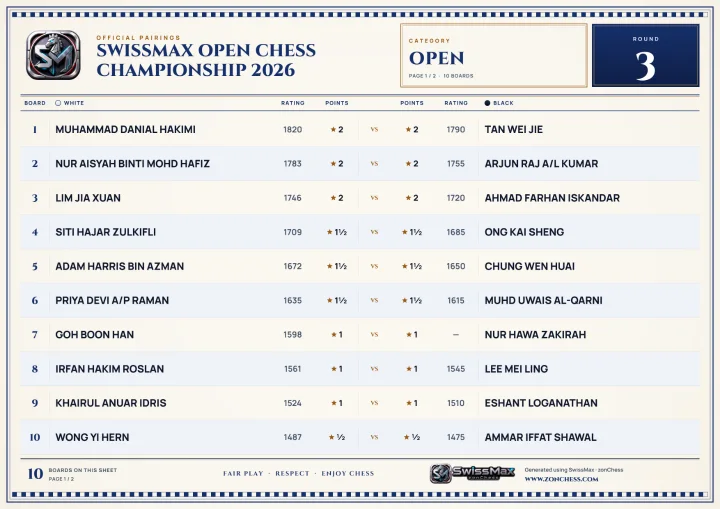
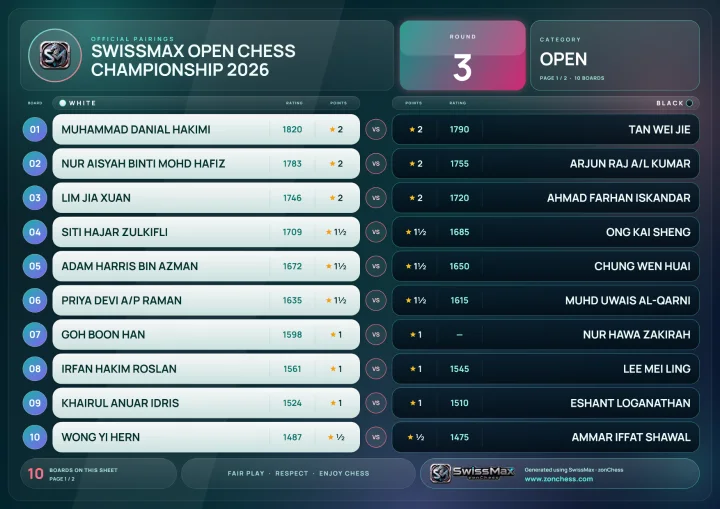
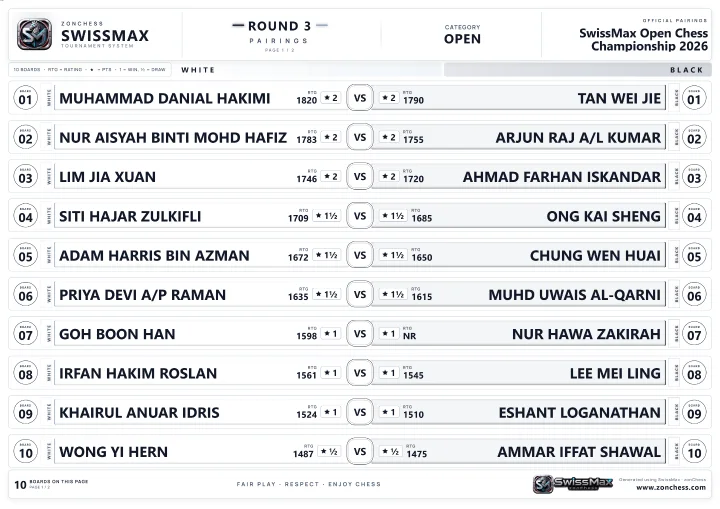
Samples rendered by the current build · every name is invented.
Choose the boards per image: 10, 15 or 20 in landscape, 15, 20 or 25 in portrait. In the demo event, 104 boards become 7 A4 pages.
Event name, round label and category come from the source, and you can edit each one. The logo from your organizer profile goes on the page.
Page headings print in English, Bahasa Melayu or 中文, following the app language.
Before a page can be saved or shared, SwissMax checks that the event name, round label and category are set, that no player name is blank and that no board number appears twice. Then send it the way your hall works.
When a round is published again, Refresh checks it against the pairing you loaded and lists every changed or removed board before anything is replaced.
Apply the correction and the pages are drawn again, or keep the old pairing. Nothing changes until you choose.
Changed boards are highlighted on the new pages, so players see what moved. Press Announced once the change is out, and later pages come out clean.
If the pairing, design or language changes while an image is being made, nothing is saved or shared. Export again and the page matches what is on screen.
Round results use the pairing designs: every board with its result in the middle, and each player's points after the round — 2½ + 1 = 3½, already added up. Players check their game and their score on one page.
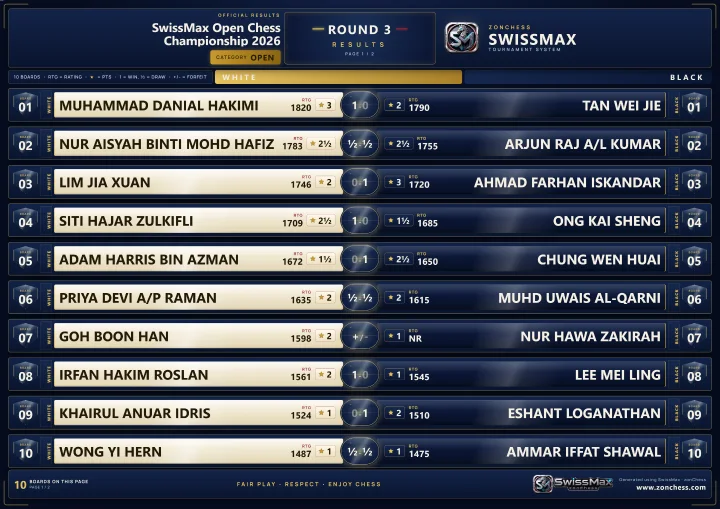
A board the source has not updated yet? Type its result: 1, 5 or 0 for 1-0, ½-½ or 0-1, and F for a forfeit. Typed results are for the graphics only and never change Swiss-Manager.
A typed result follows its two players, not the board number, so a corrected pairing cannot hand it to another game.
If the round's pairing changed on Chess-Results, its results wait until you review the correction in Pairings.
Frequently asked
No. Swiss-Manager makes the pairings and the official ranking, and the arbiter keeps authority over them. SwissMax reads the published round from Chess-Results or a Swiss-Manager export and turns it into pages to print and share. It does not pair a tournament by itself, in the trial or under the Companion licence.
Yes. Paste the tournament's Chess-Results link: SwissMax reads the event, its sections, the ranking and the pairing of the round you choose, and keeps the last good copy if the site cannot be read. You can also open the files Swiss-Manager exports — TRF, or pairing and ranking lists as Excel, CSV, HTML, text PDF or XML. Swiss-Manager's own .TUNX / .TURX tournament files are not read. A link needs internet; files work fully offline.
No. Refresh is manual by default. You can turn on periodic checks every 5, 10, 15 or 30 minutes; they keep the ranking current, but a new round waits for you to press Load and a corrected pairing waits for your review. You can also watch the Swiss-Manager export folder: a new export is offered as a notice, never loaded on its own.
Refresh the round. SwissMax compares the new pairing with the one you loaded, board by board, and lists every changed or removed board. Apply the correction to draw the pages again, or keep the old pairing. Changed boards are highlighted in red on the new pages until you press Announced.
Yes, the way halls already do it: open the landscape page on a TV or projector through the laptop's extended display or a screen share, print it for the wall, or send it on WhatsApp. SwissMax does not push pages to venue screens by itself.
Yes. Pairings and round results are part of SwissMax Companion, and the 14-day trial includes them. SwissMax Companion is RM160 or USD39.99 for one PC, paid once, with perpetual use of eligible versions and two years of free updates and support. Waitlist members get 50% off.
More in SwissMax
A named certificate for every player, with real signatures captured by phone.
Read more →A4 pairing and results pages that look like a broadcast graphic, from one Chess-Results link.
You are herePrize schemes from the official ranking, winner posters and a reveal video.
Read more →Messy registration forms in, a clean Swiss-Manager file out.
Read more →Helper phones send each board's result to the organizer PC.
Read more →Each player's likely FIDE and MCF change, before results go official.
Read more →RM160 / USD39.99 · 50% off for the waitlist
Try it free for 14 days, with no key or payment details. Join the waitlist for 50% off the Companion licence when sales open, and launch news before anyone else.